How to Use ChatGPT Pro to Design Your Dream Wedding
Follow these simple steps:
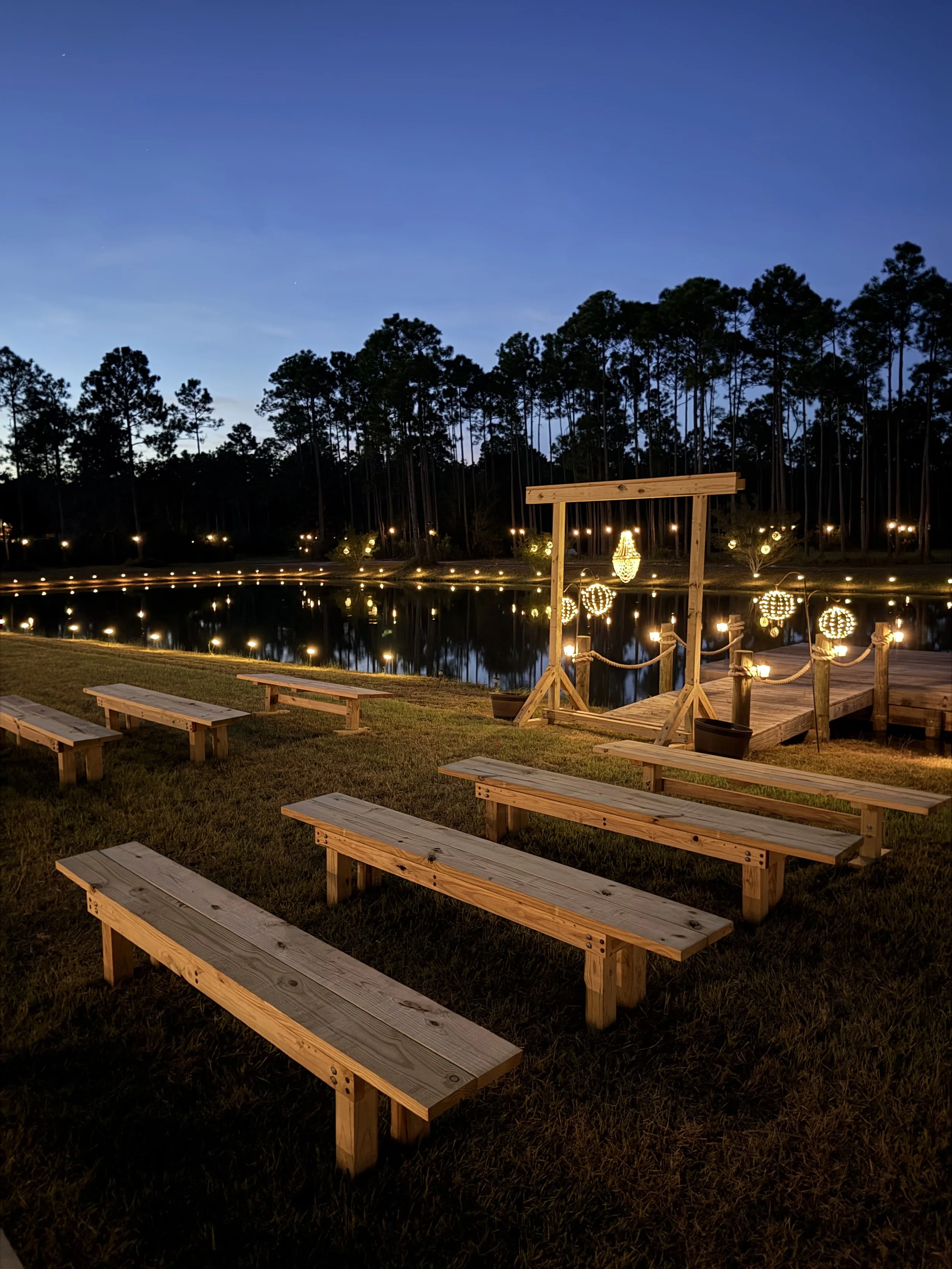
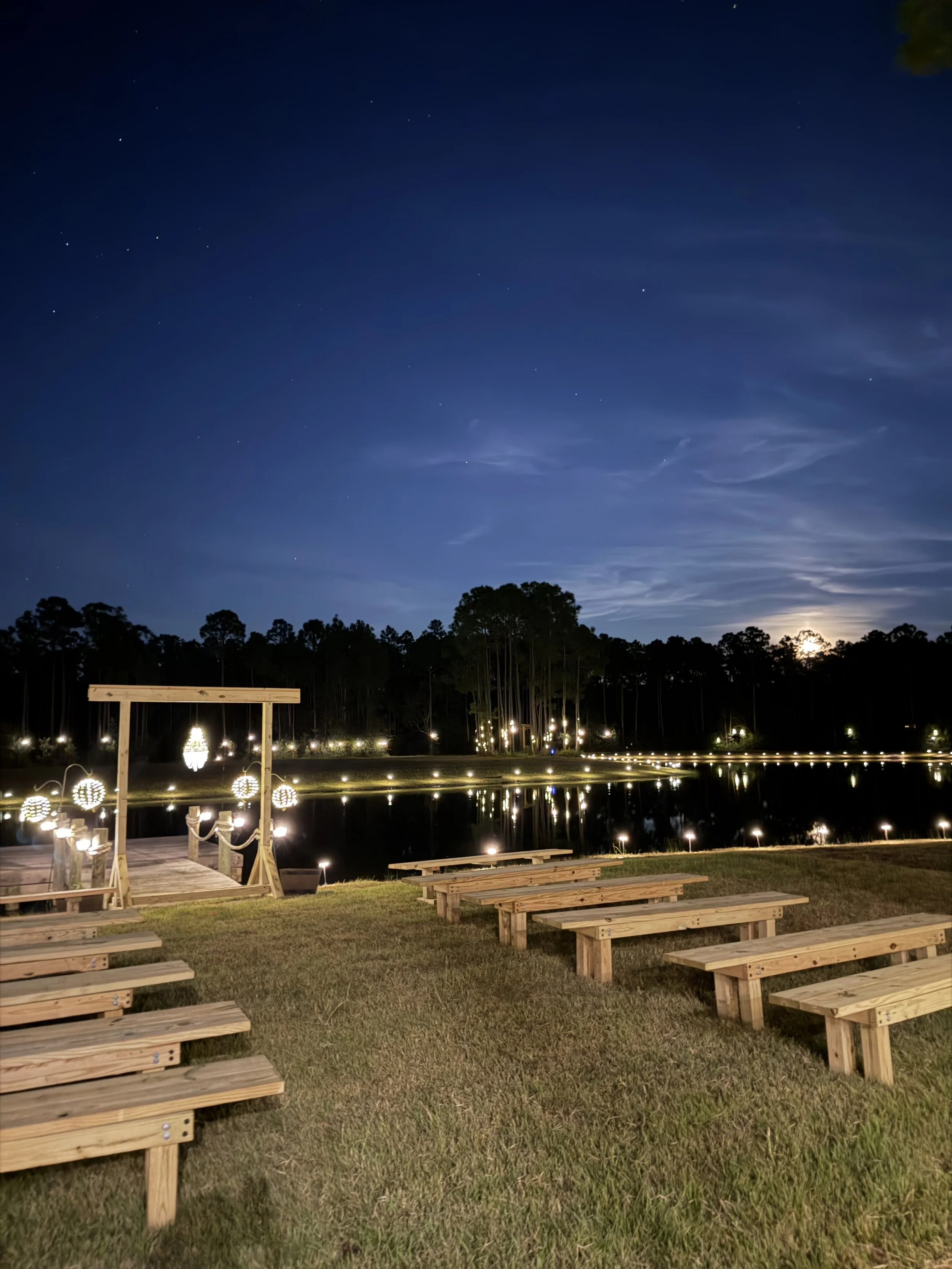
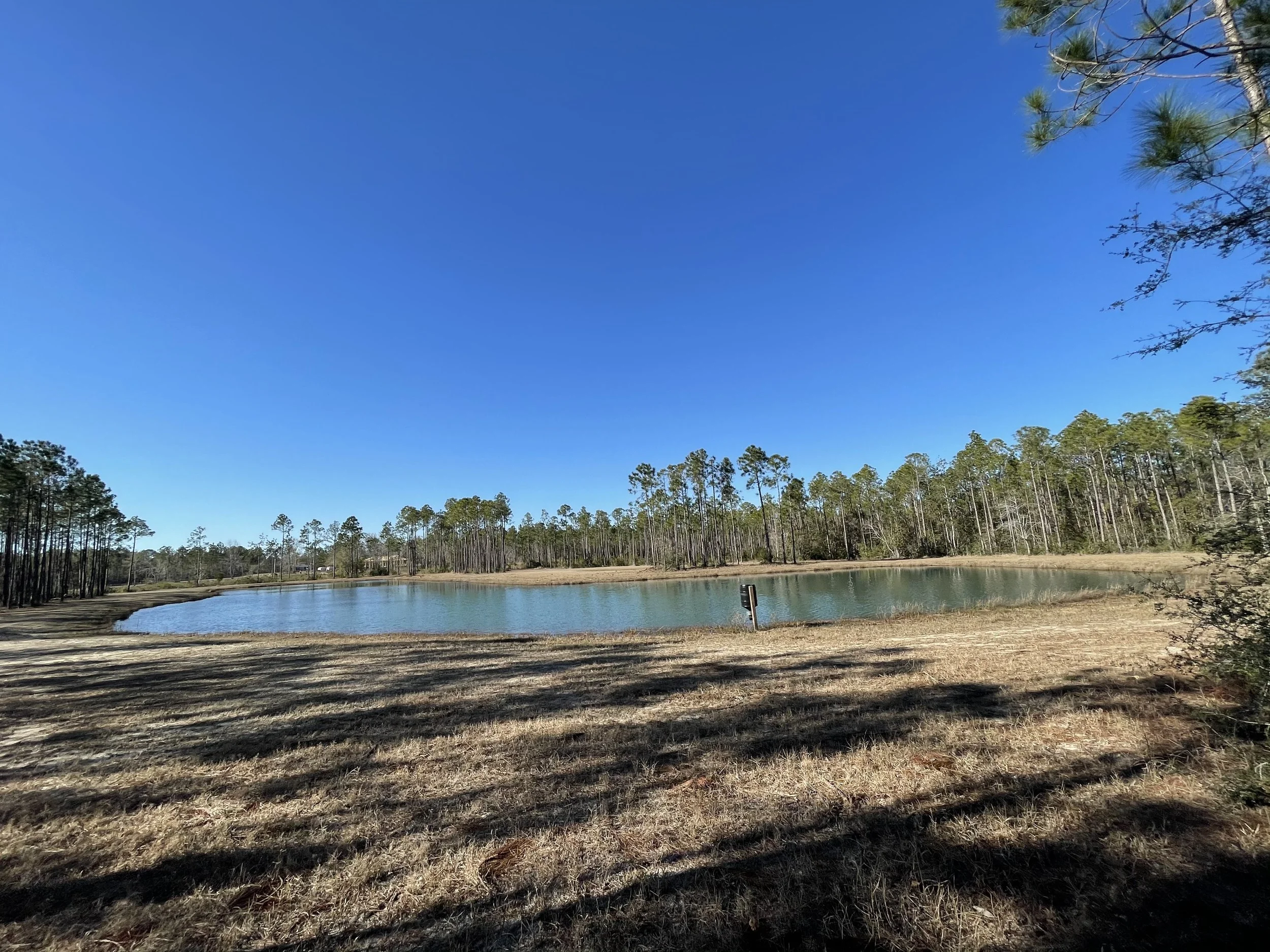
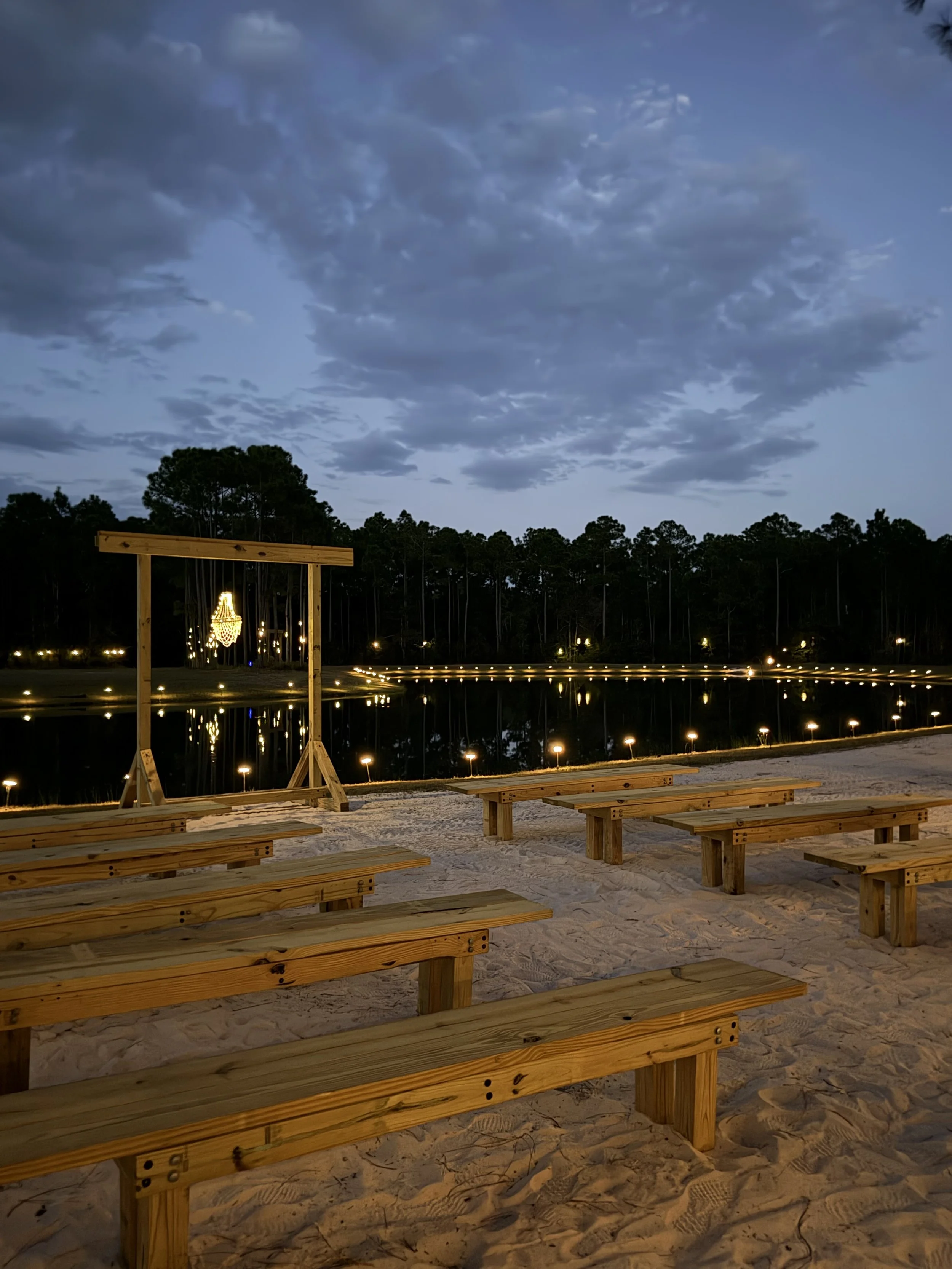
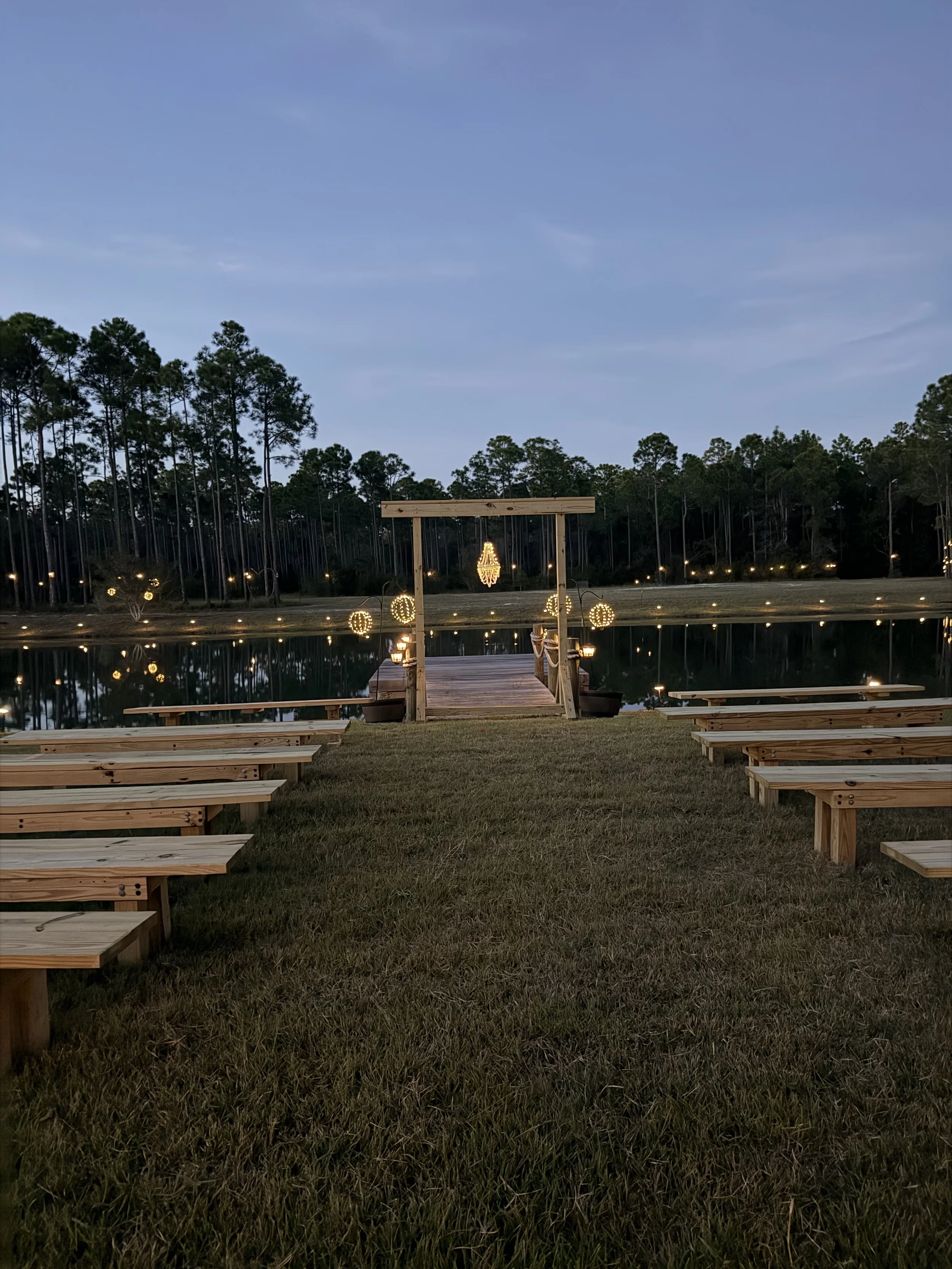
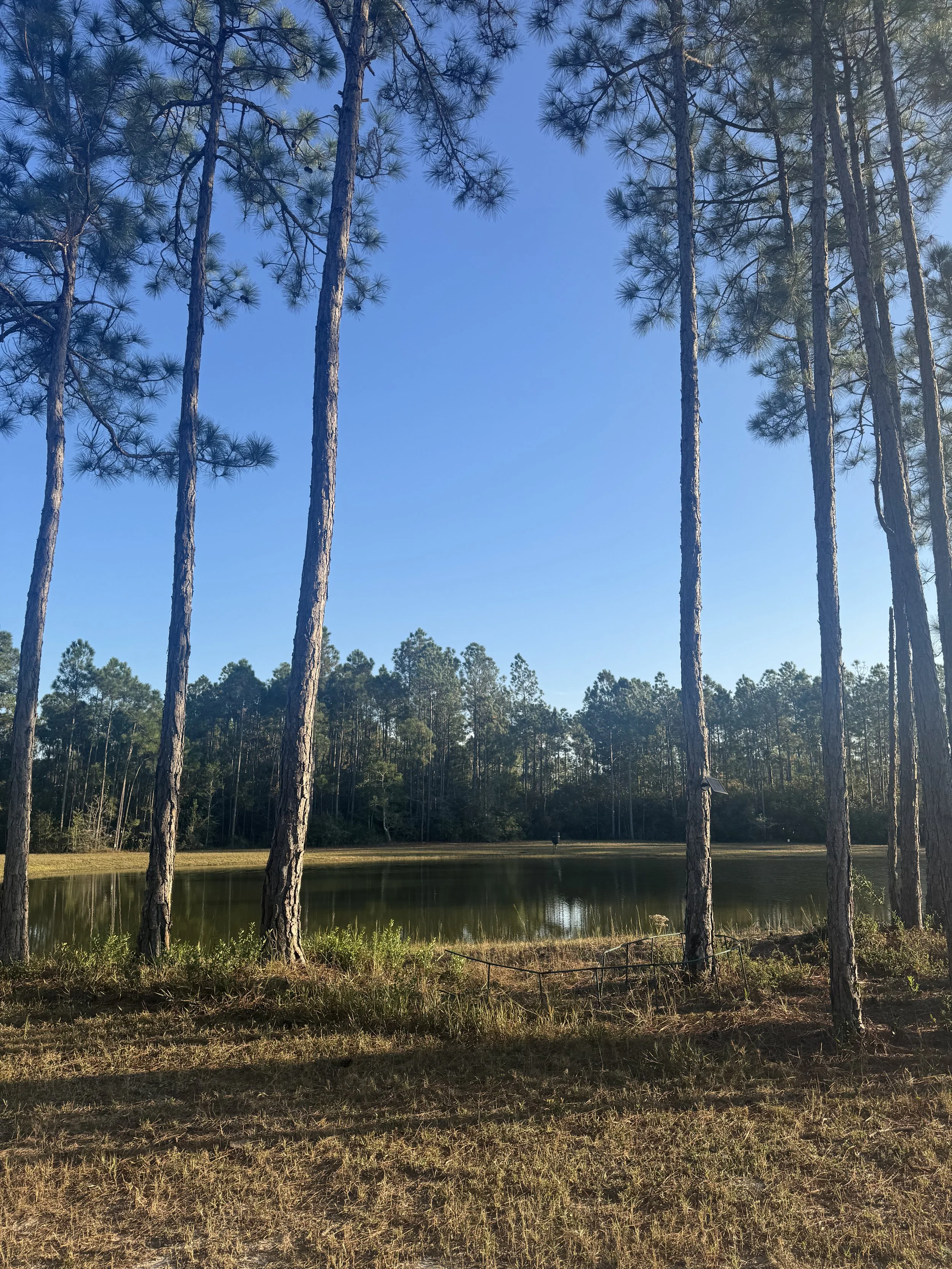
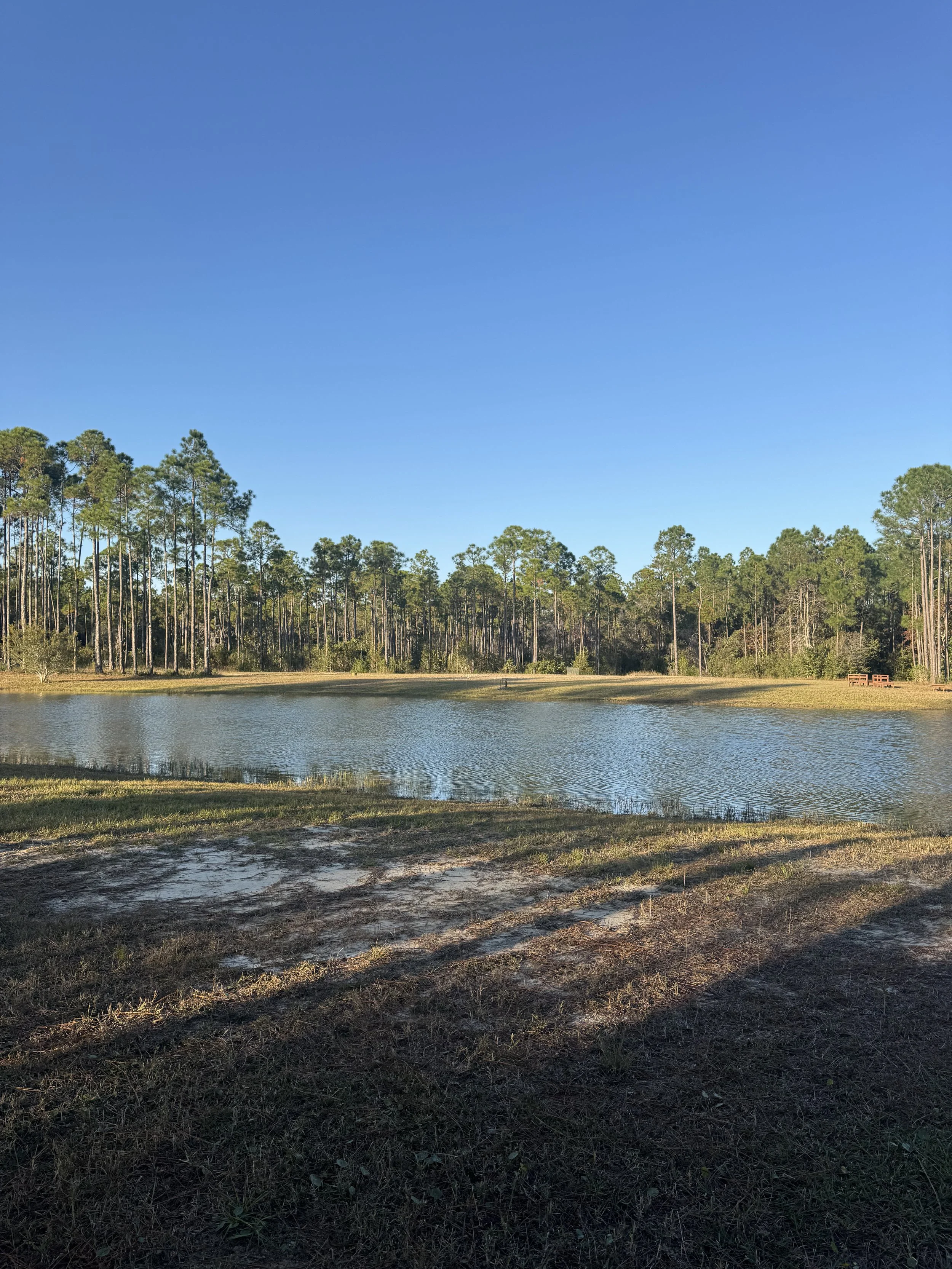
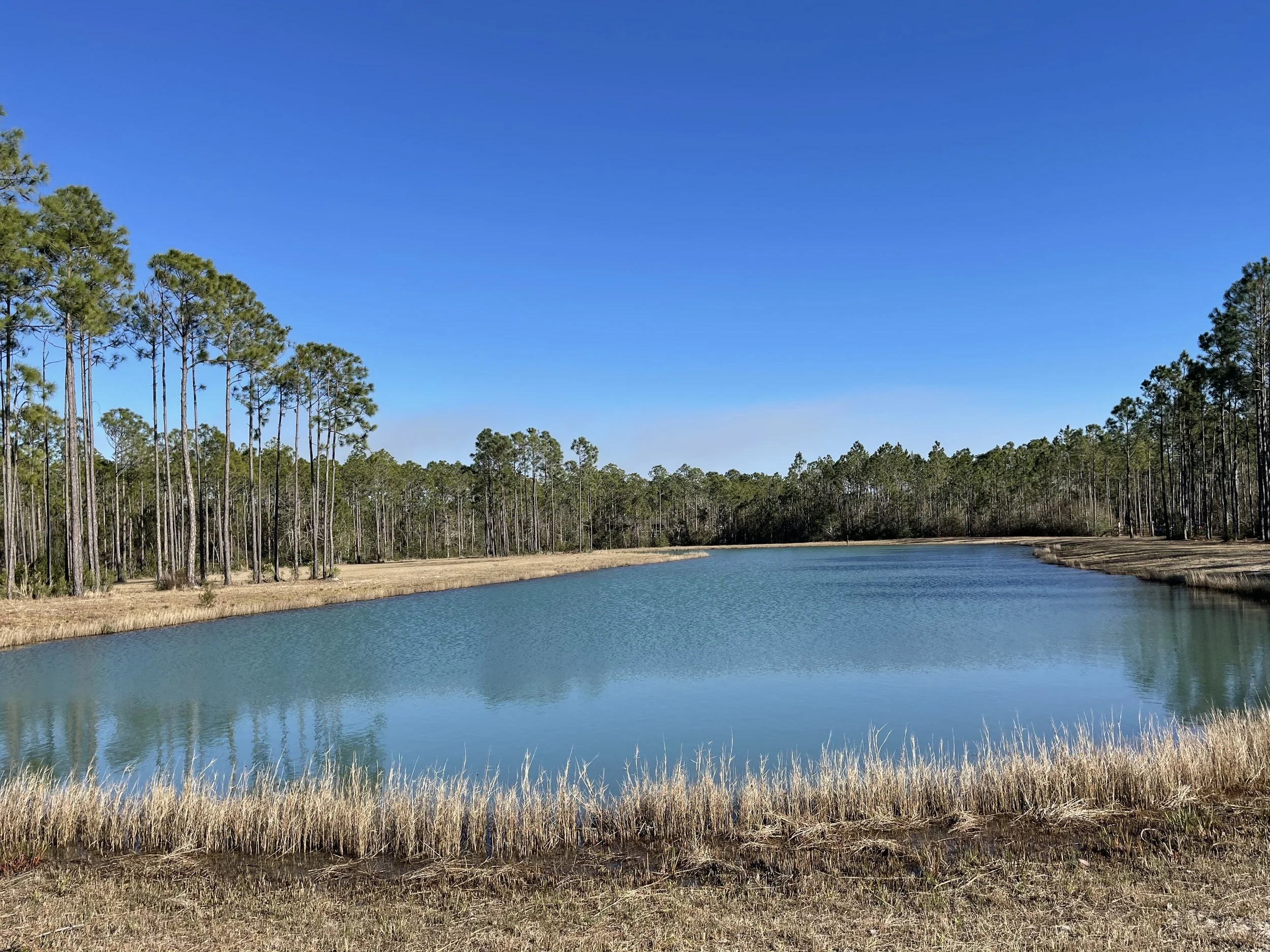
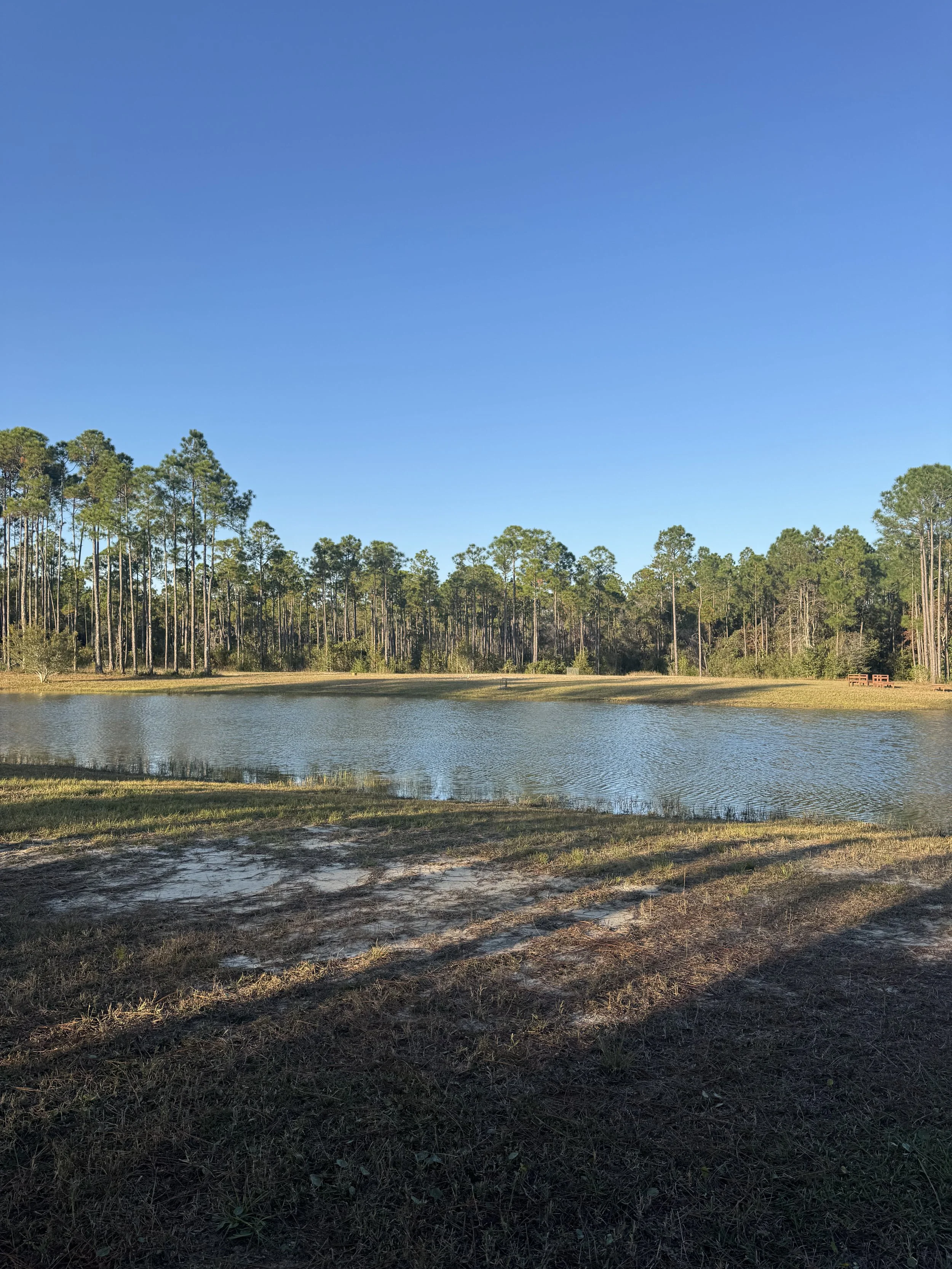
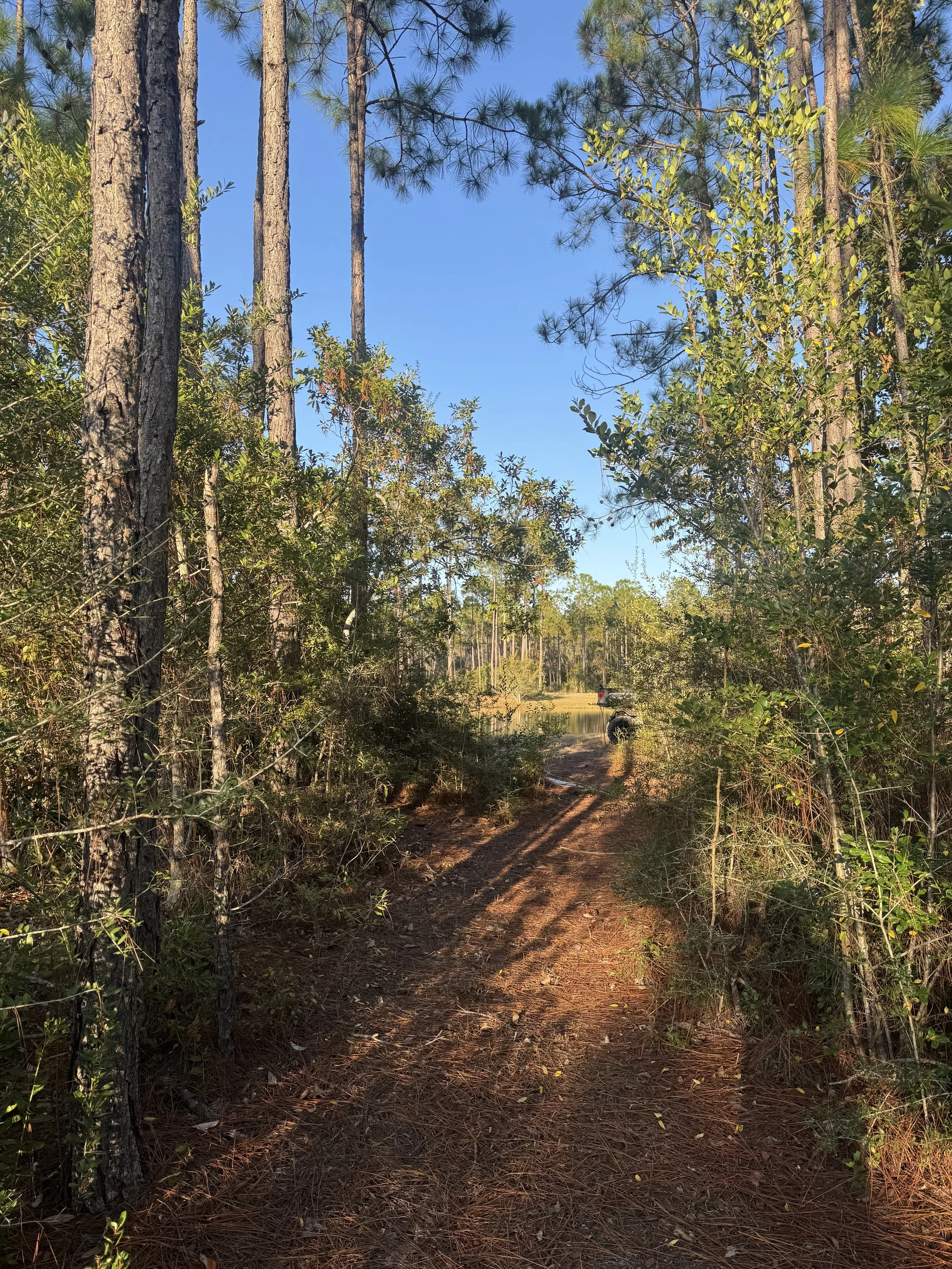
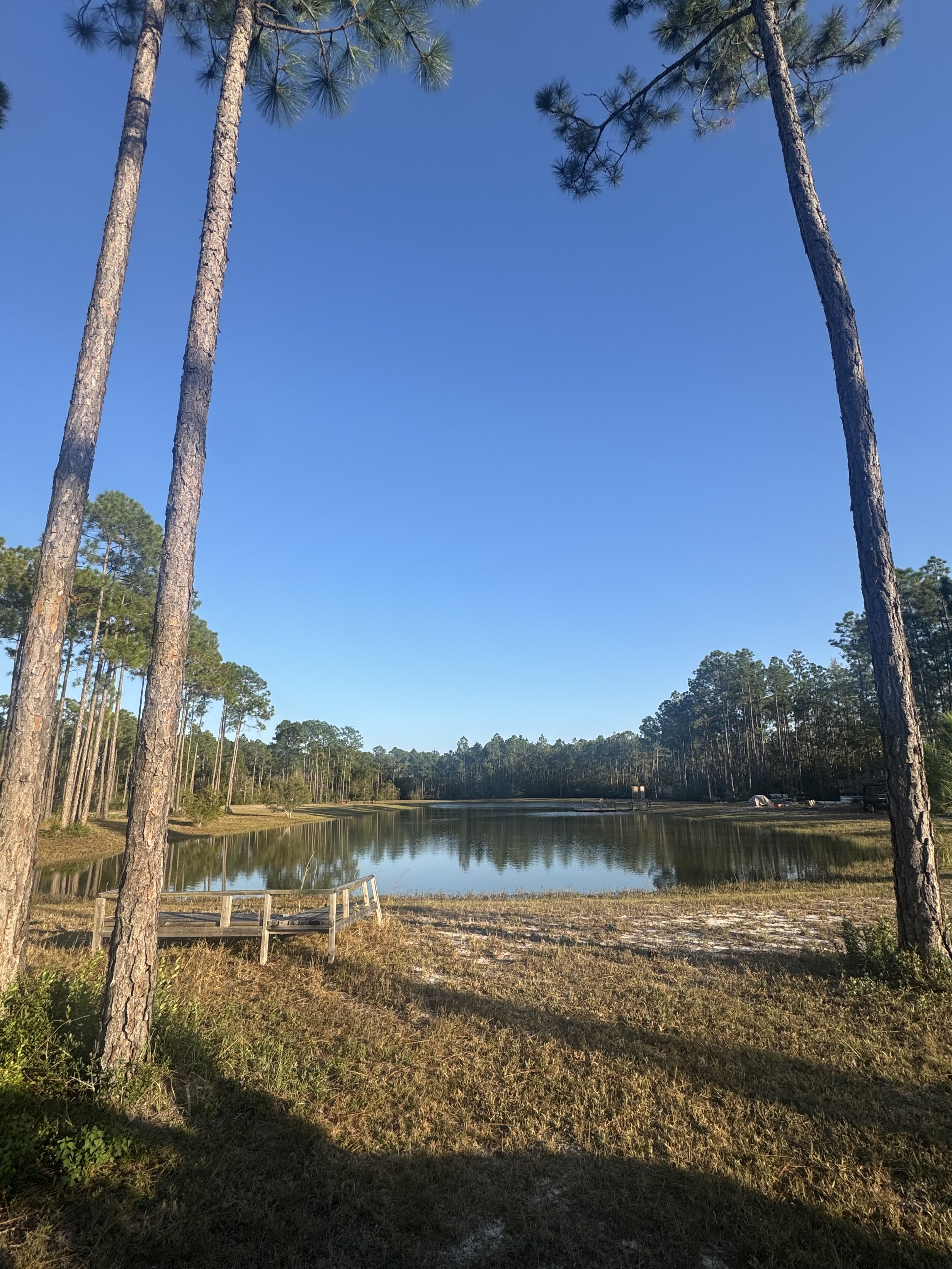
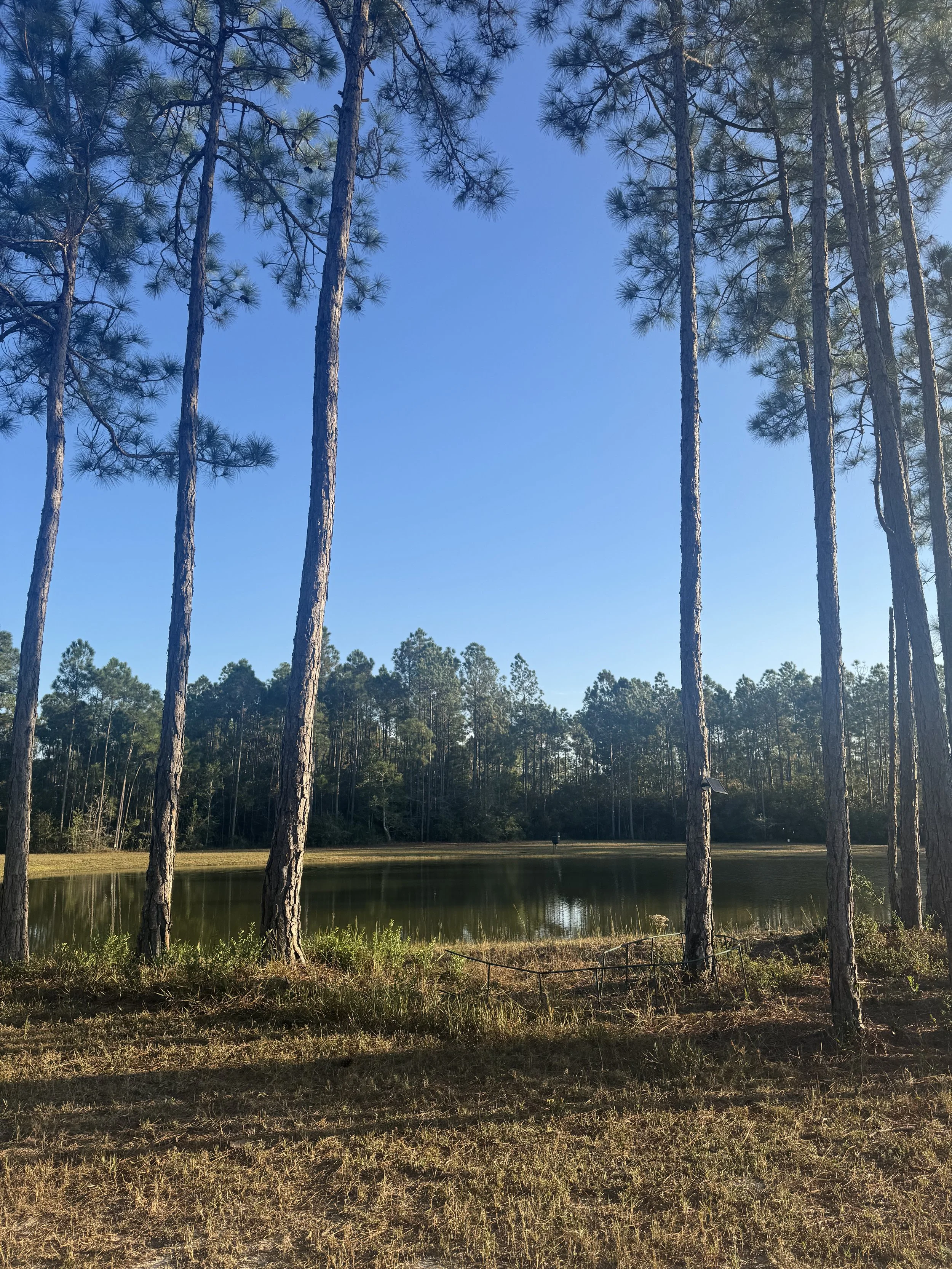
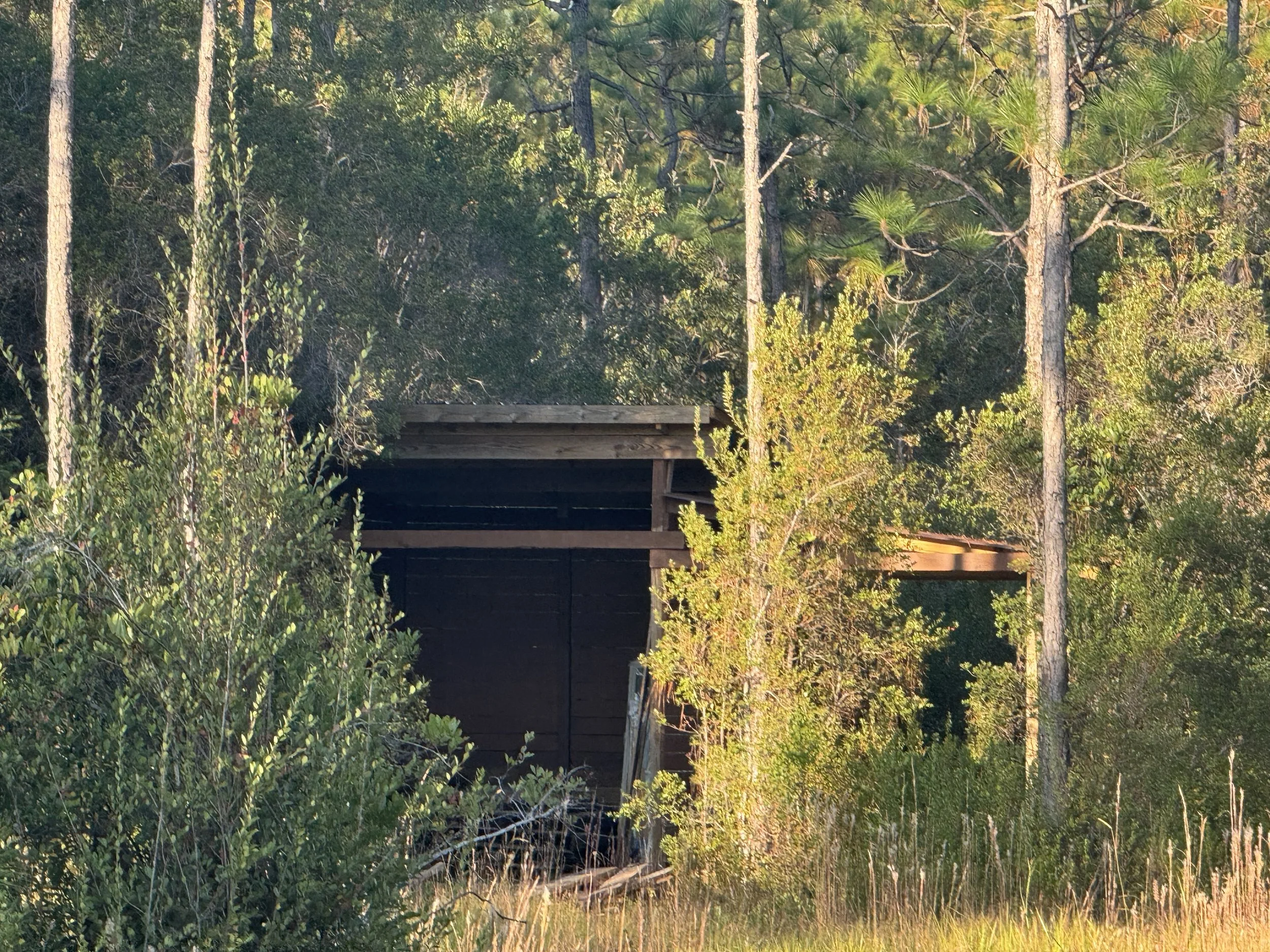
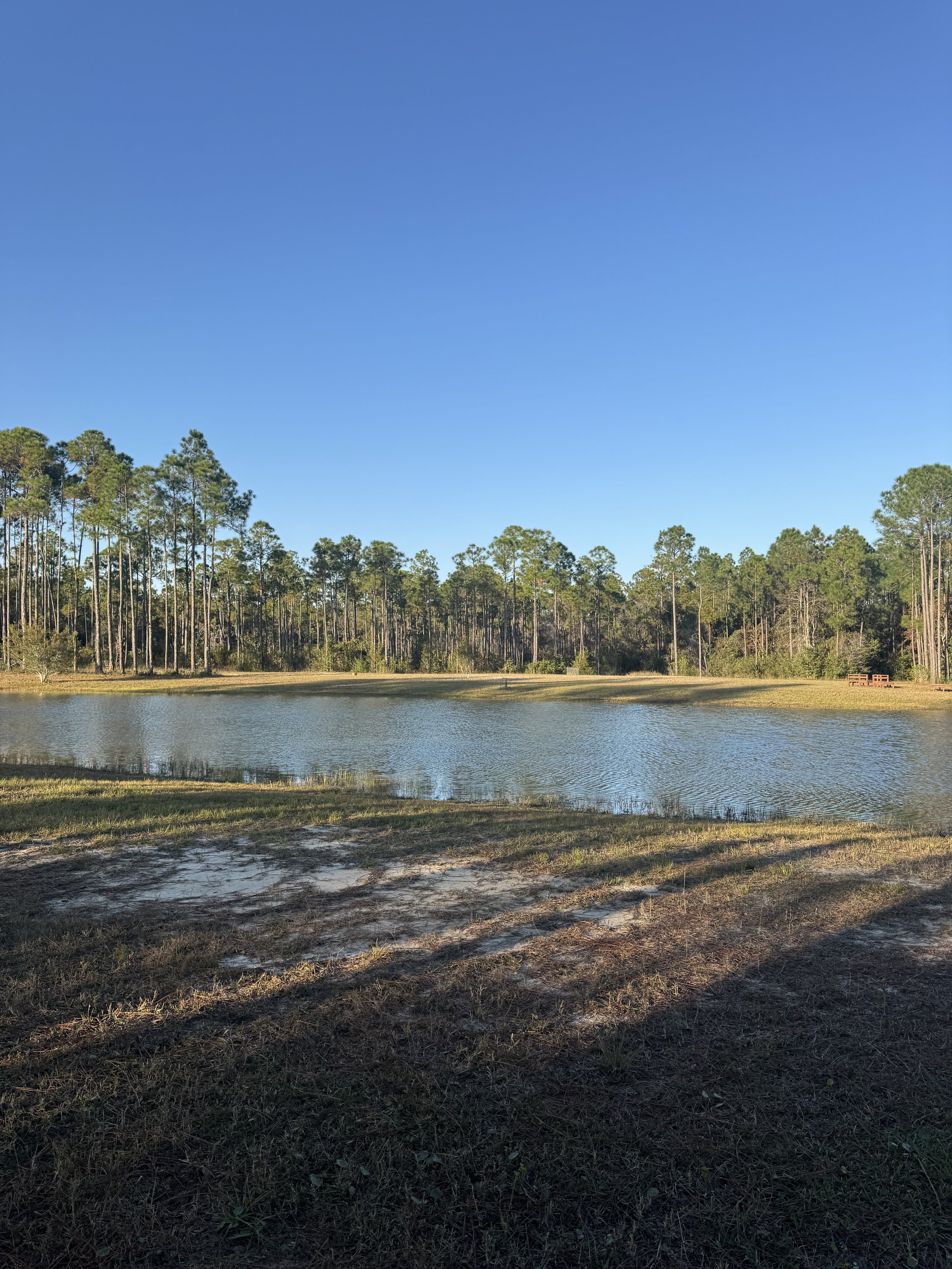
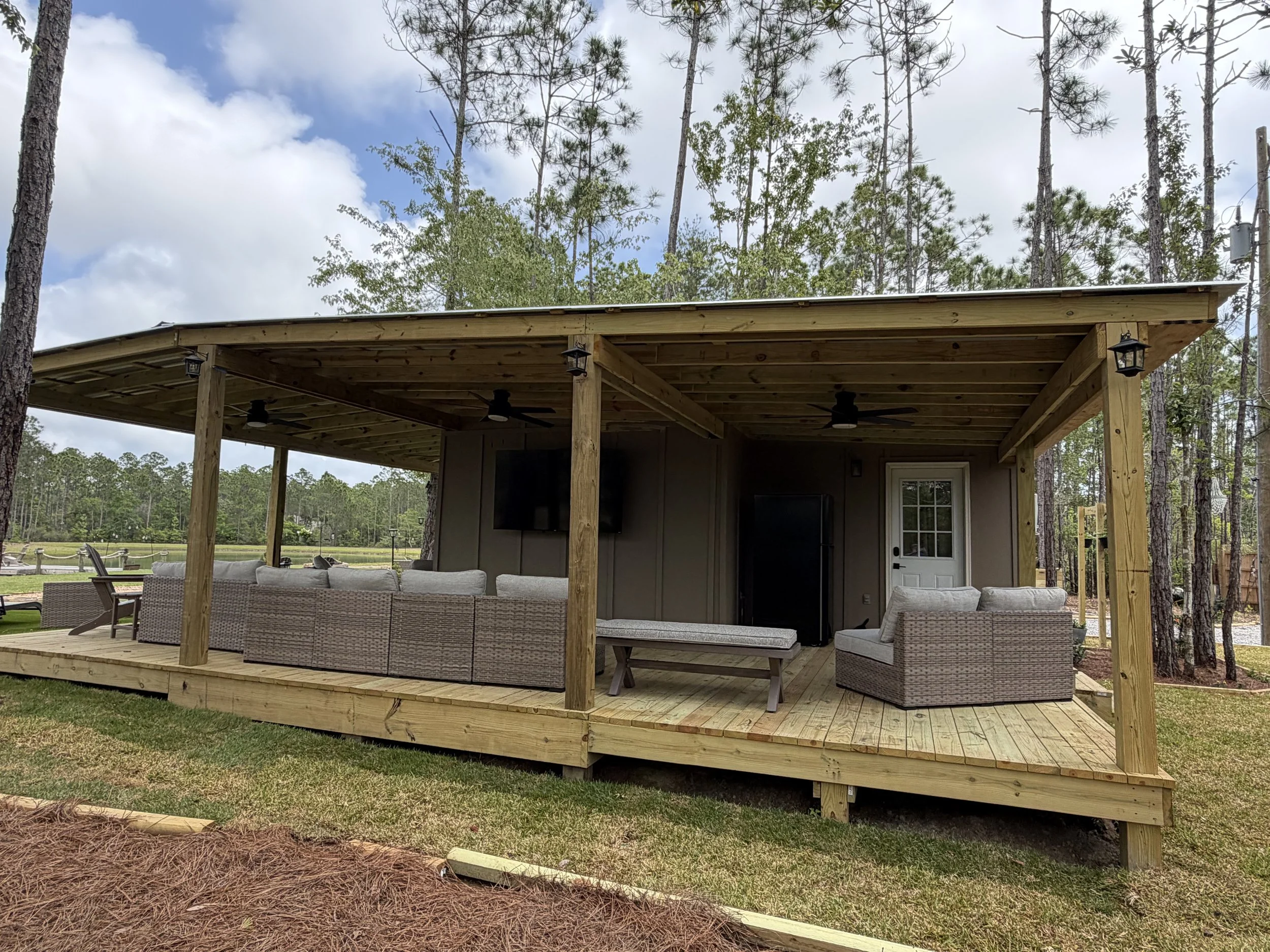
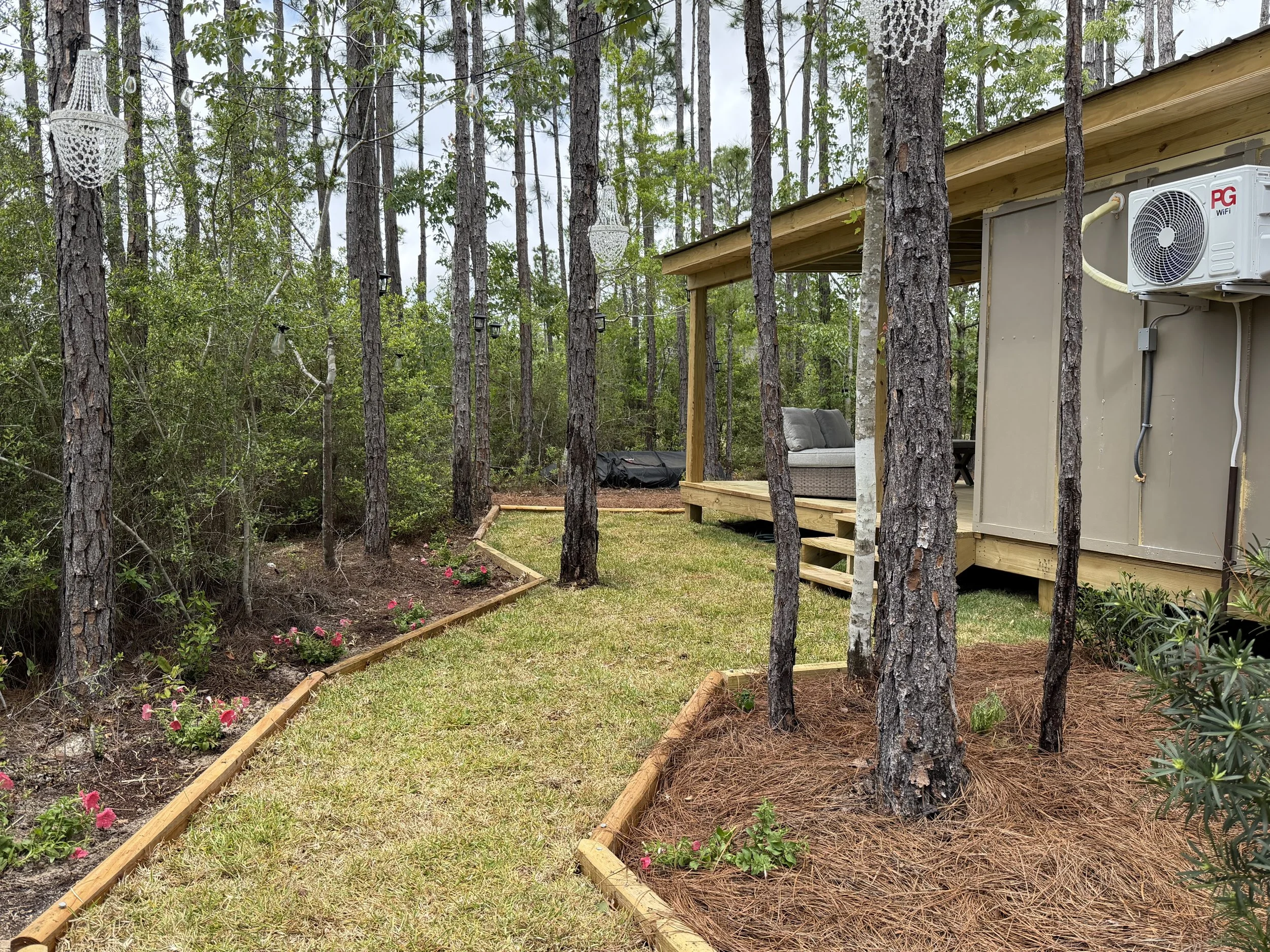
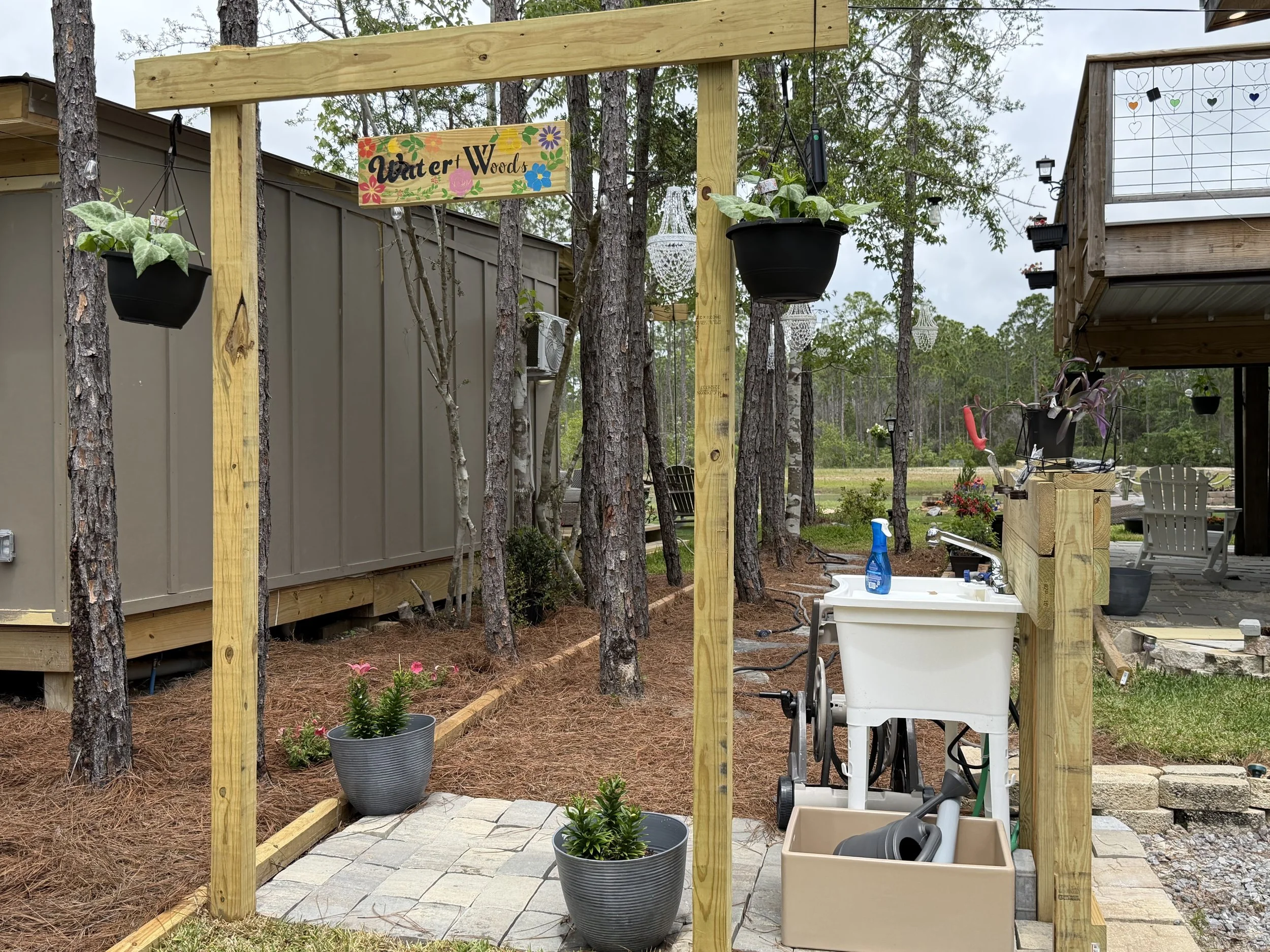
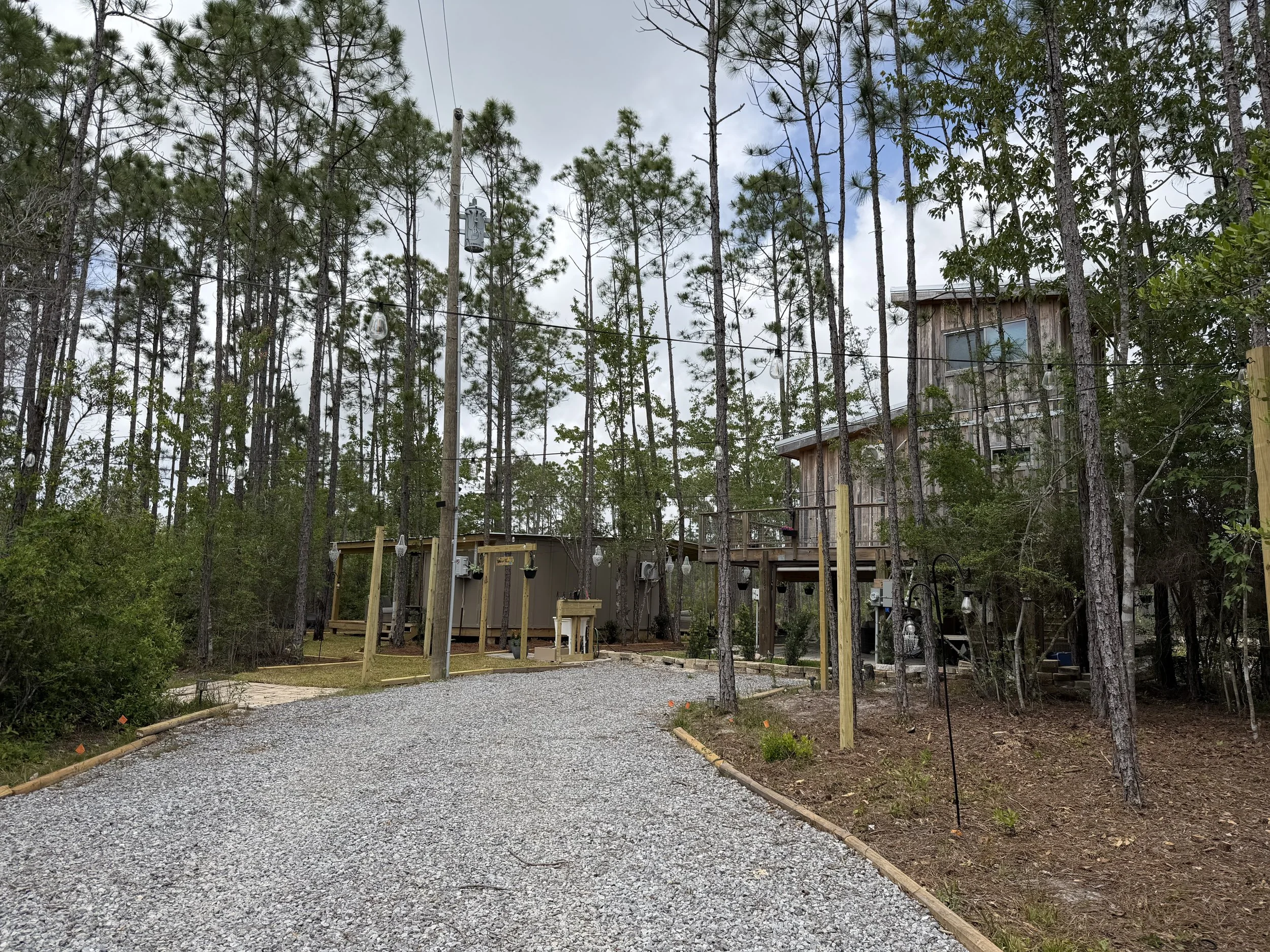
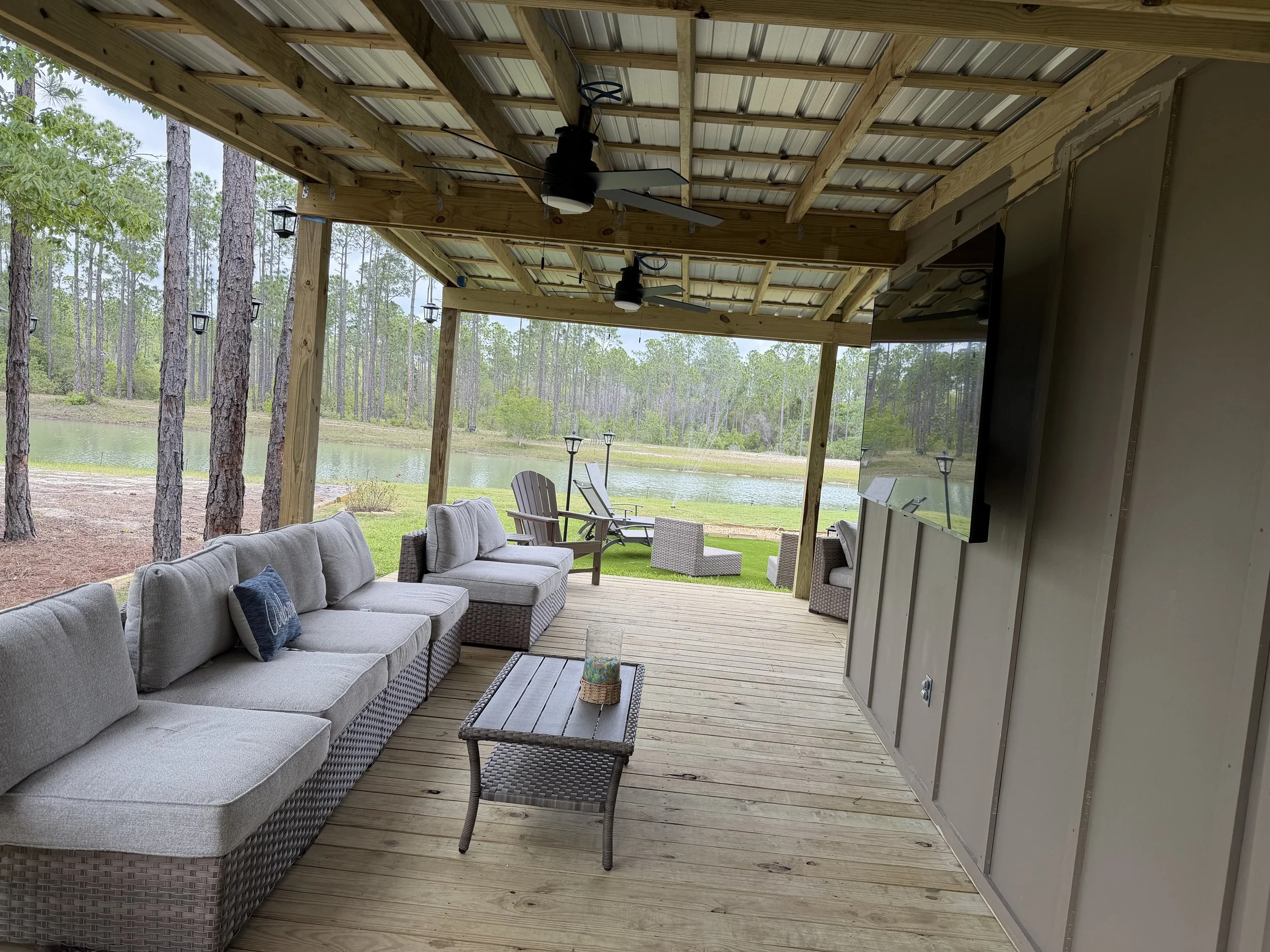
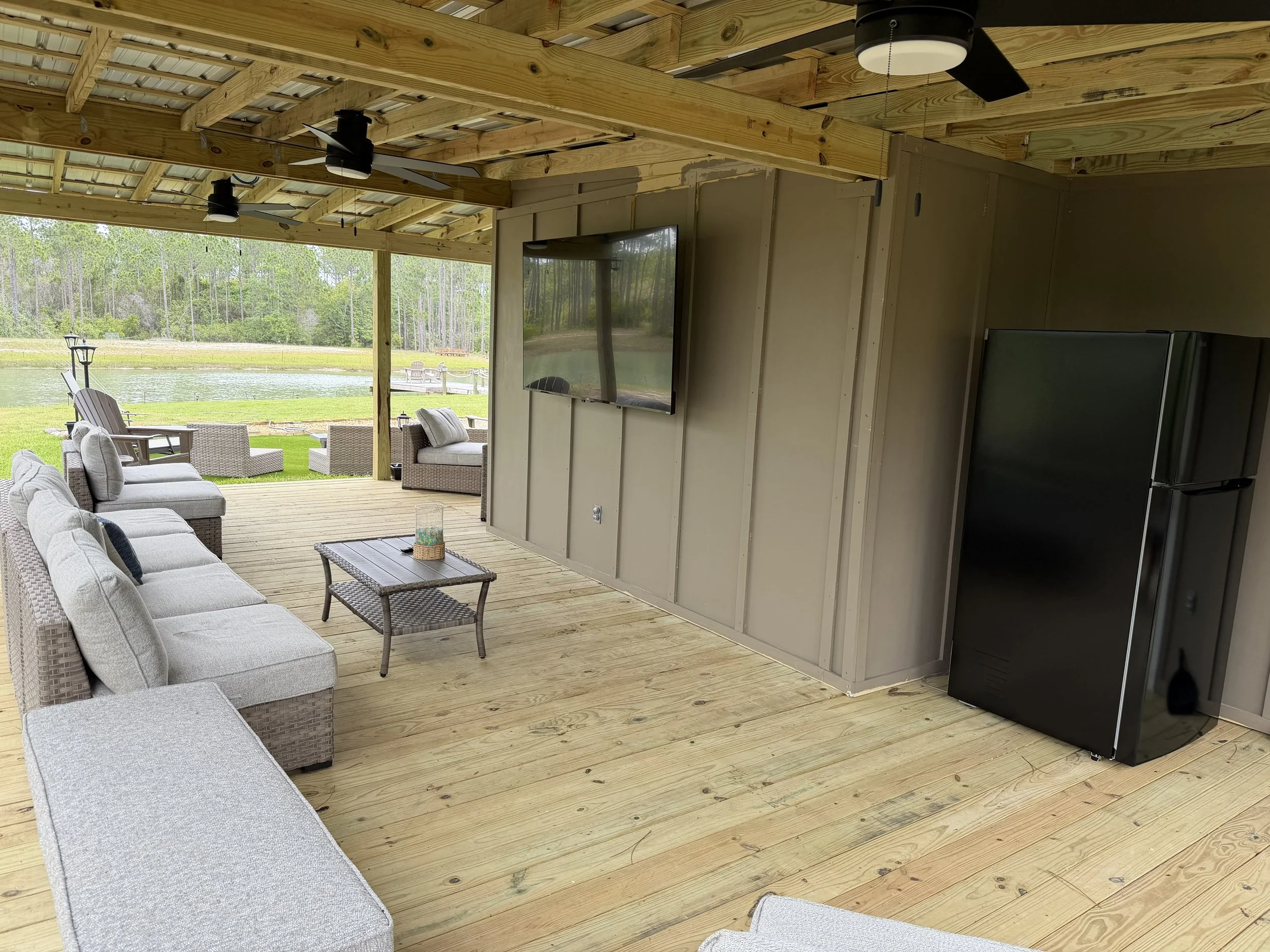
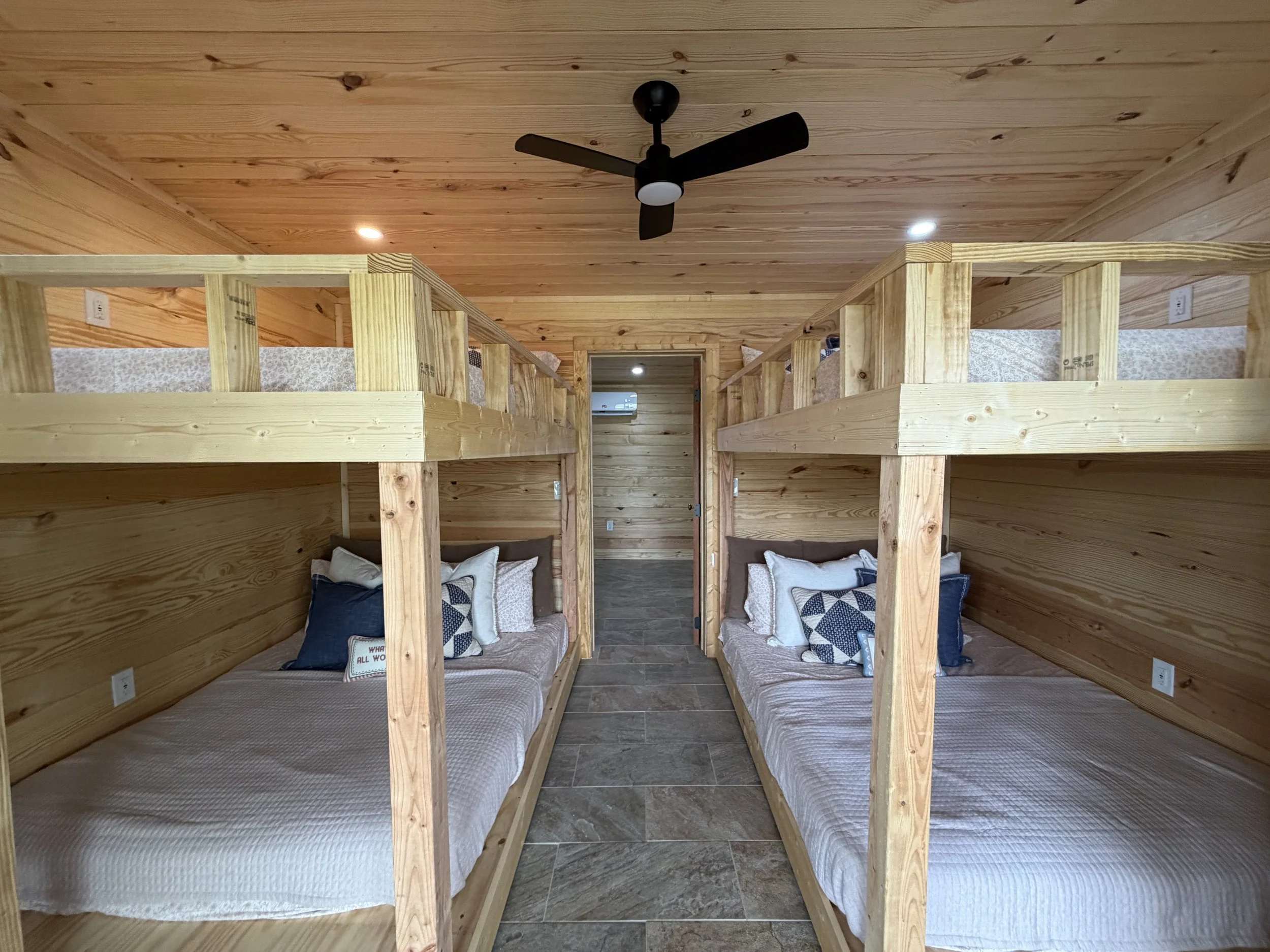
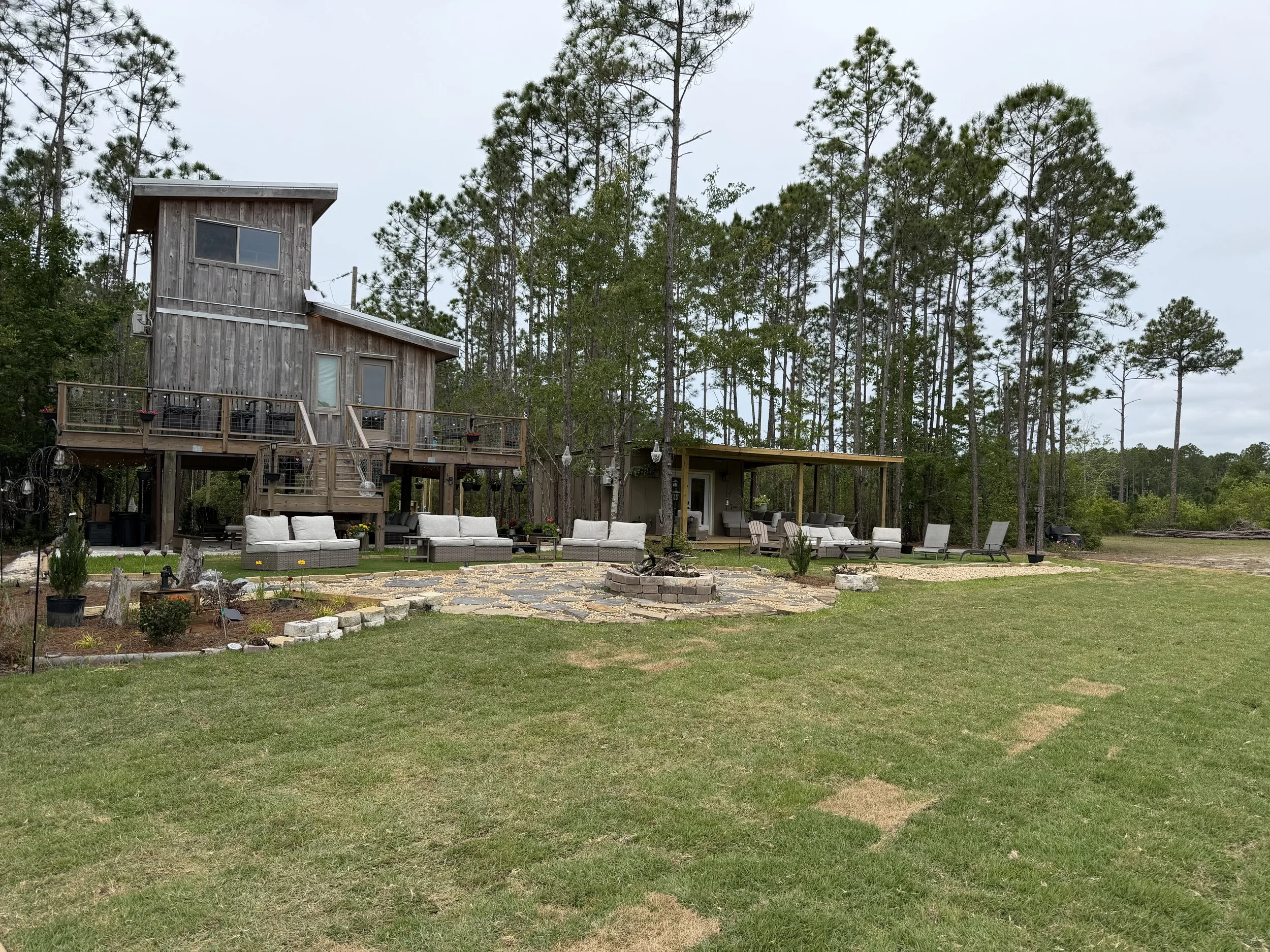
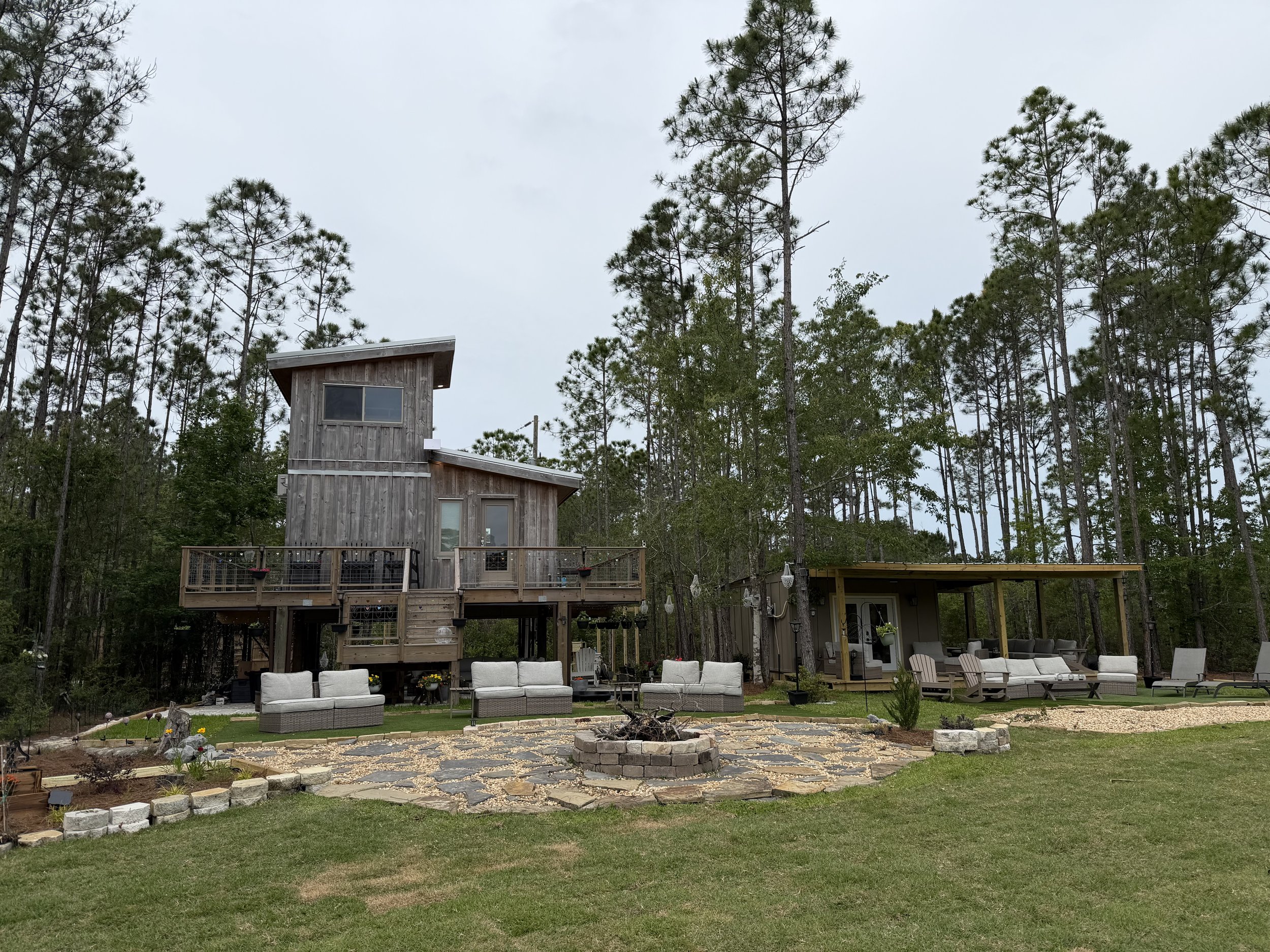
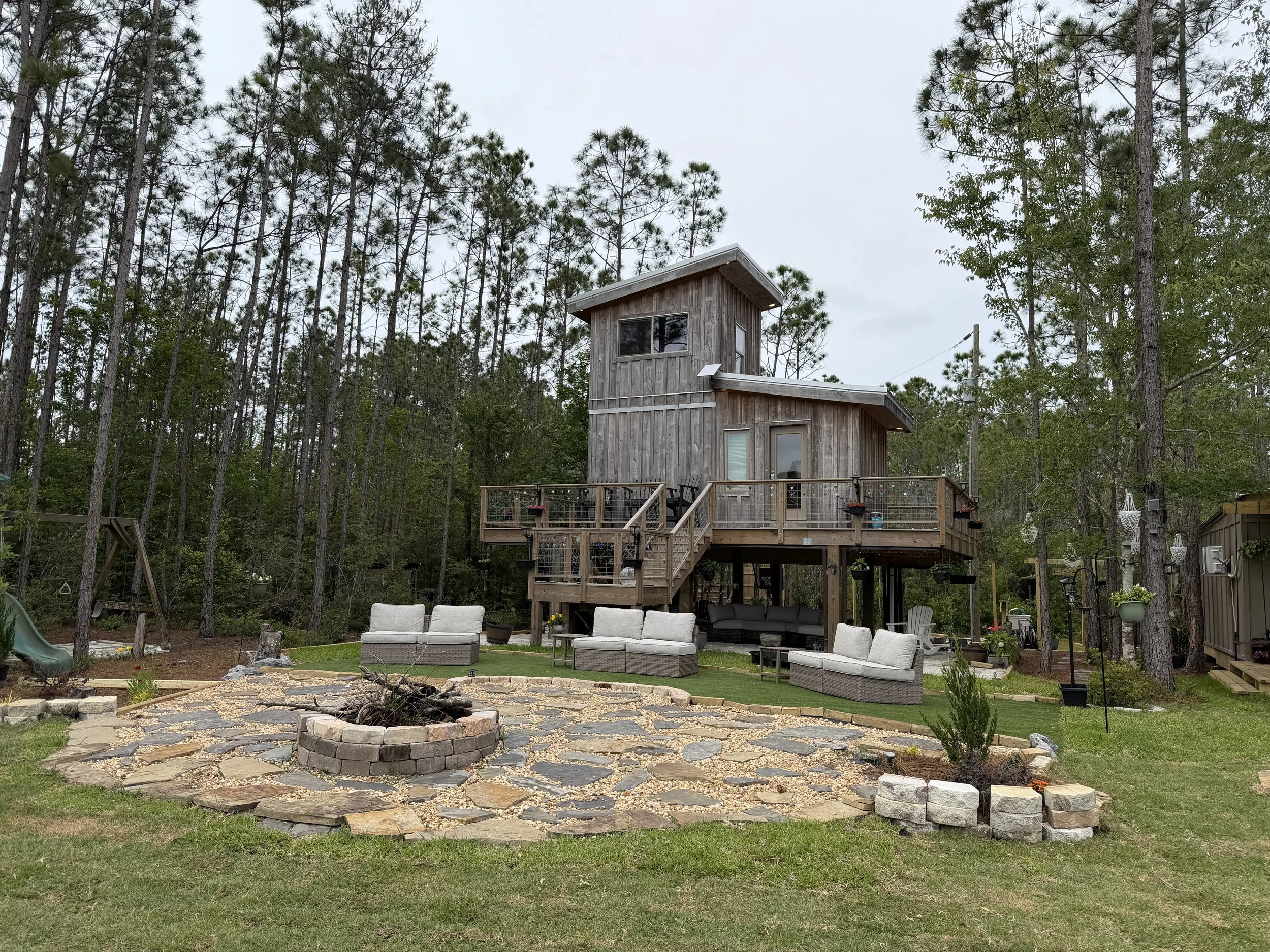
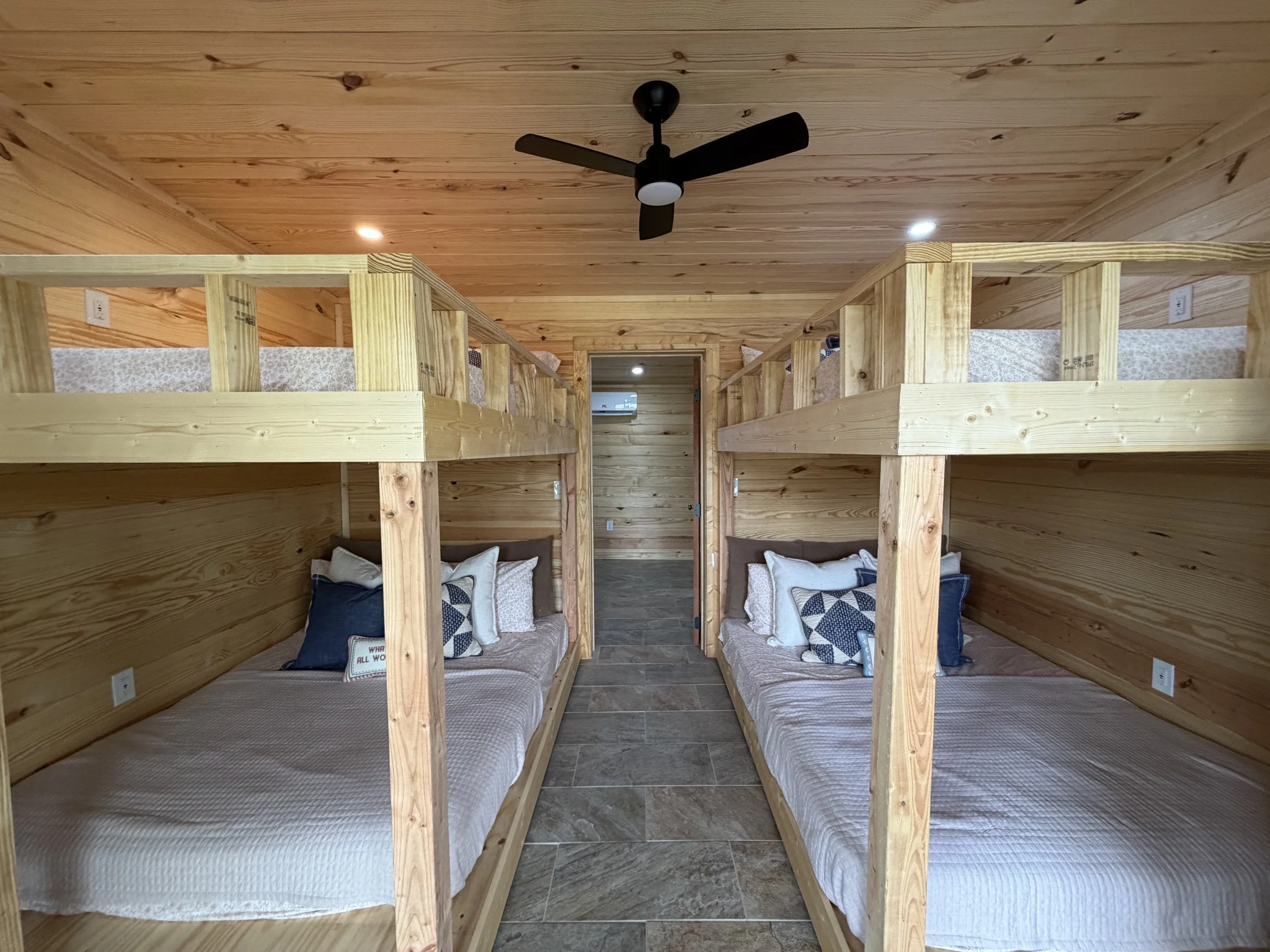
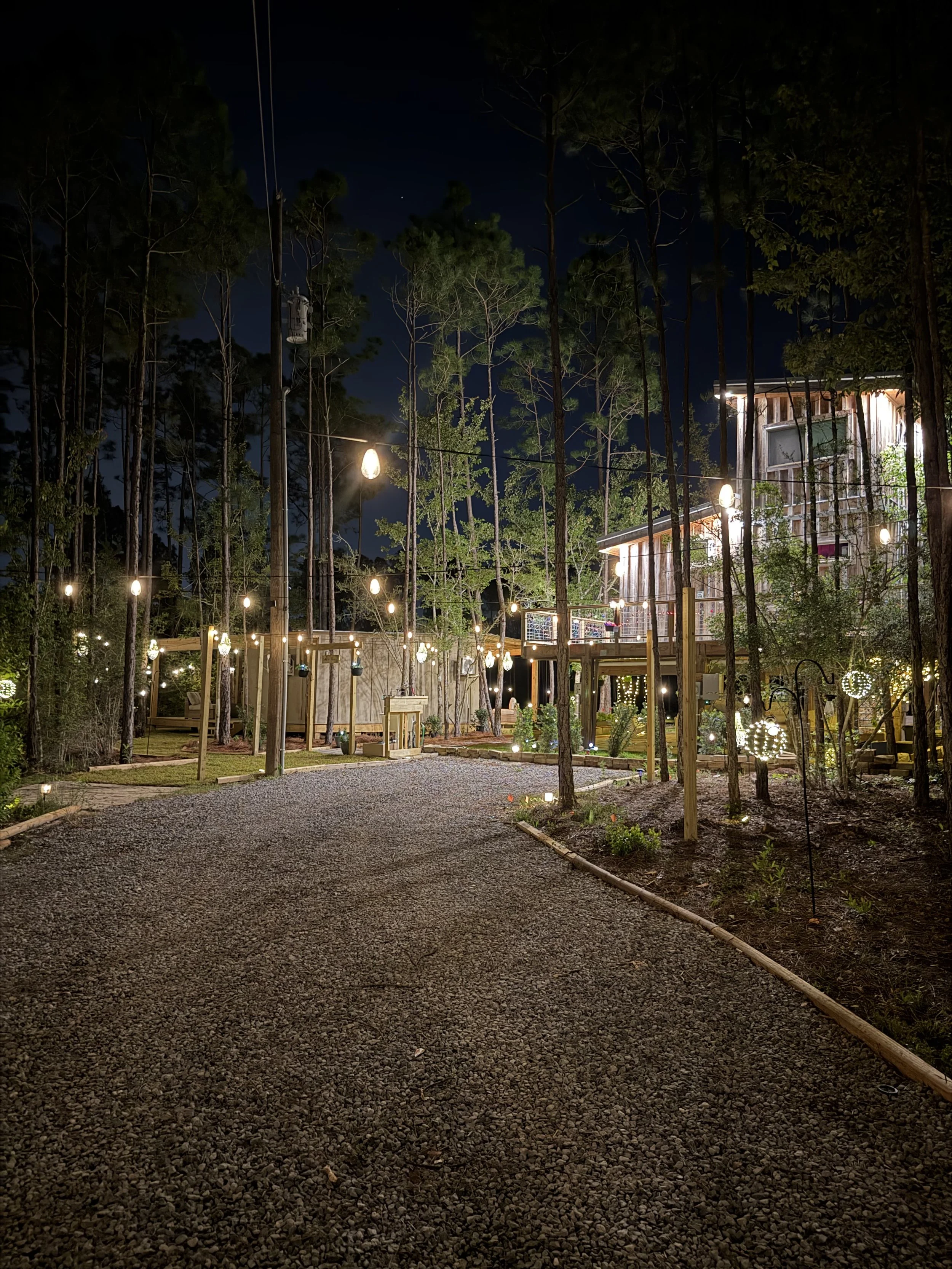
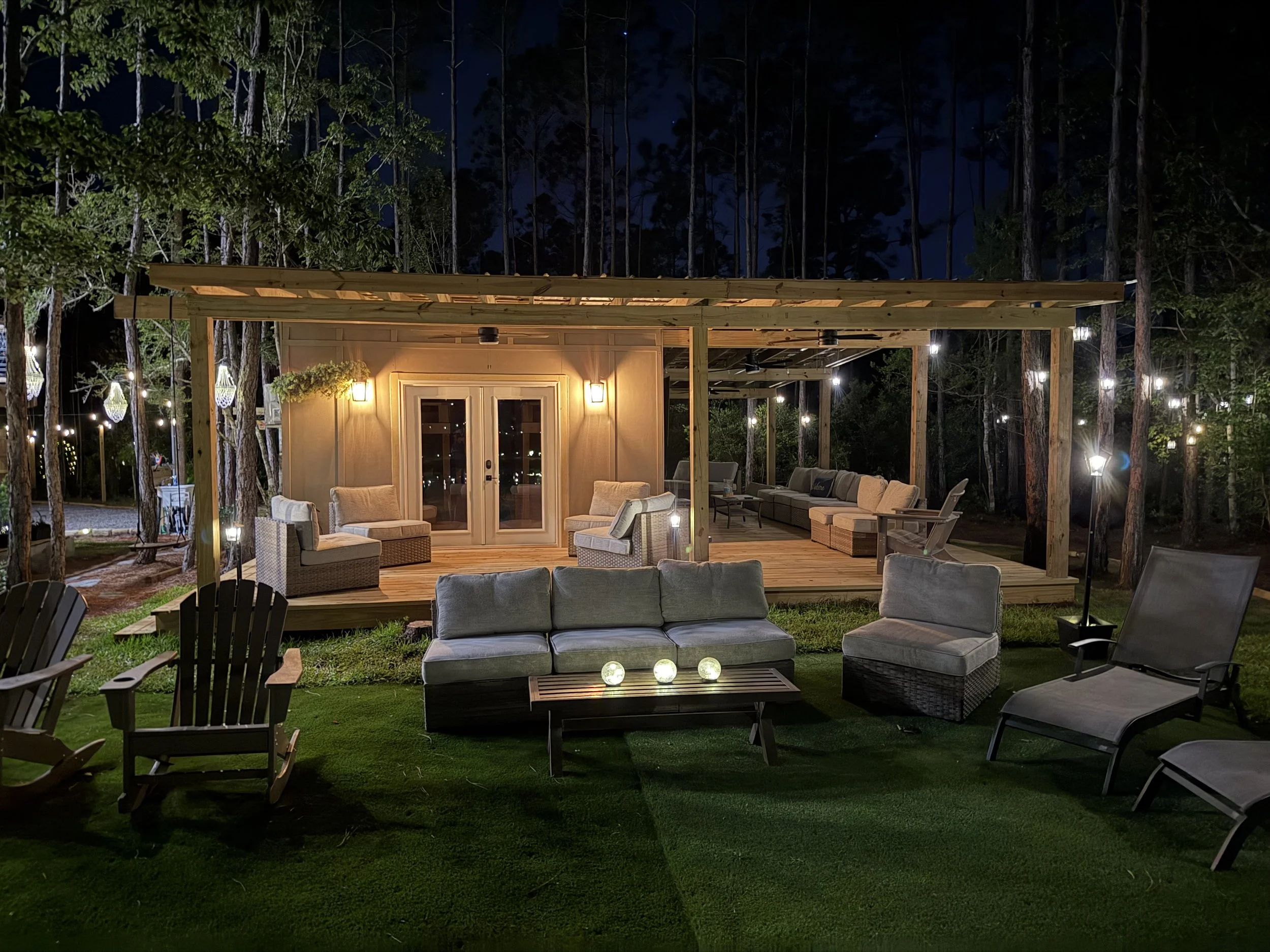
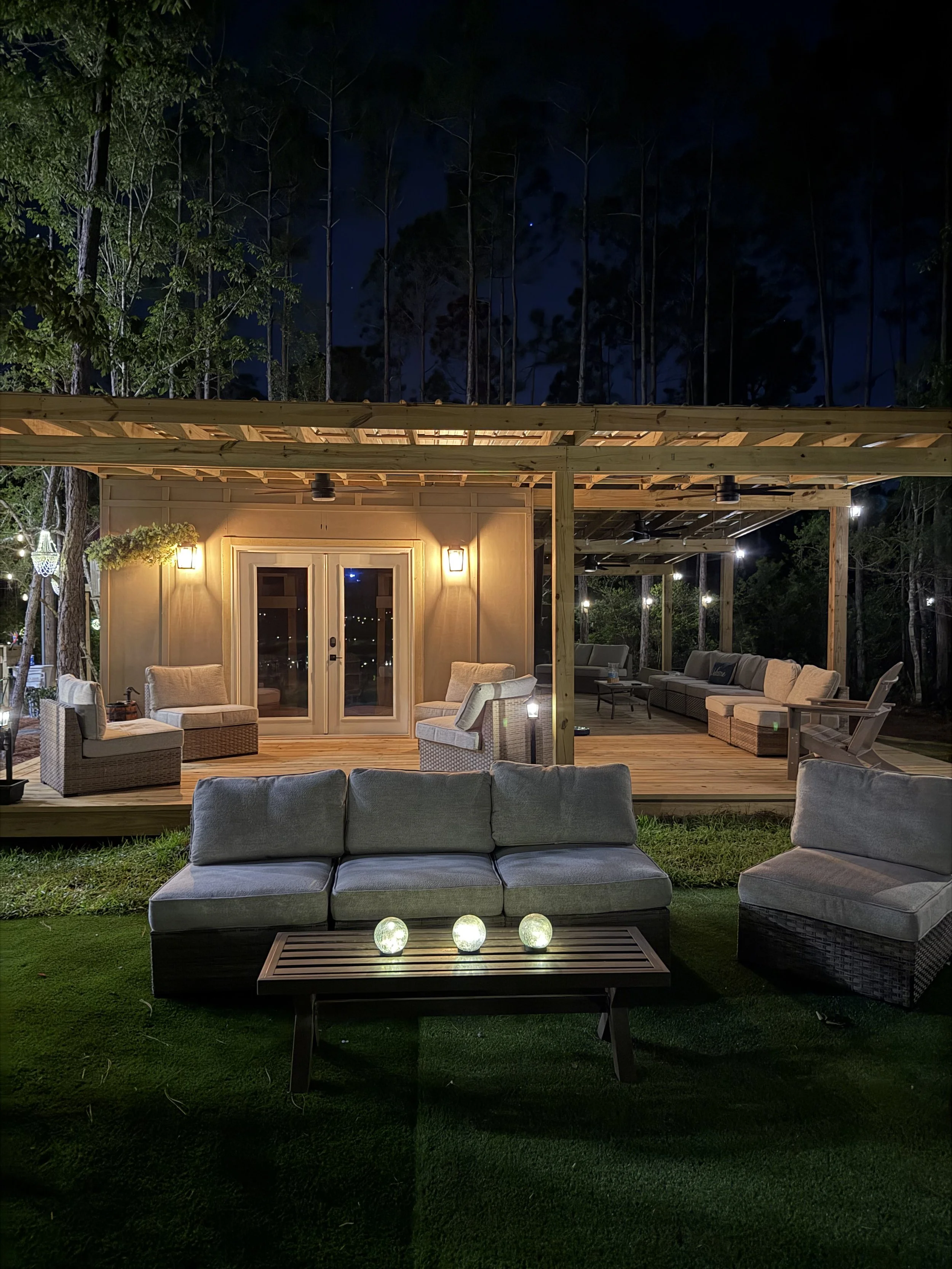
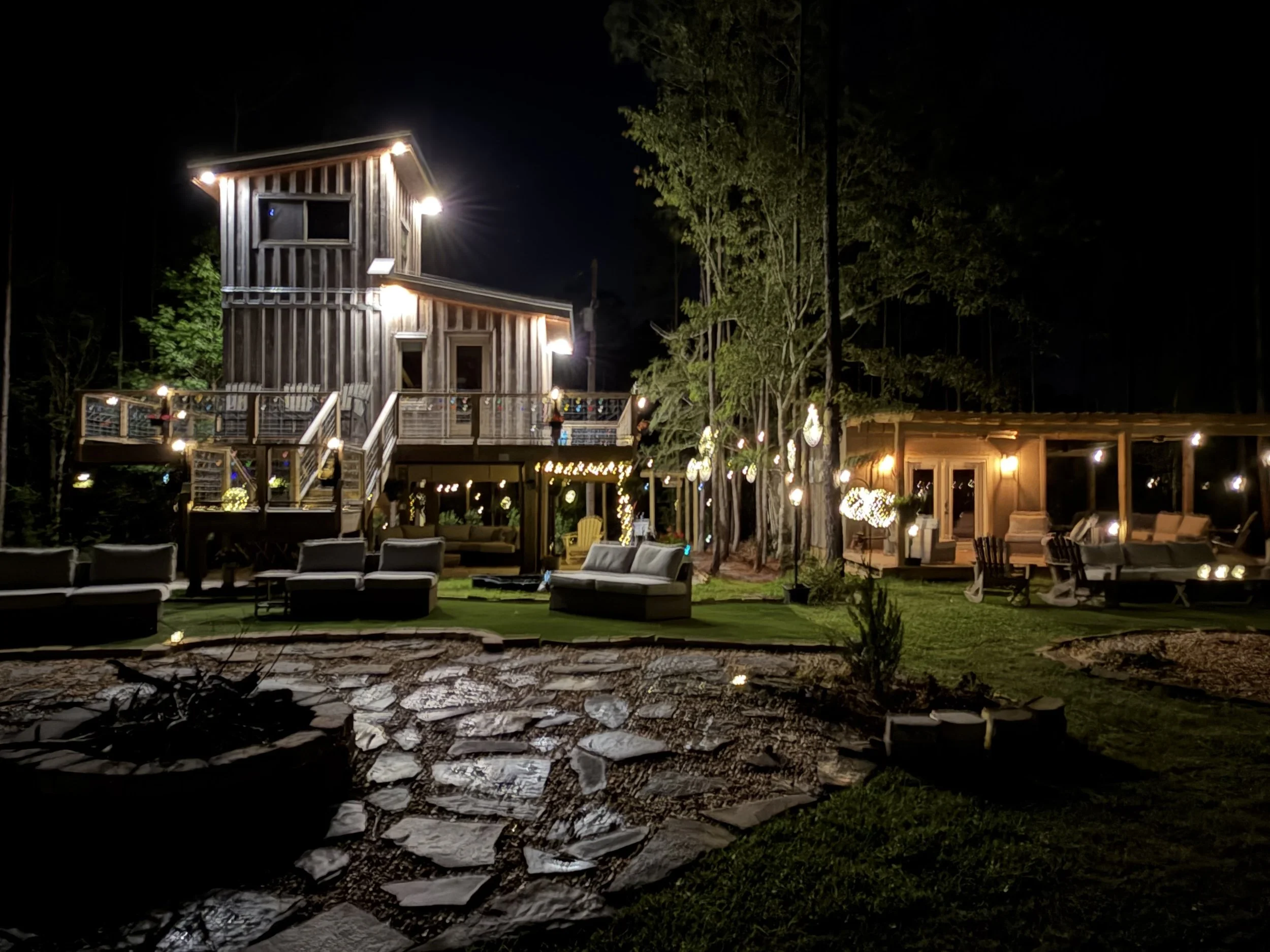
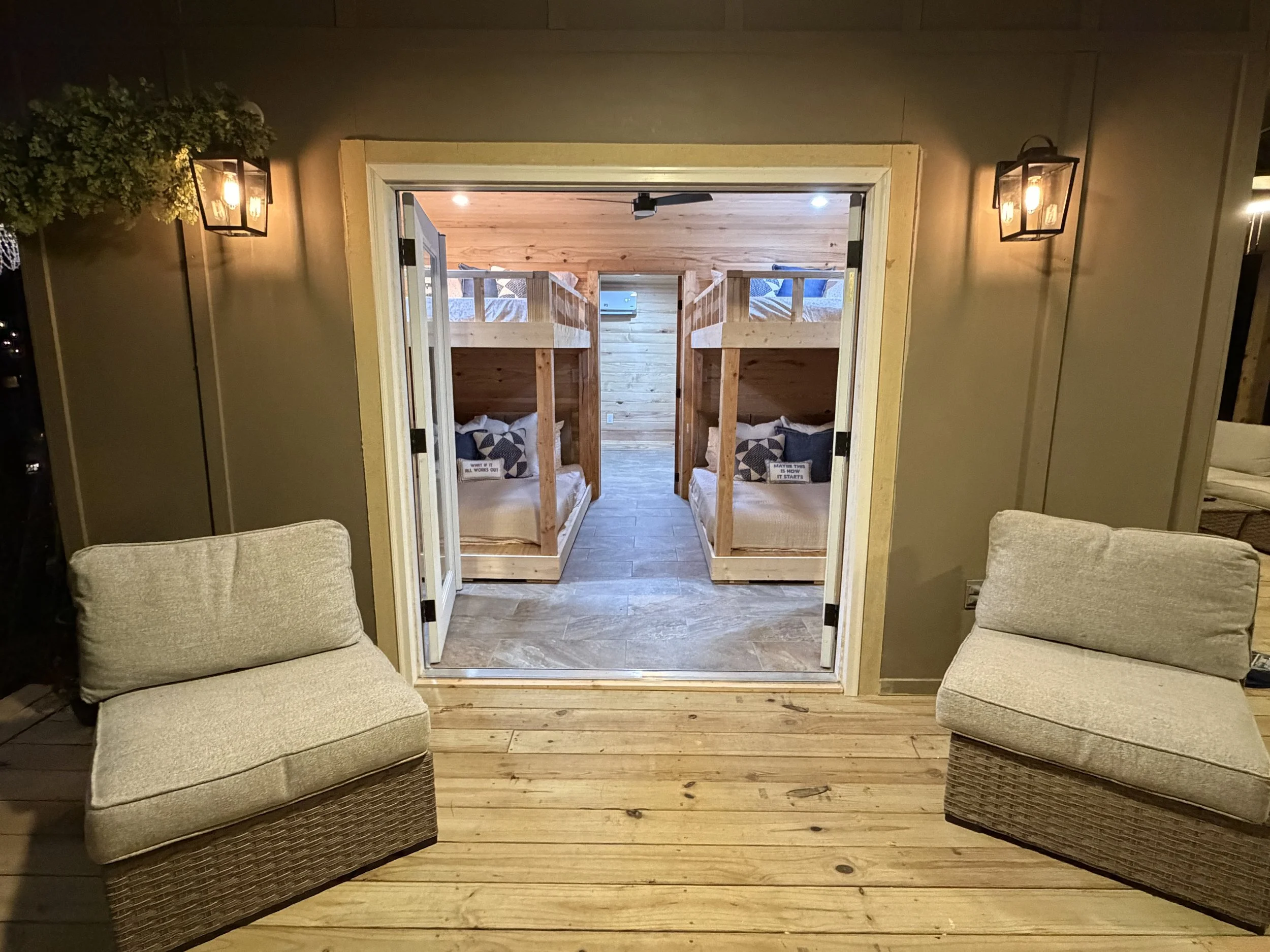
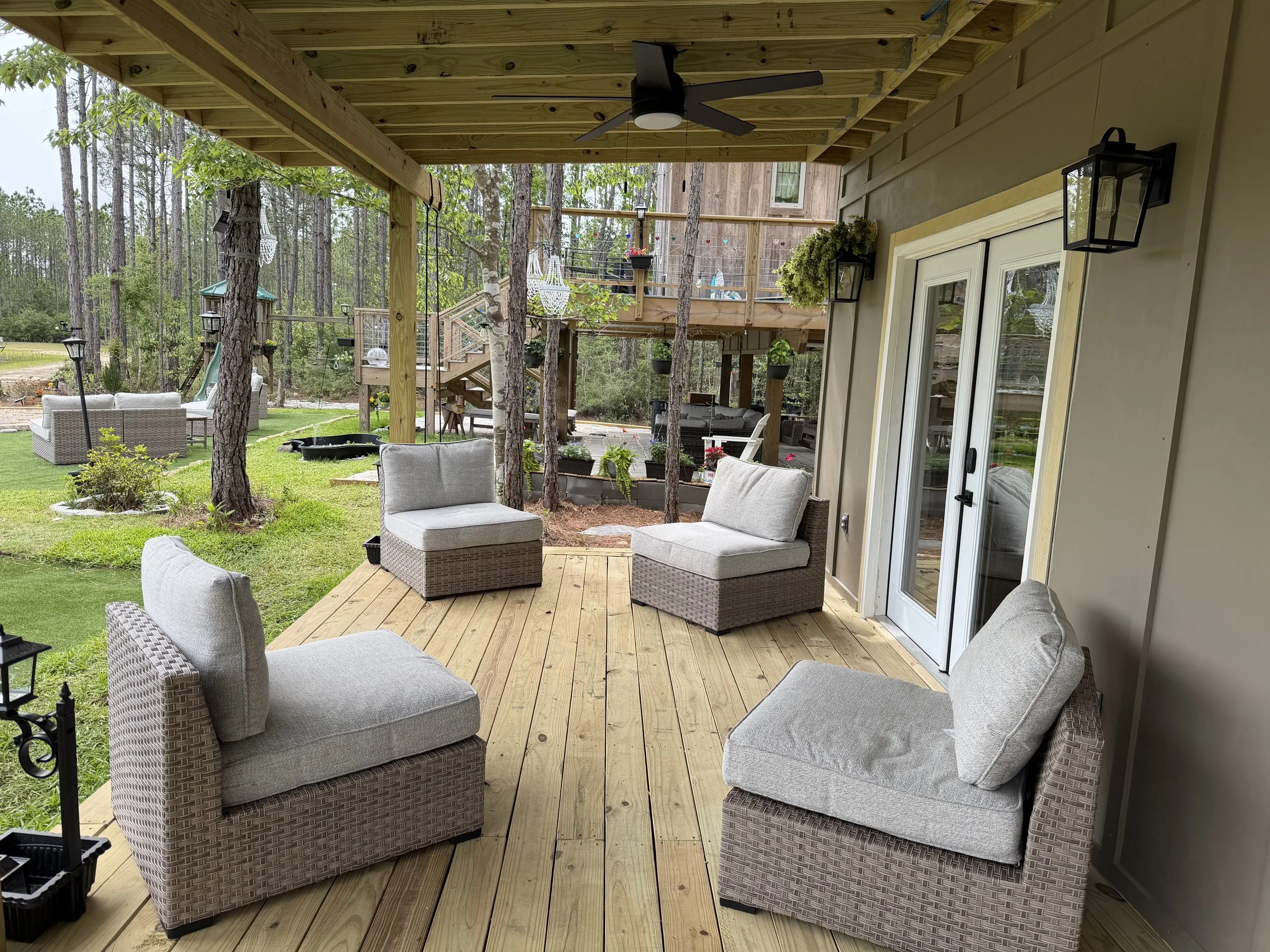
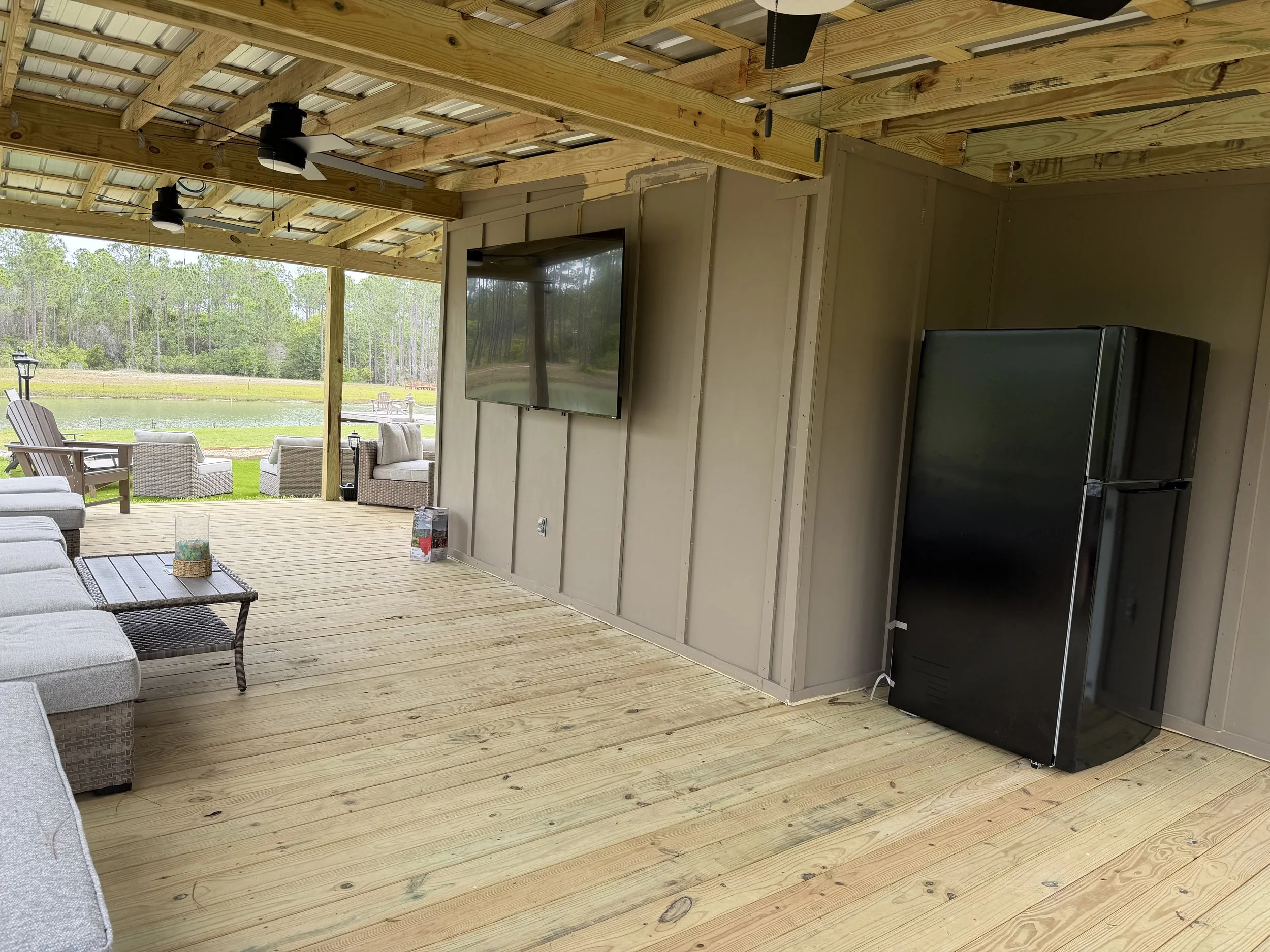
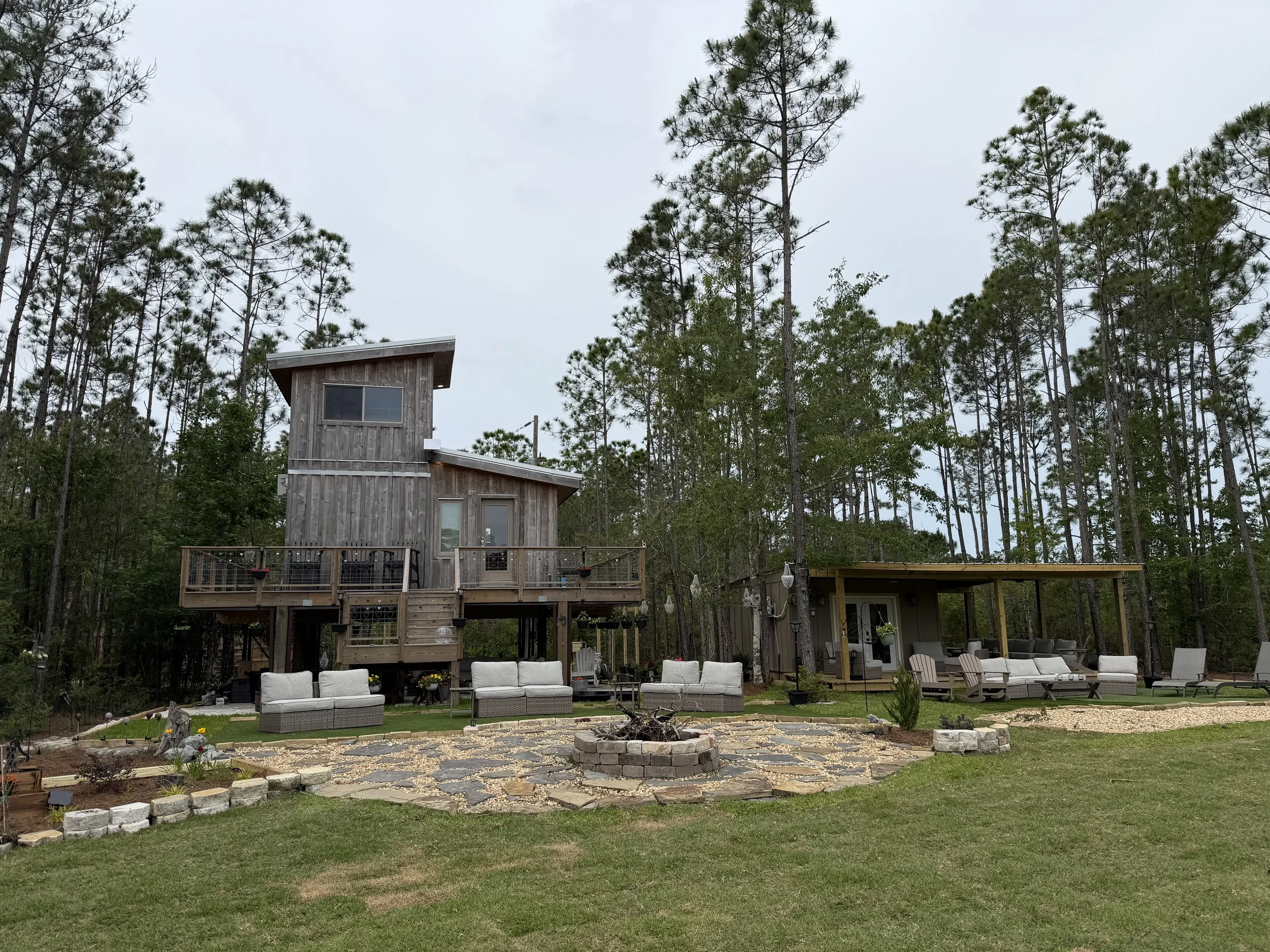
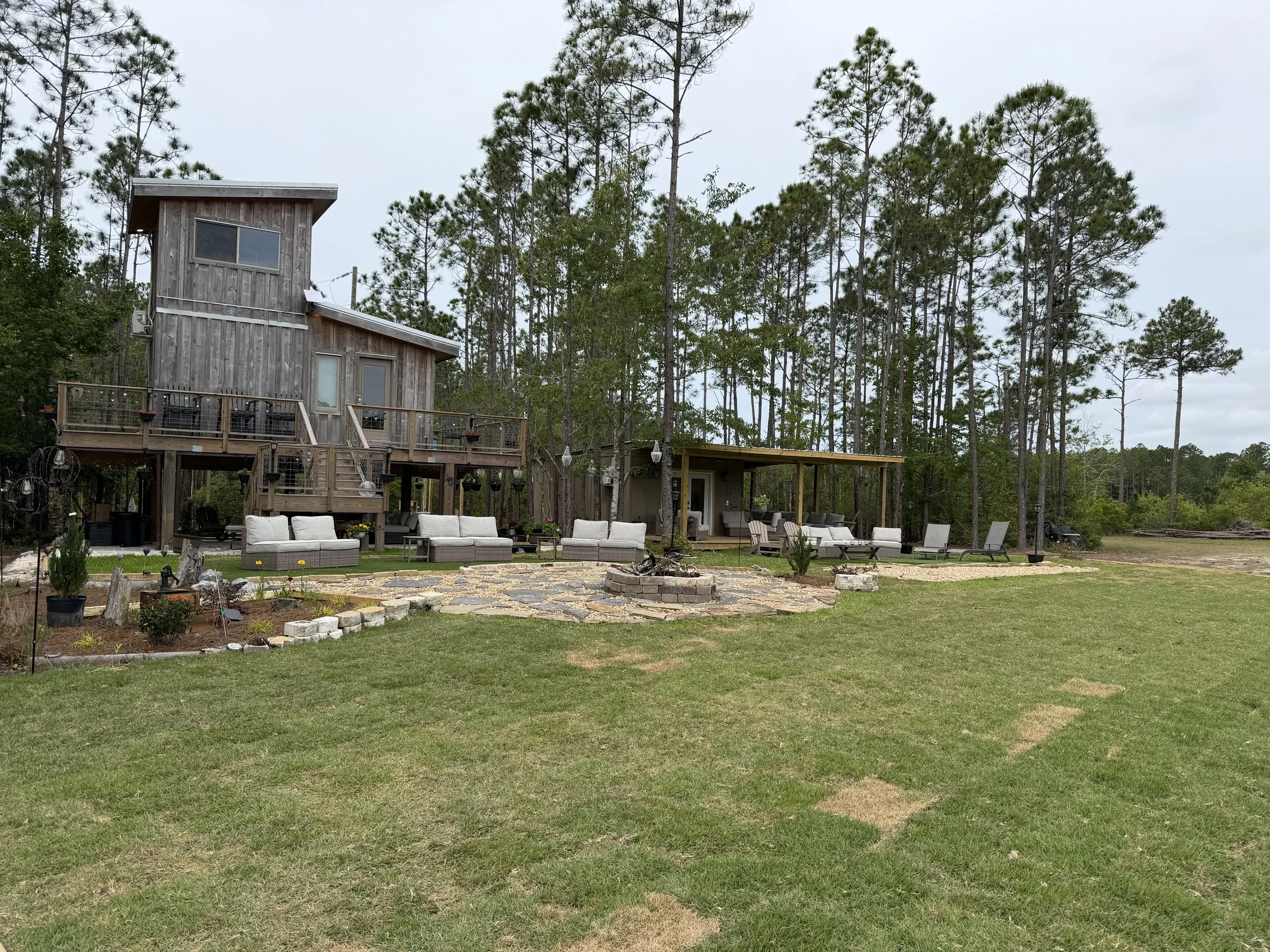
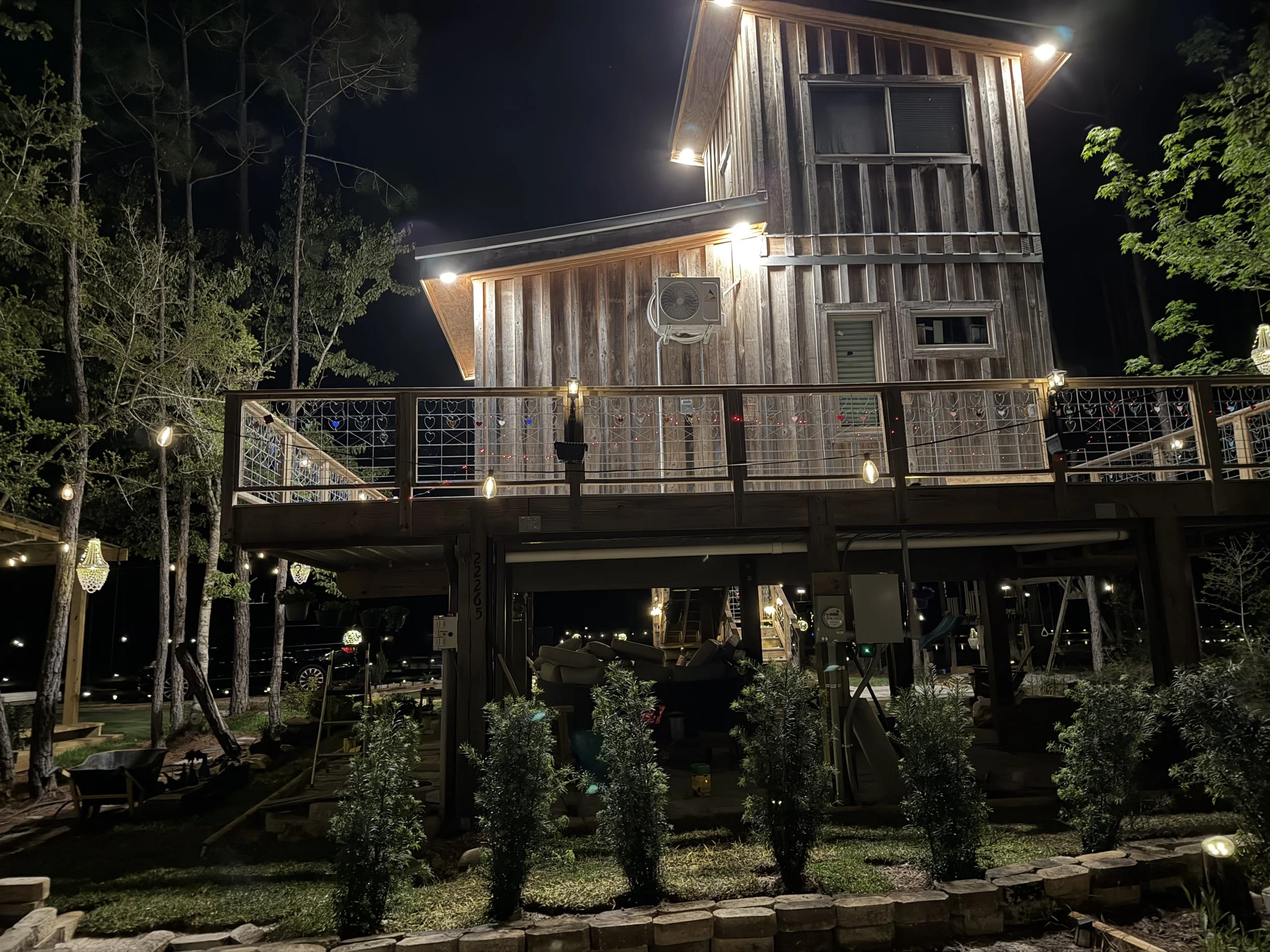
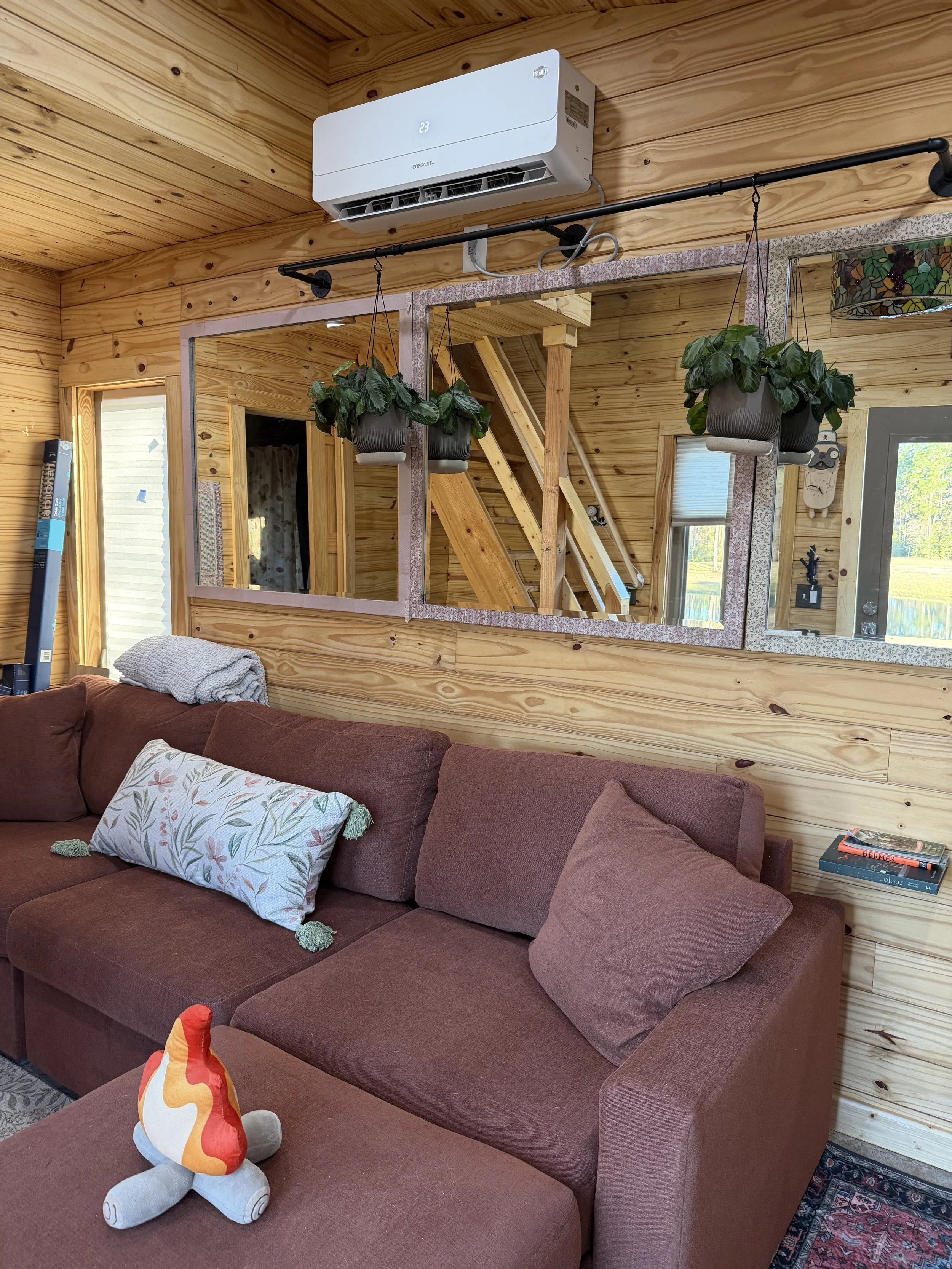
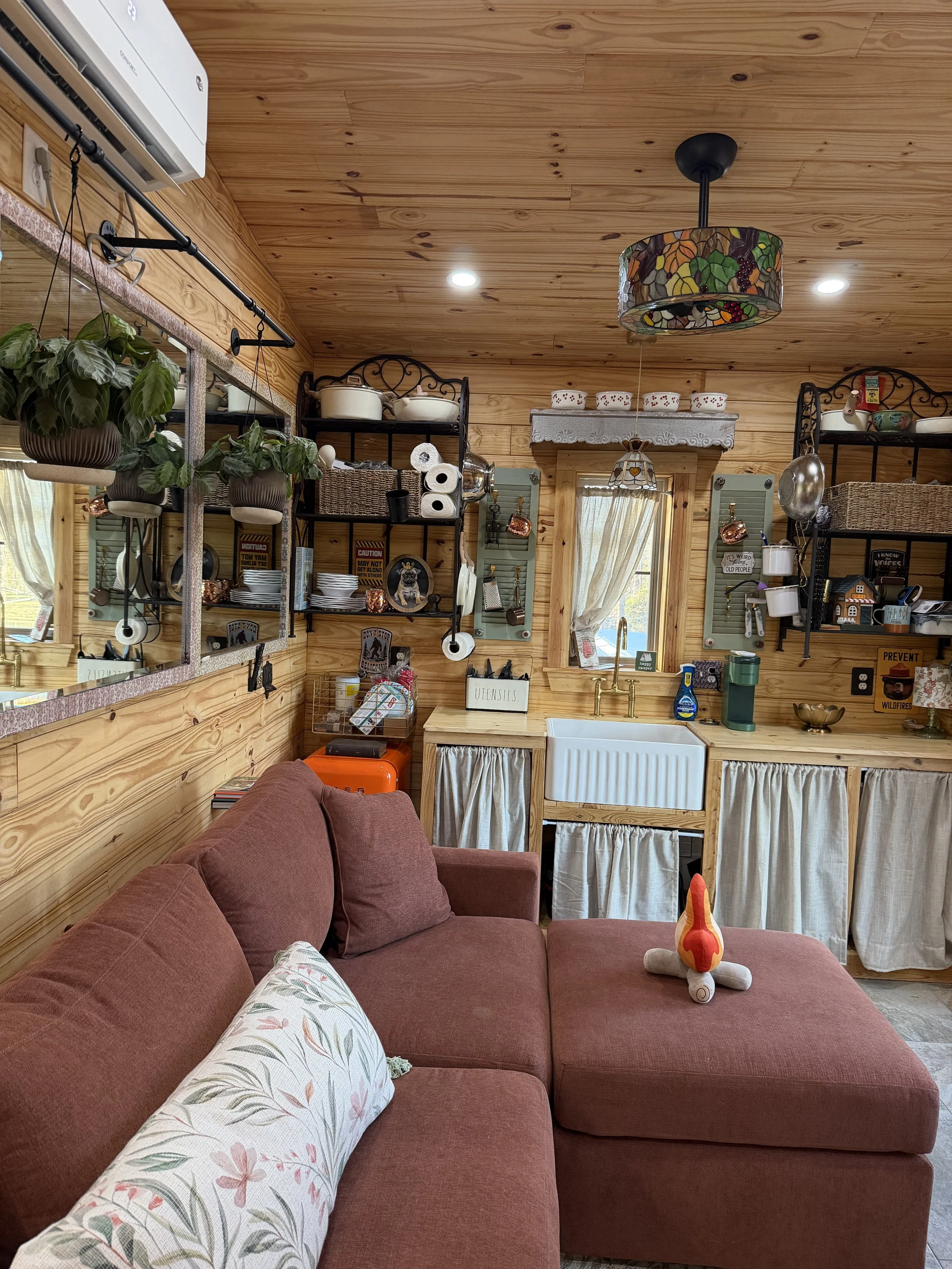
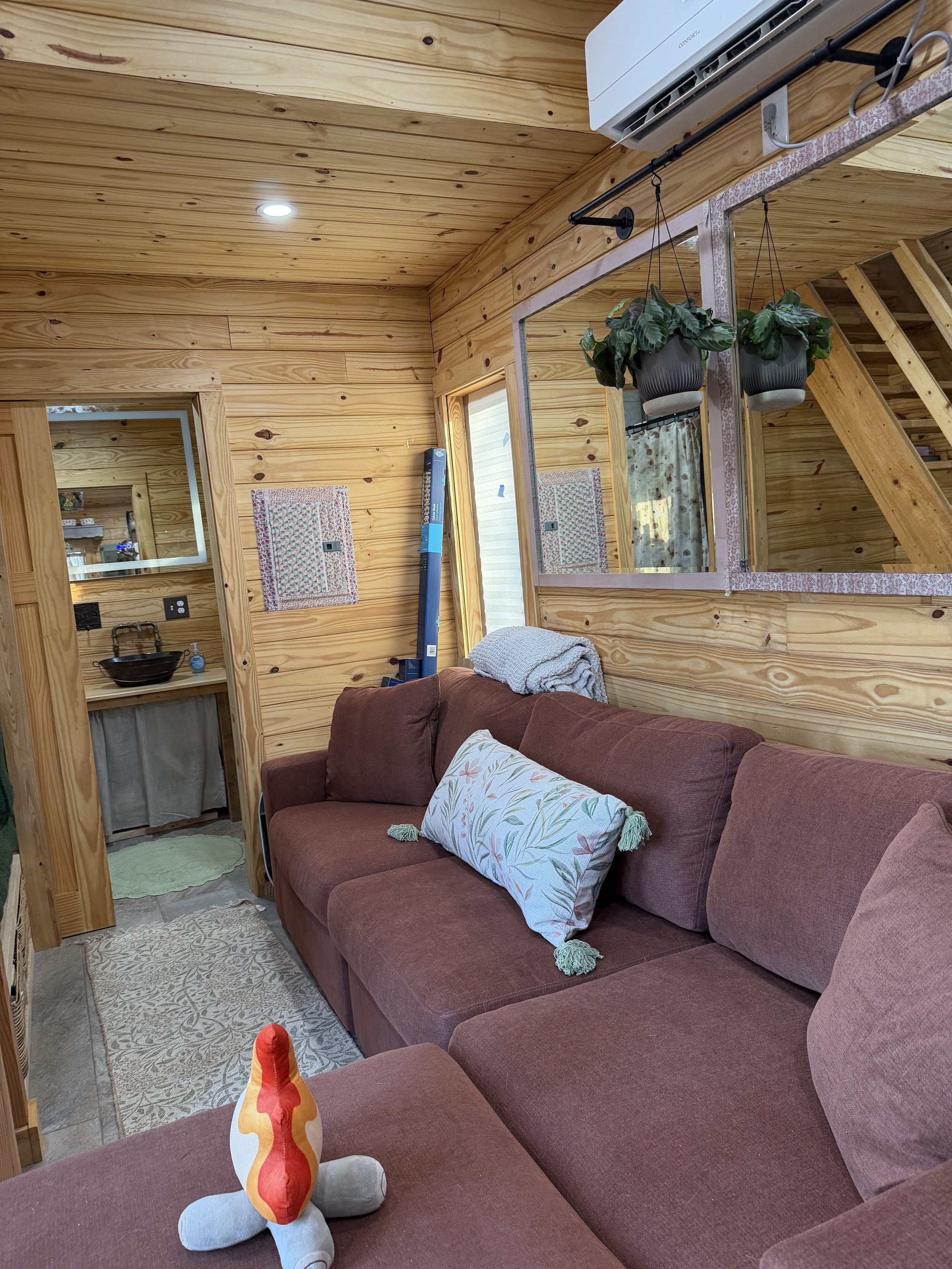
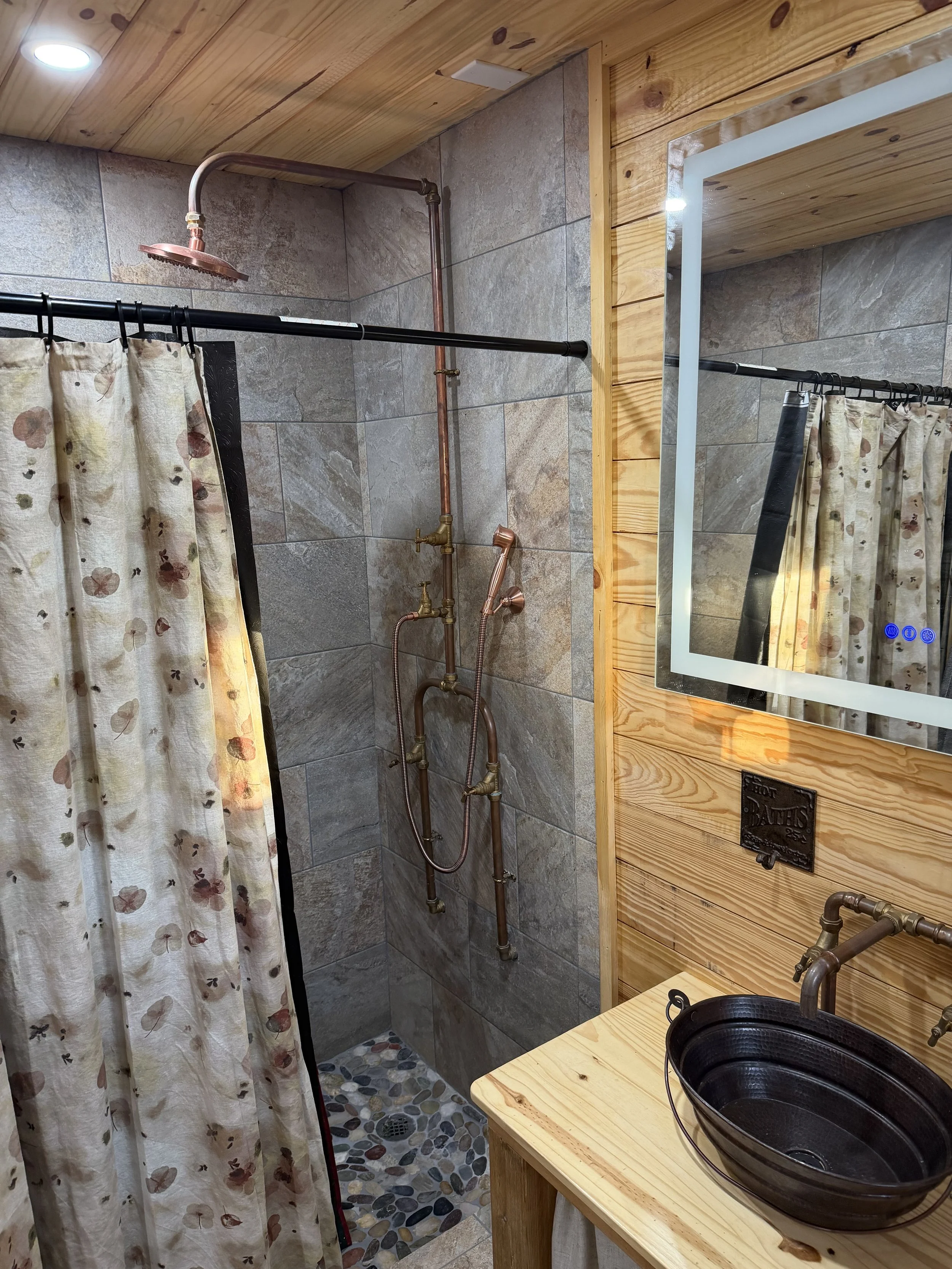
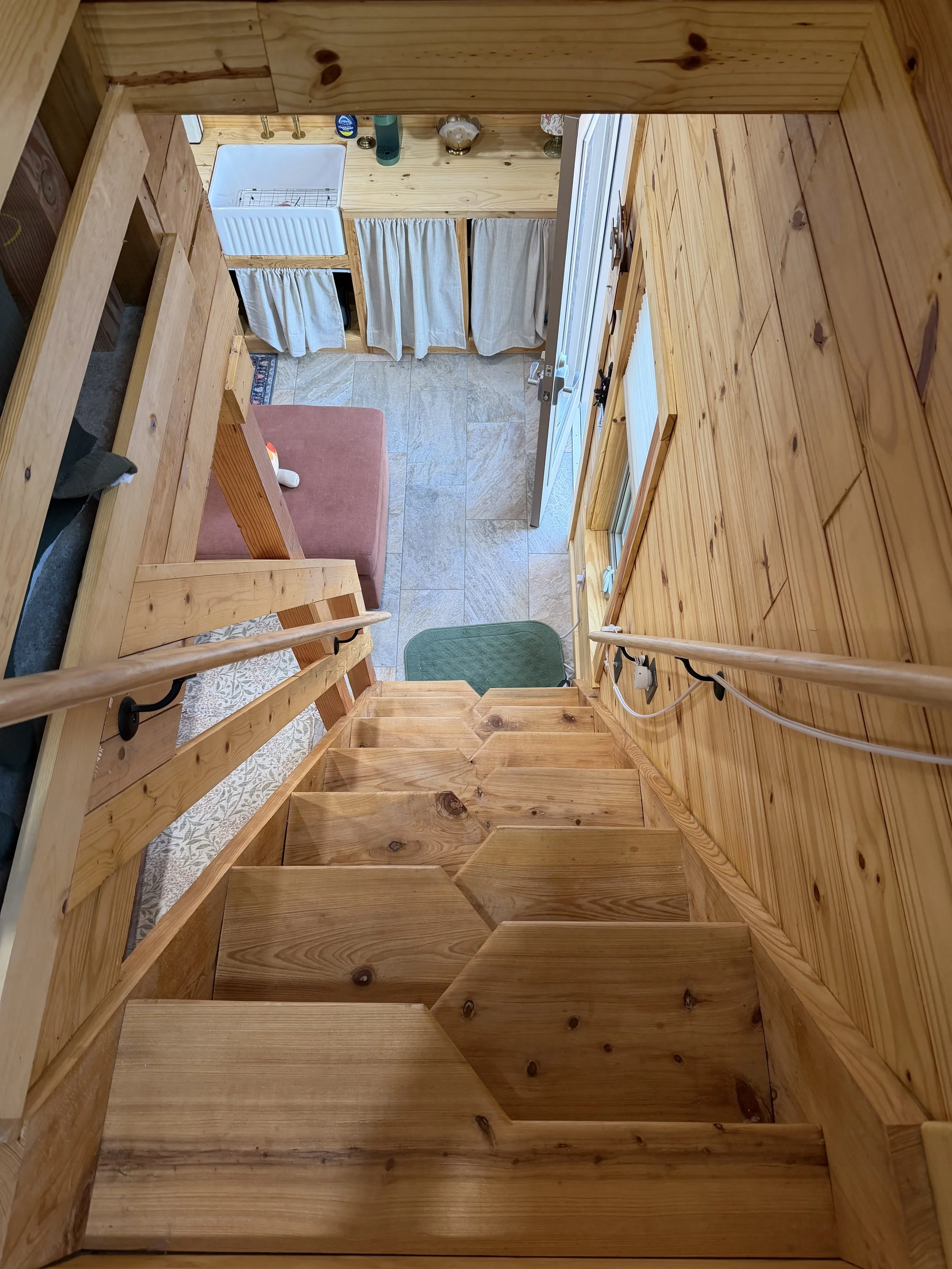
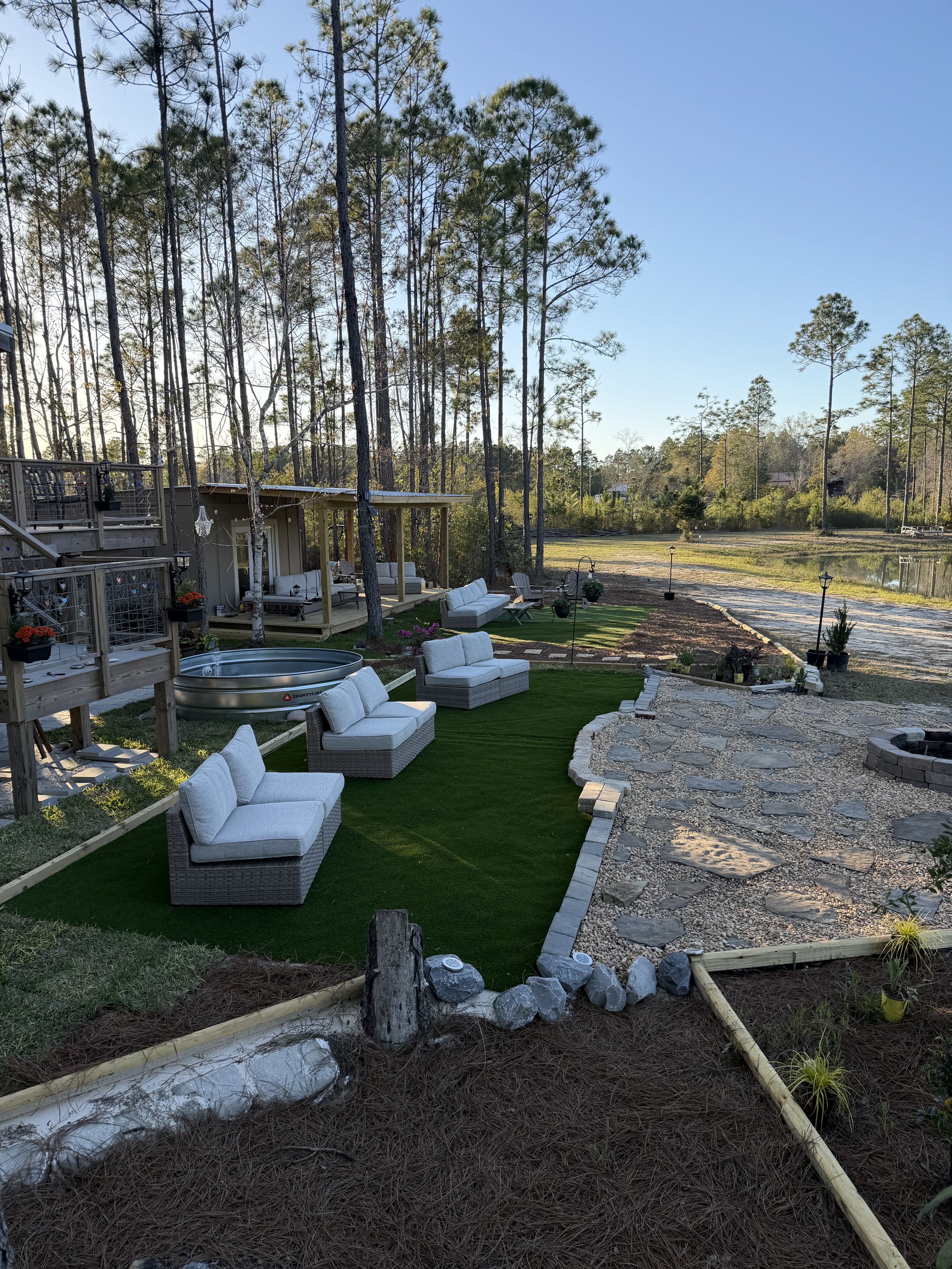
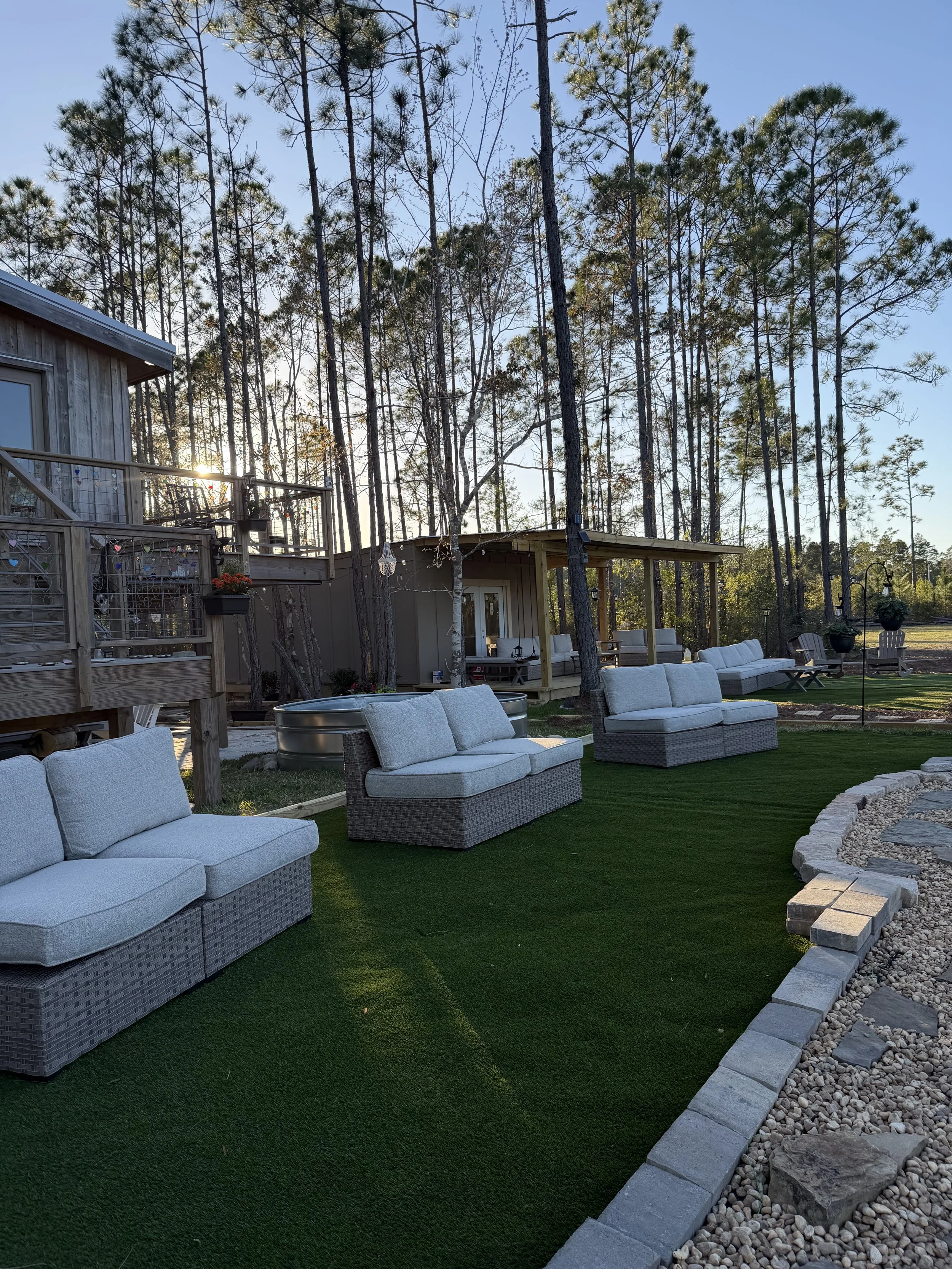
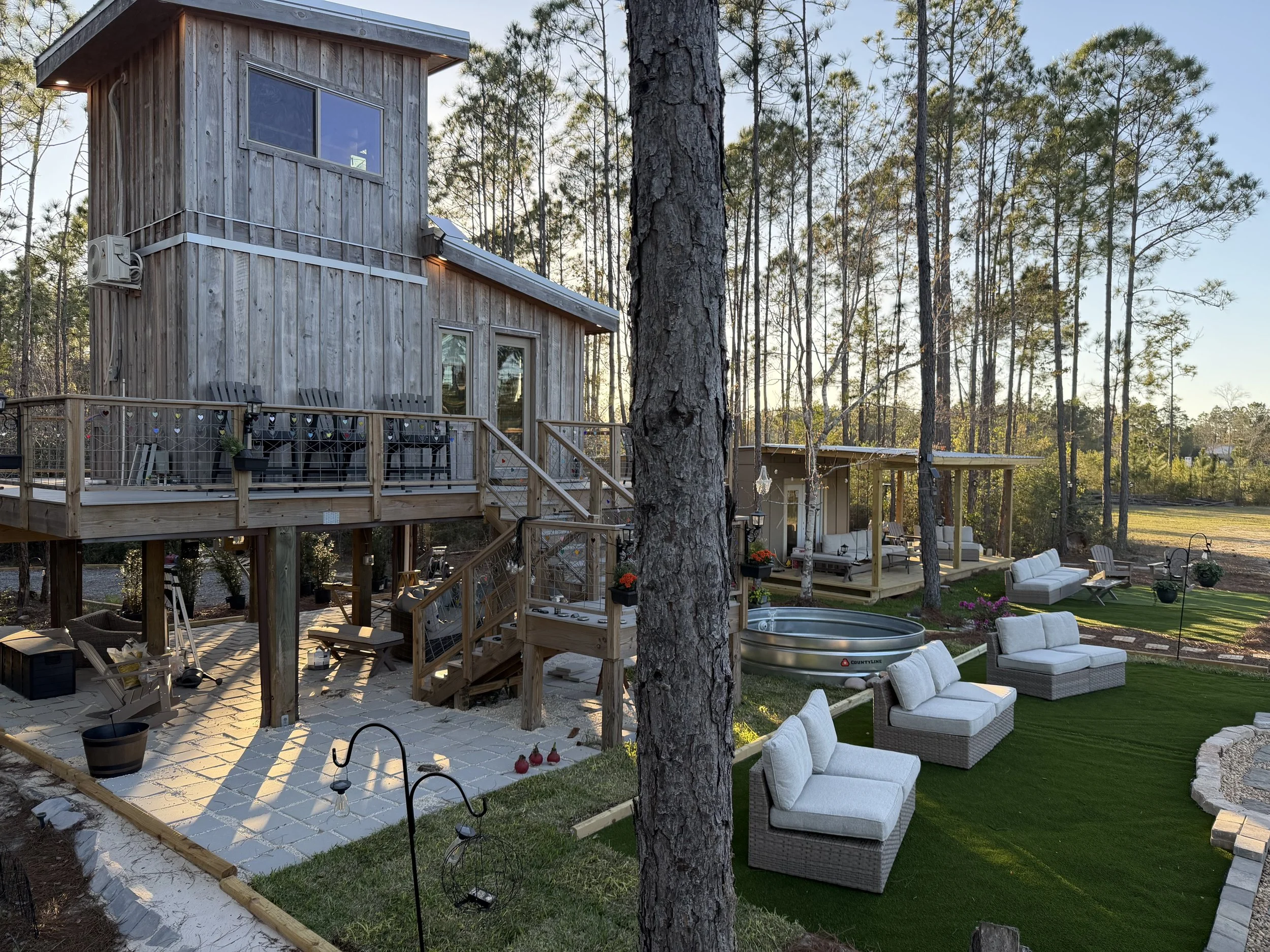
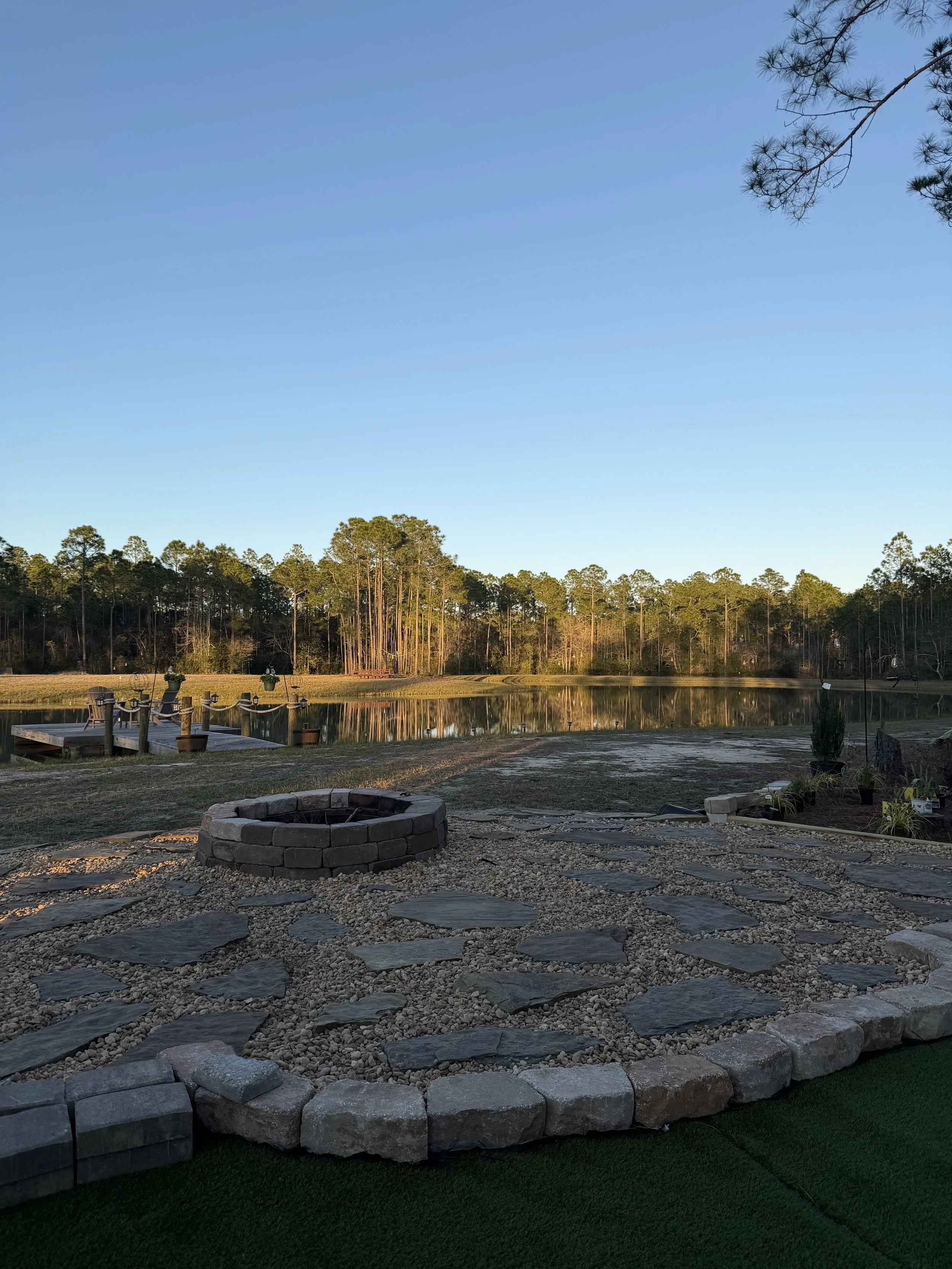
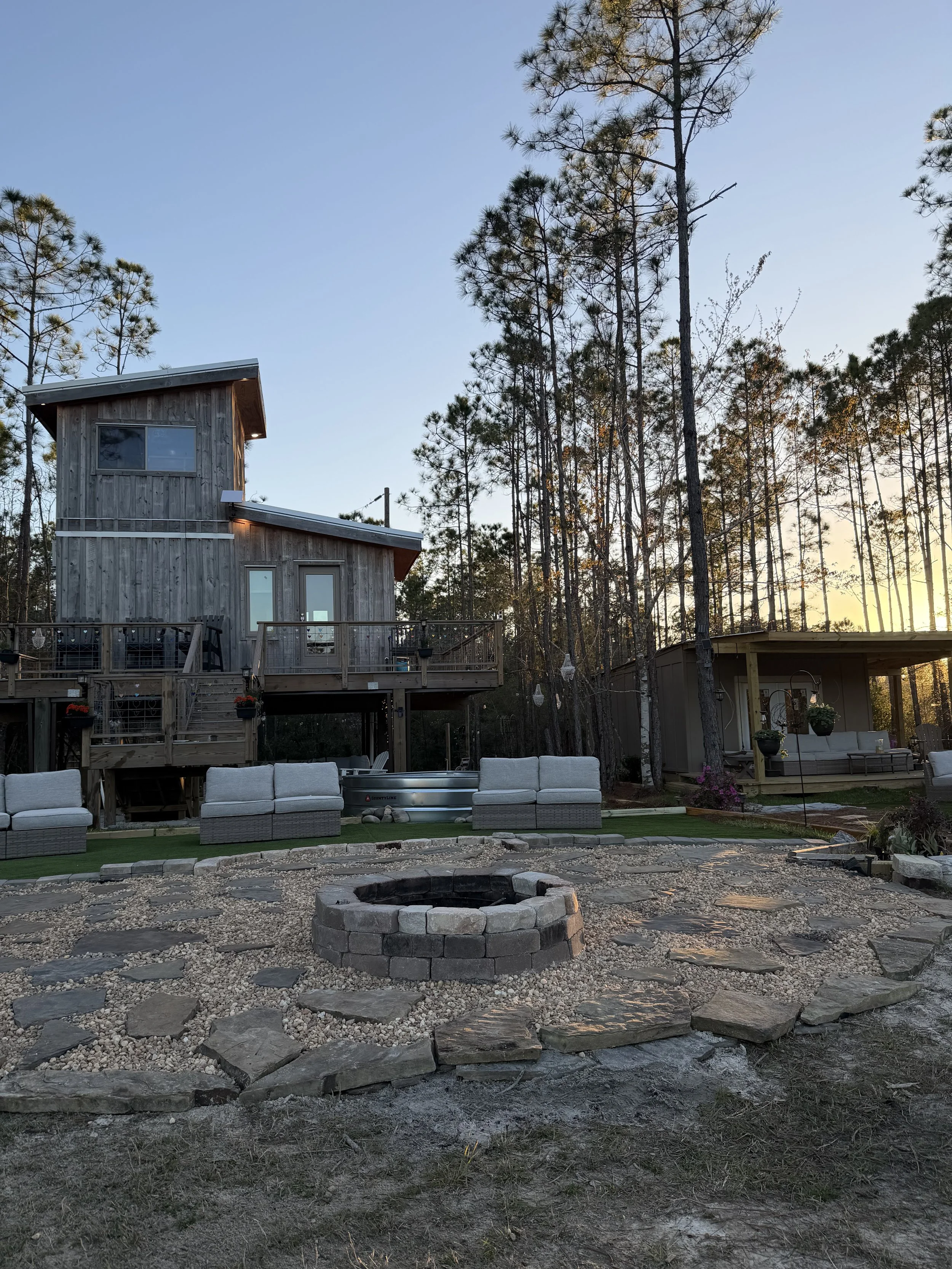
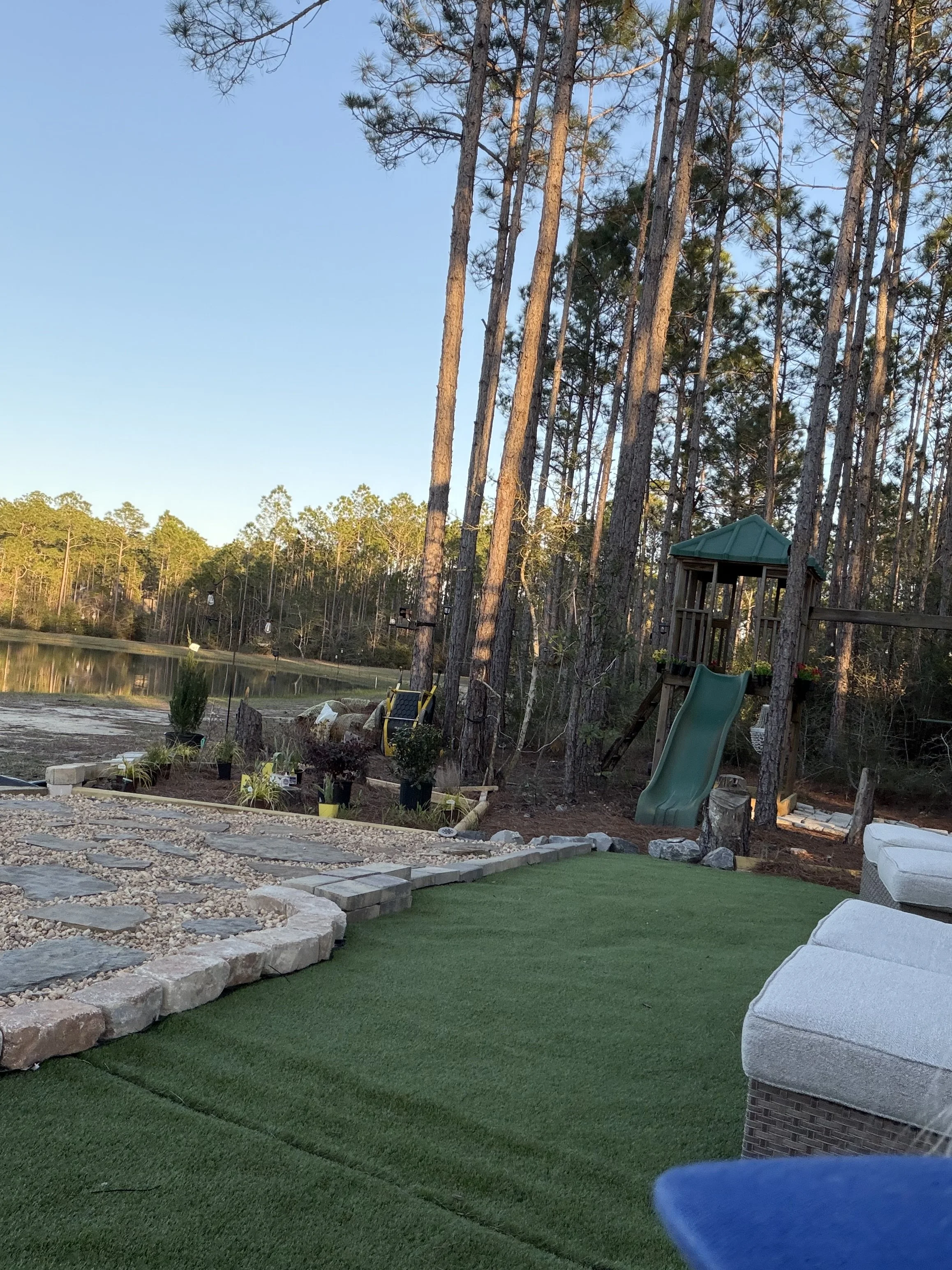
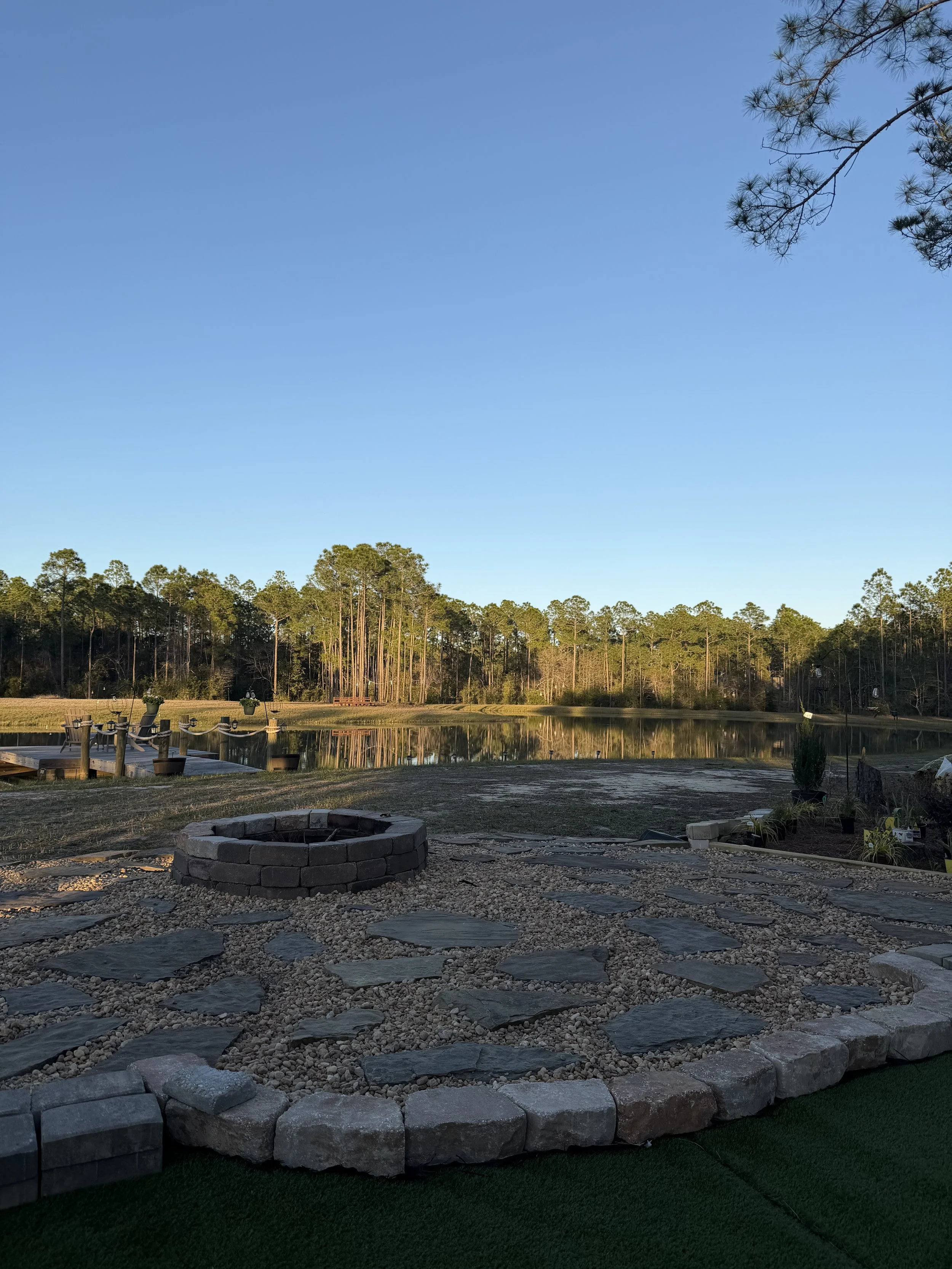
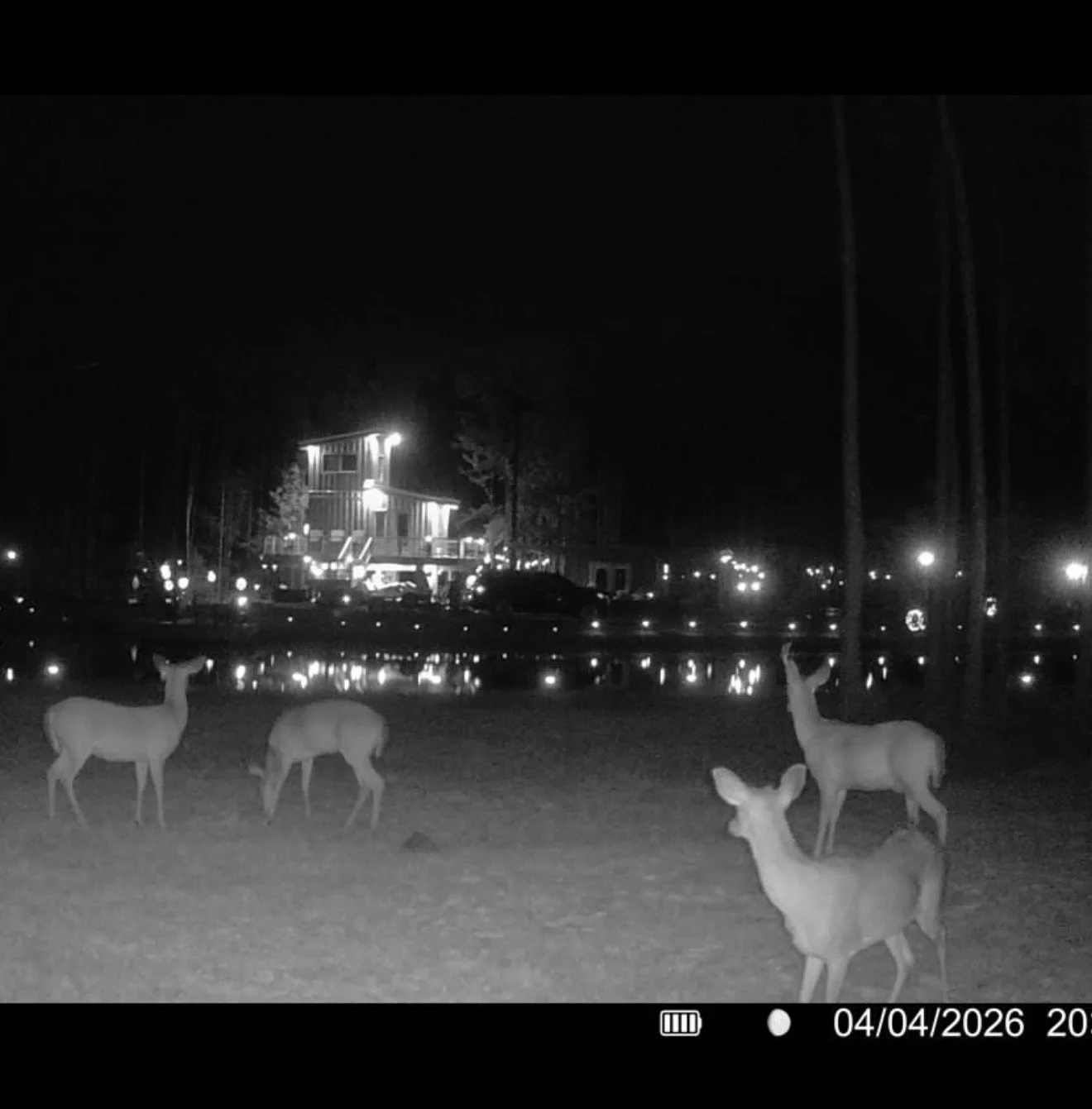
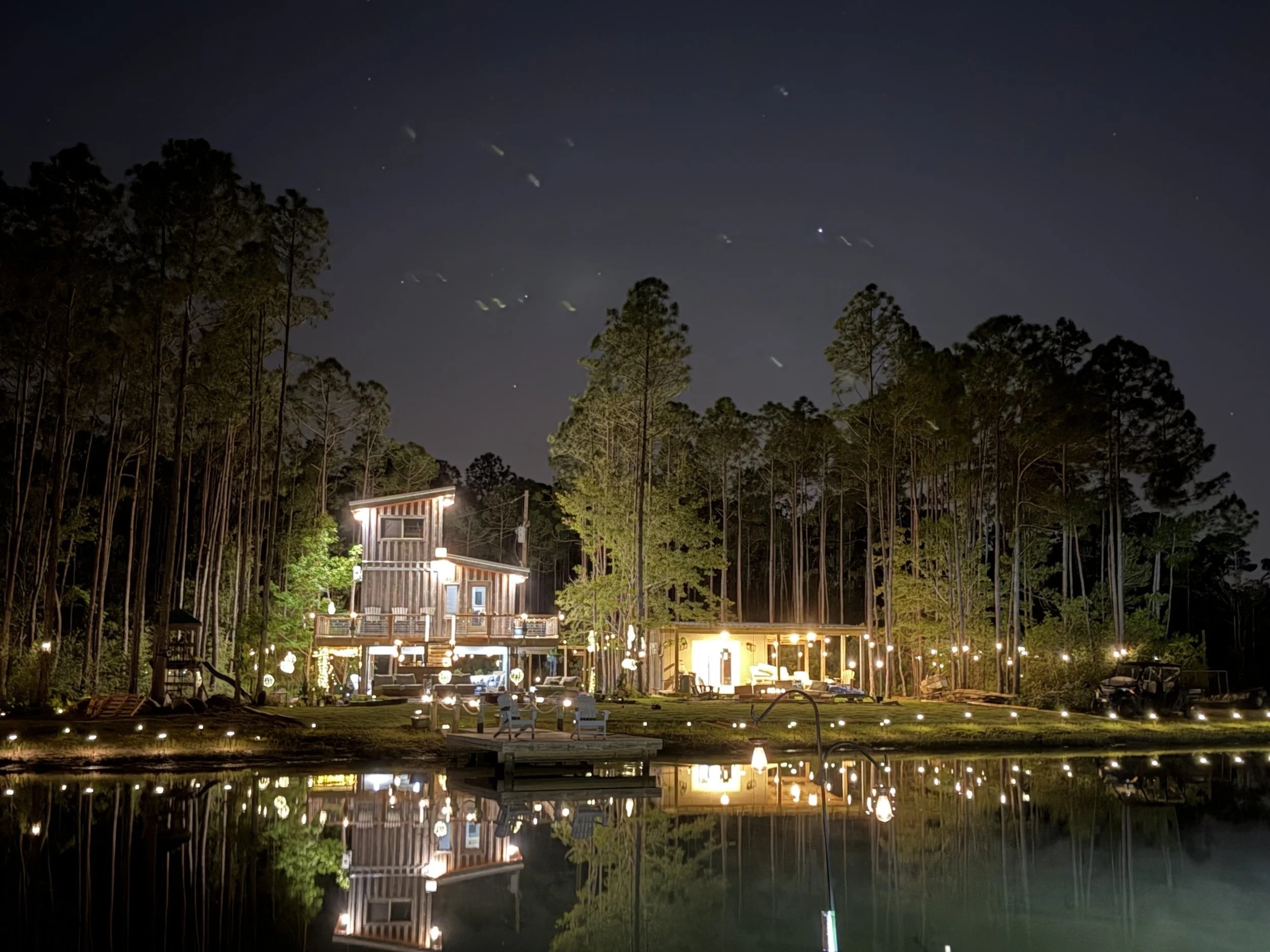
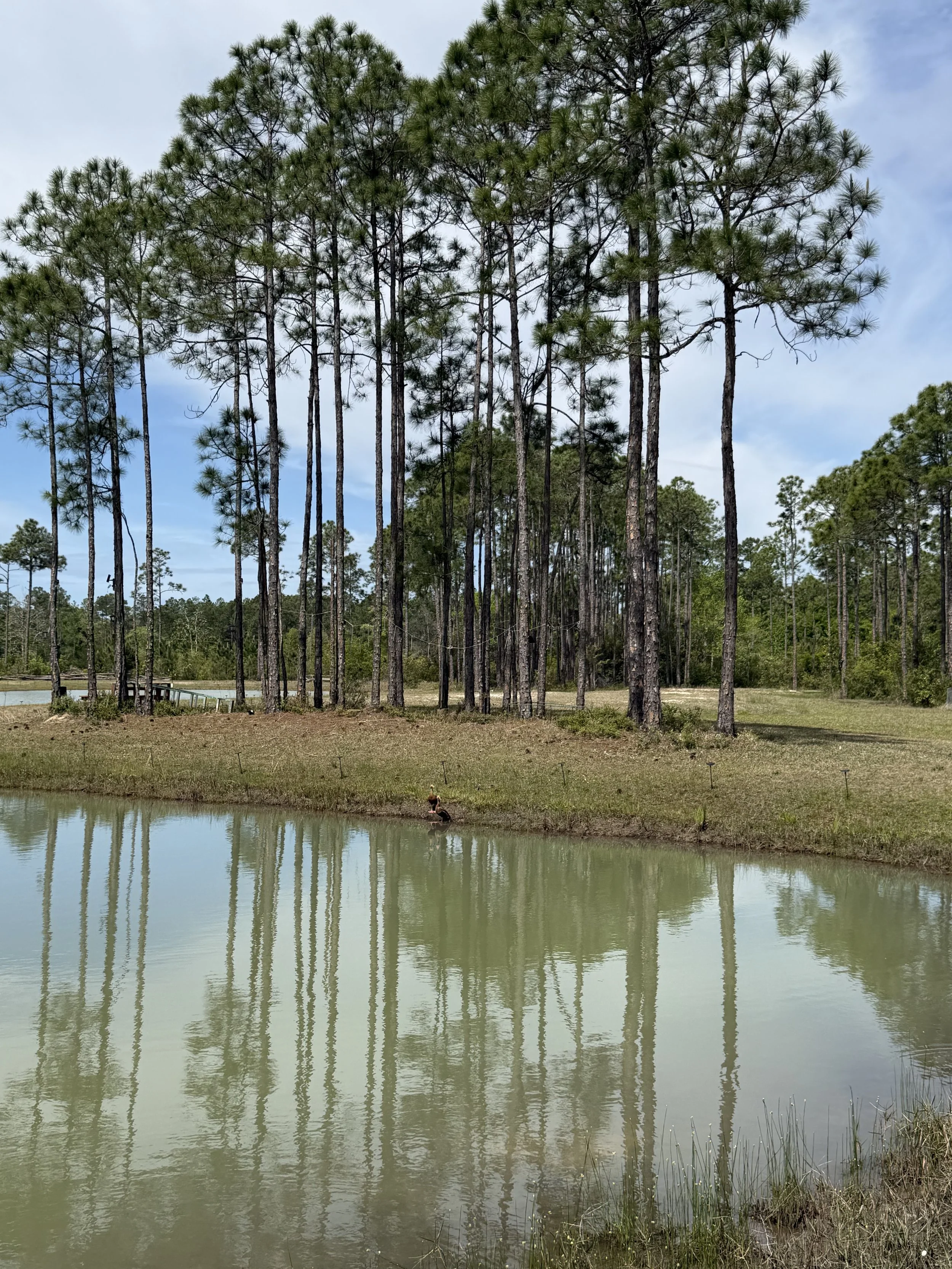
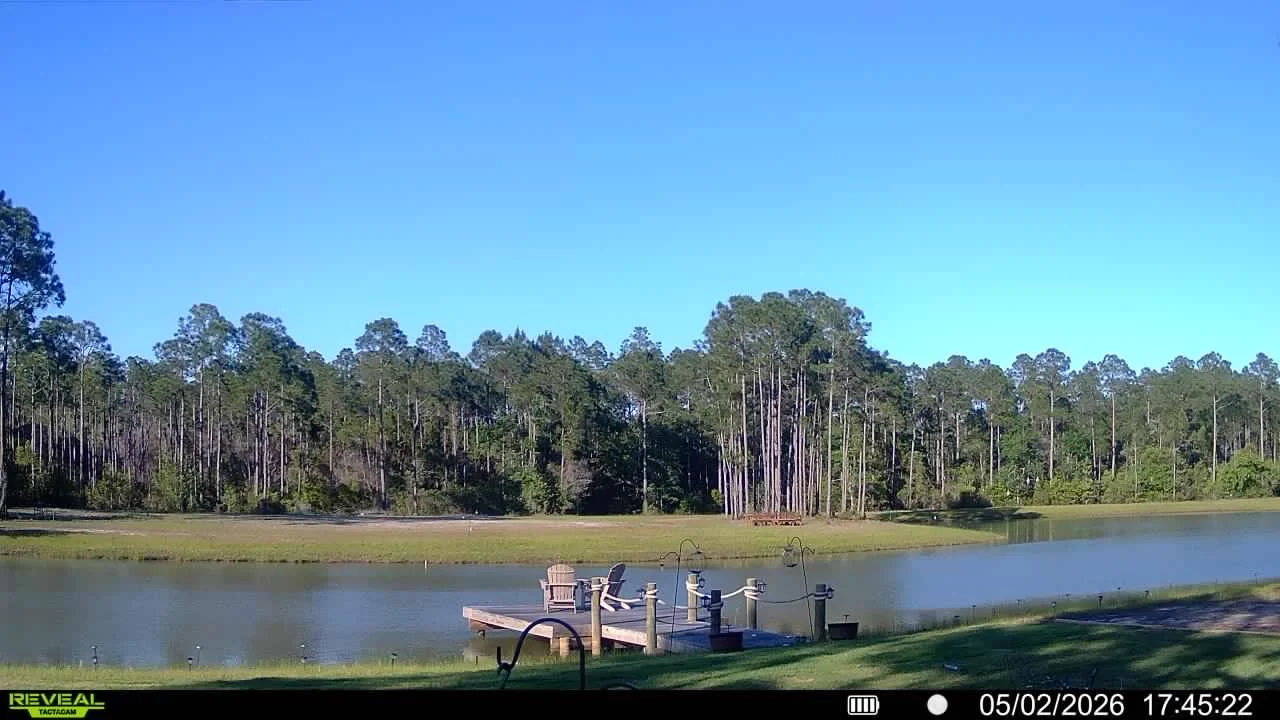
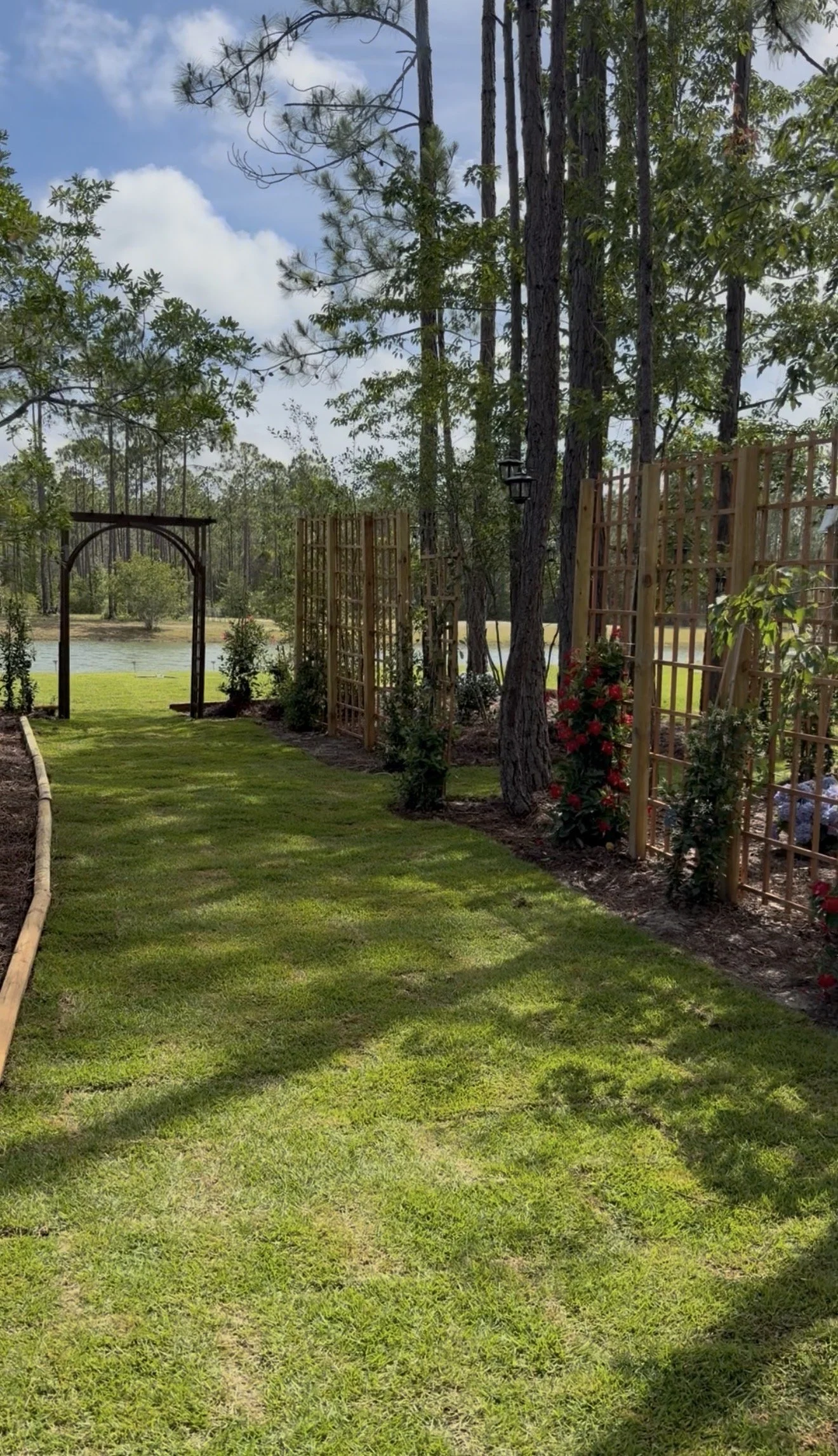
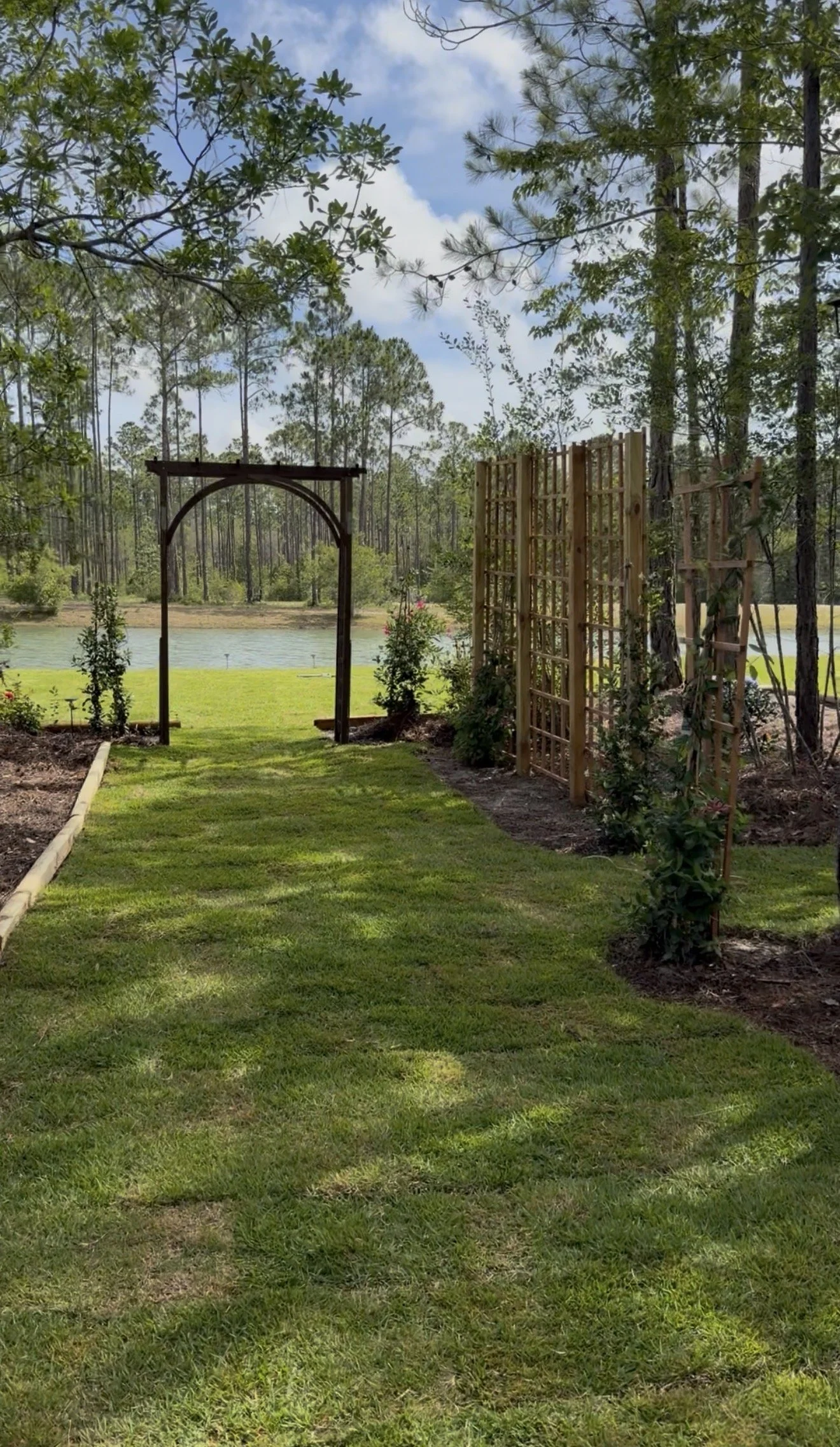
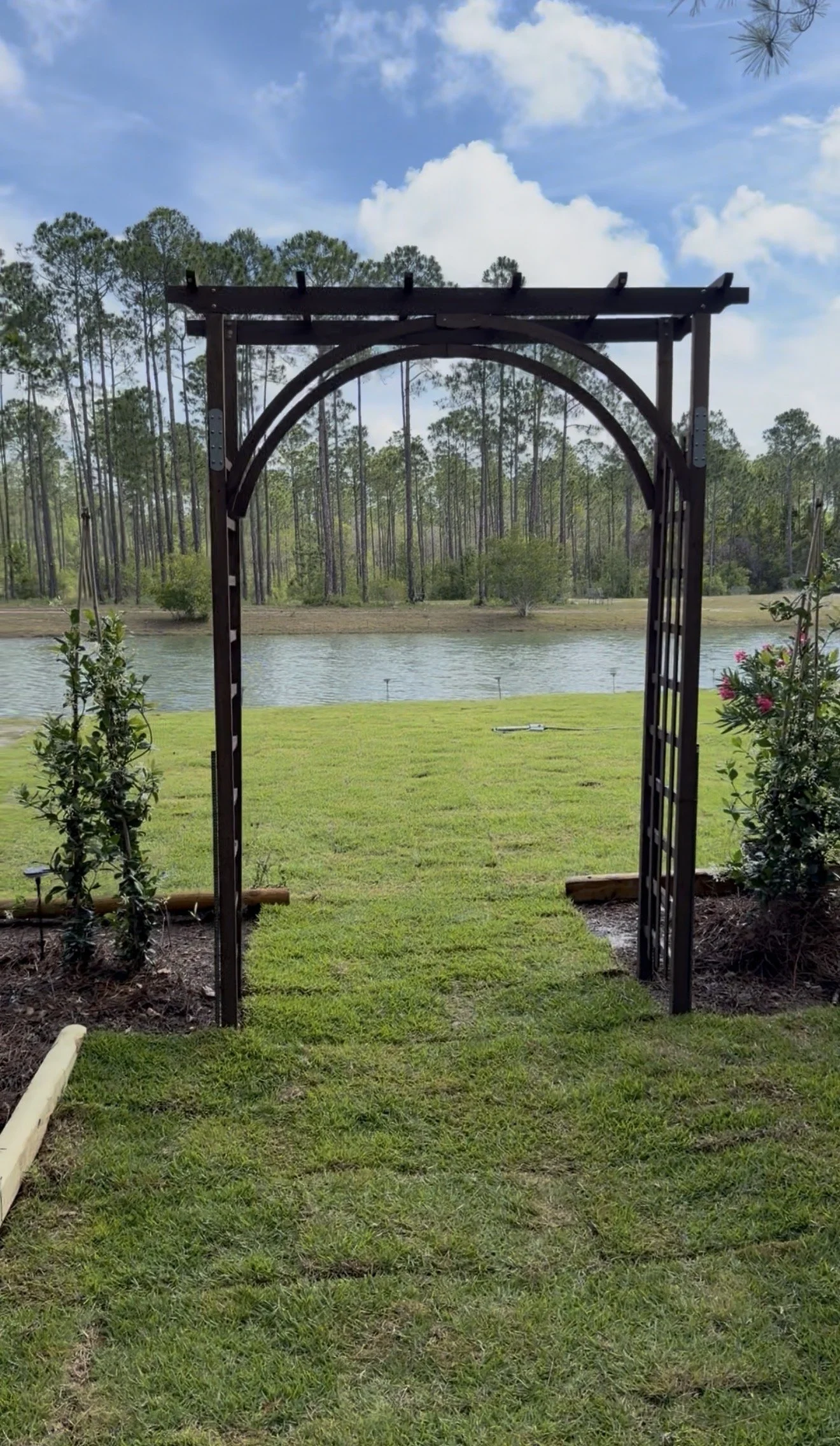
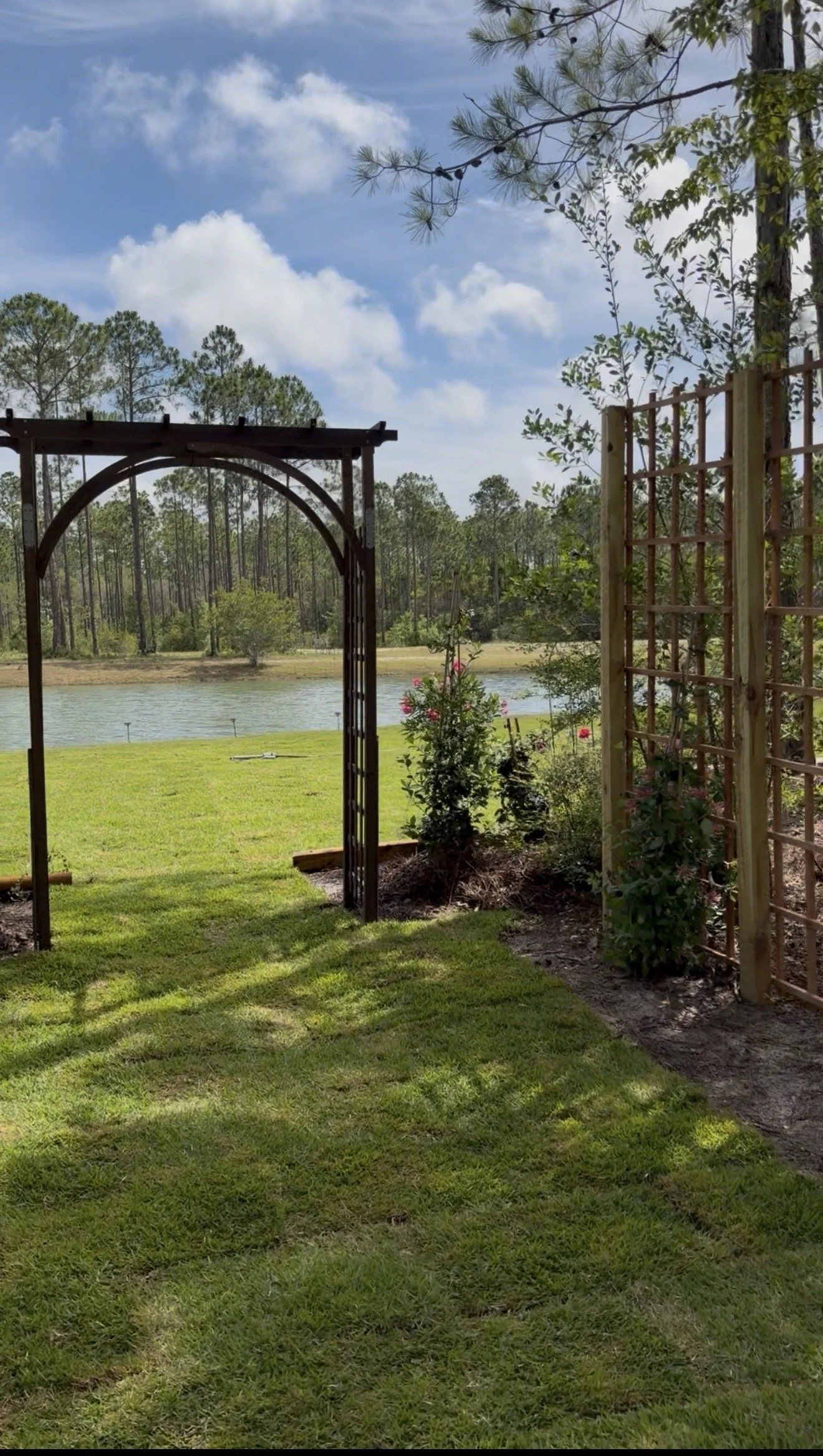
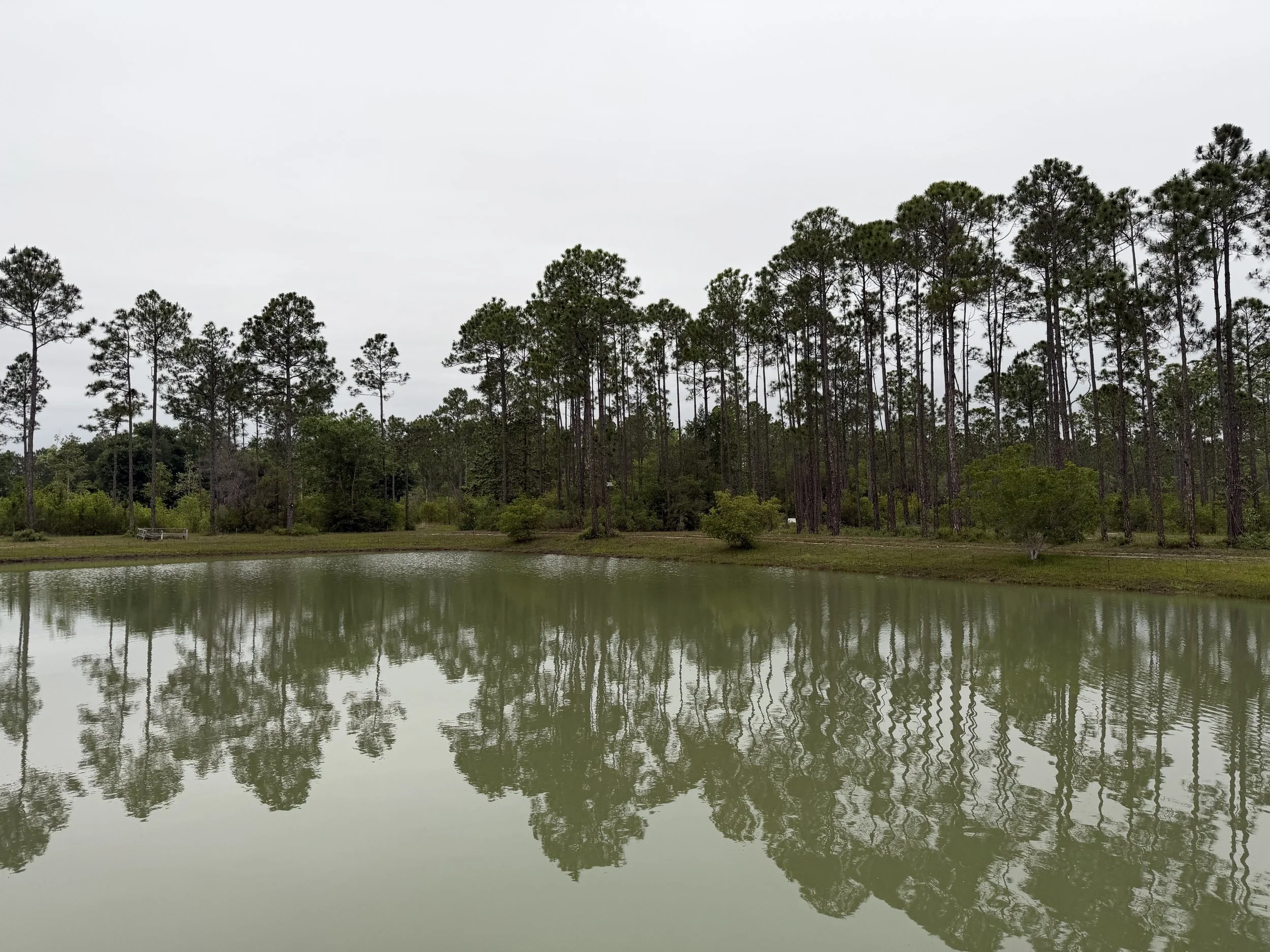
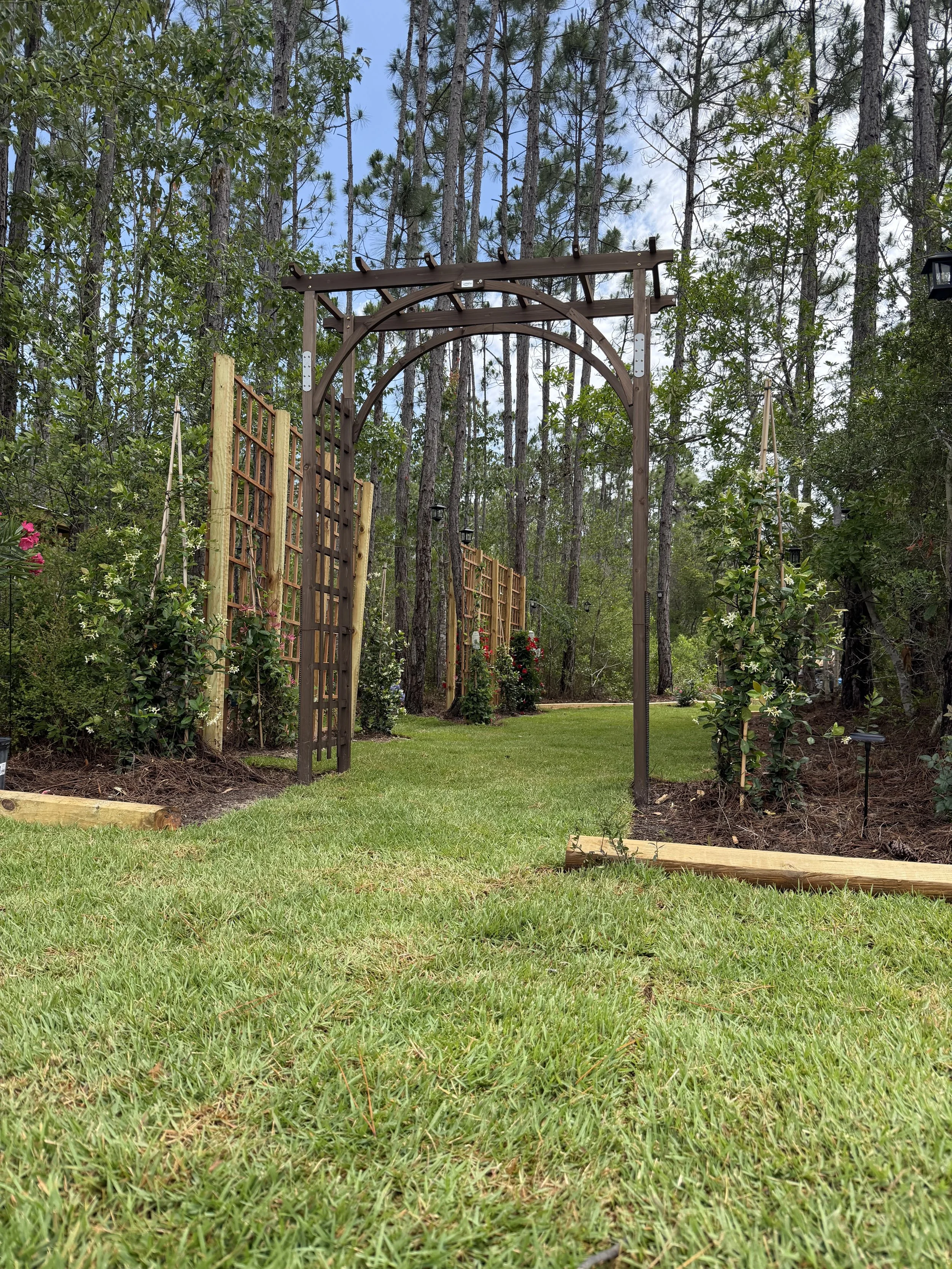
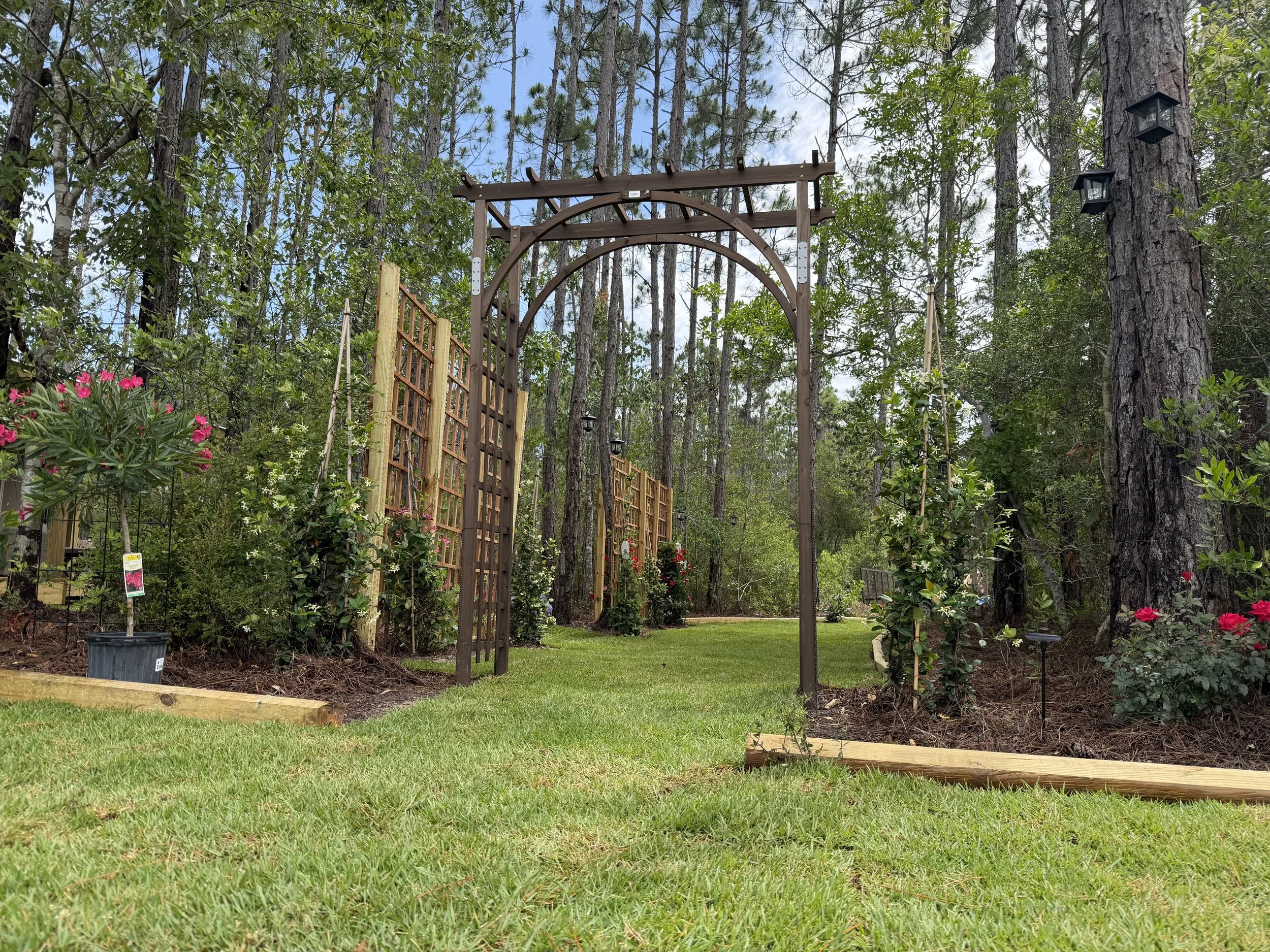
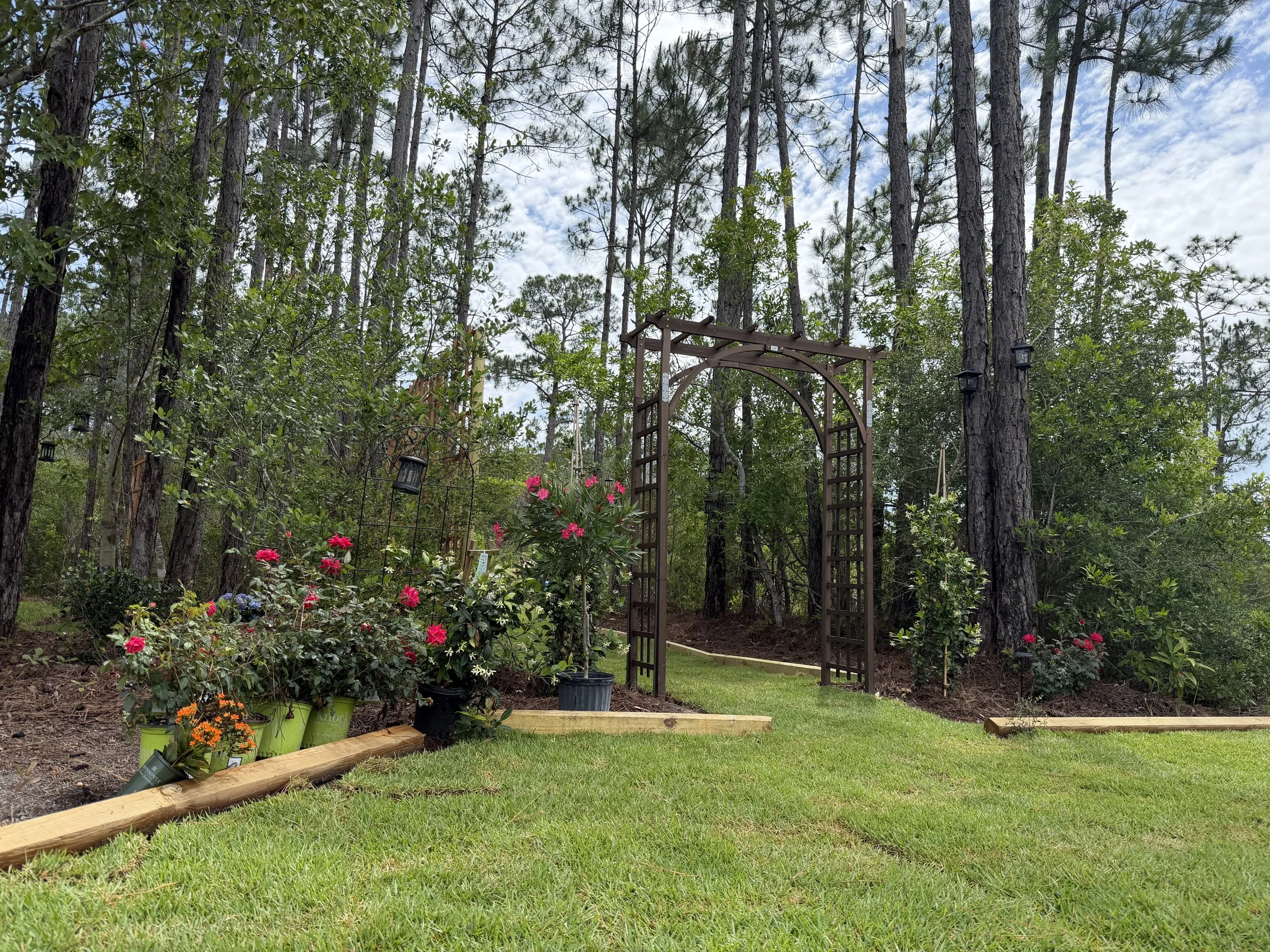
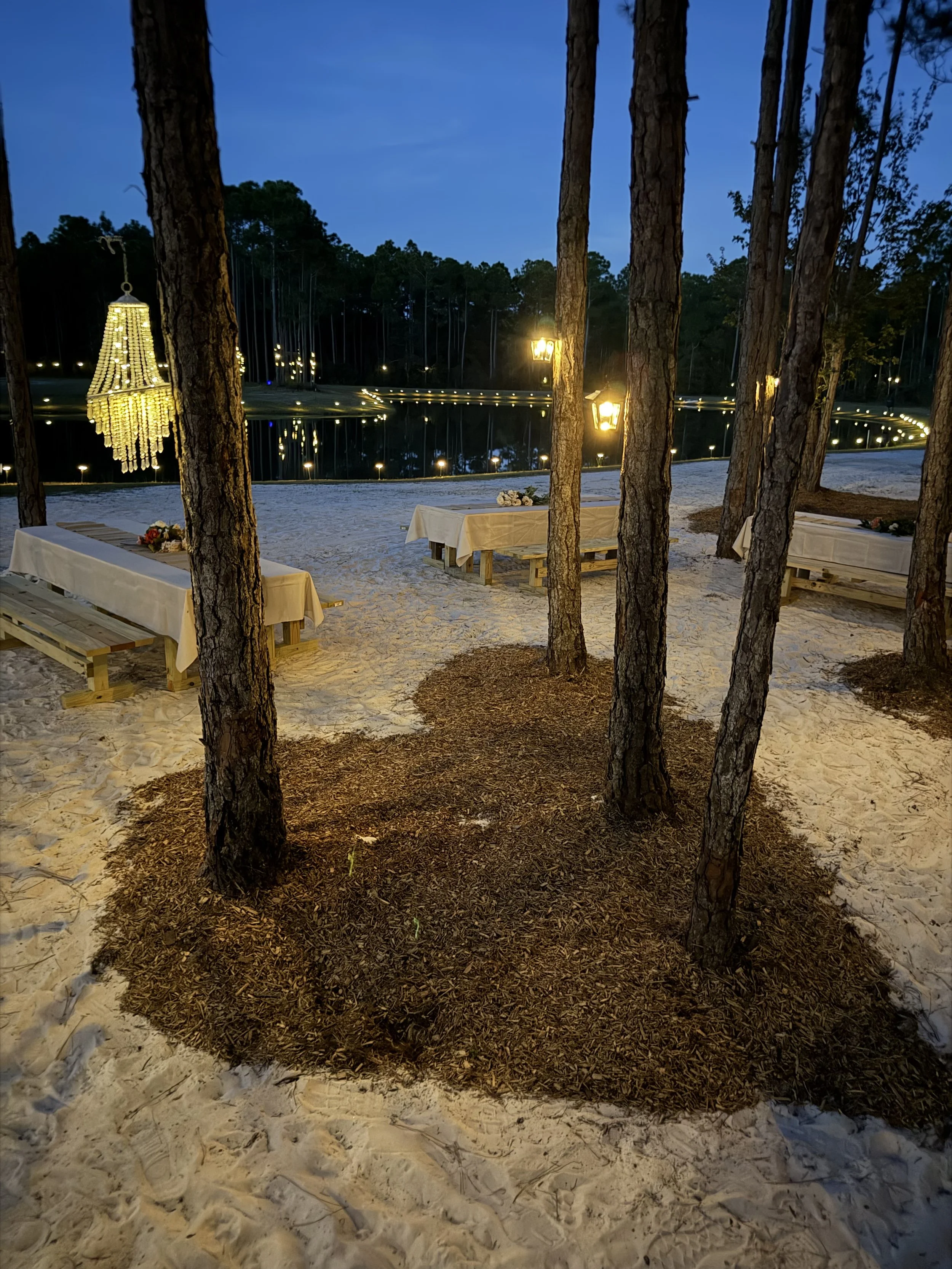
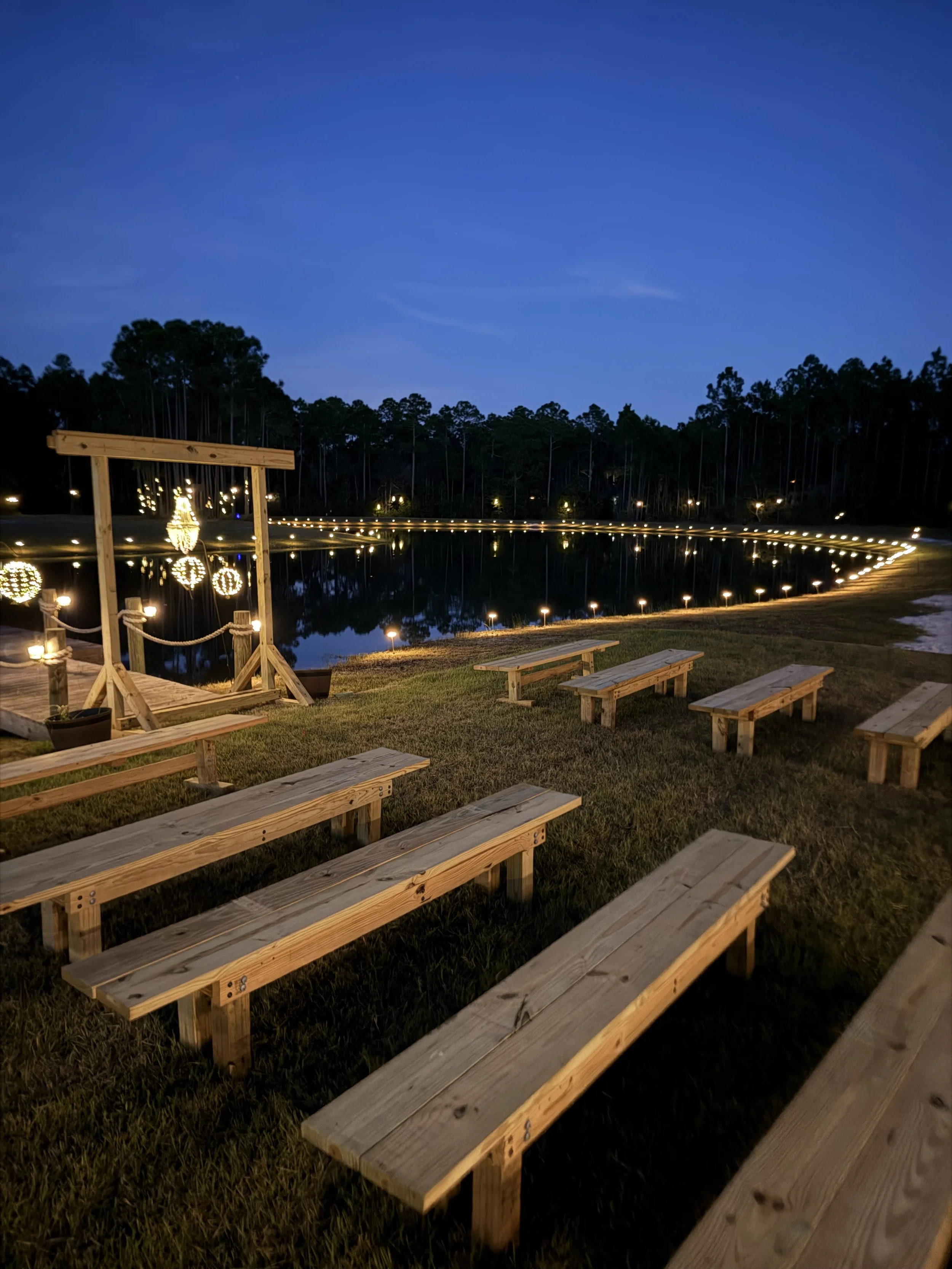
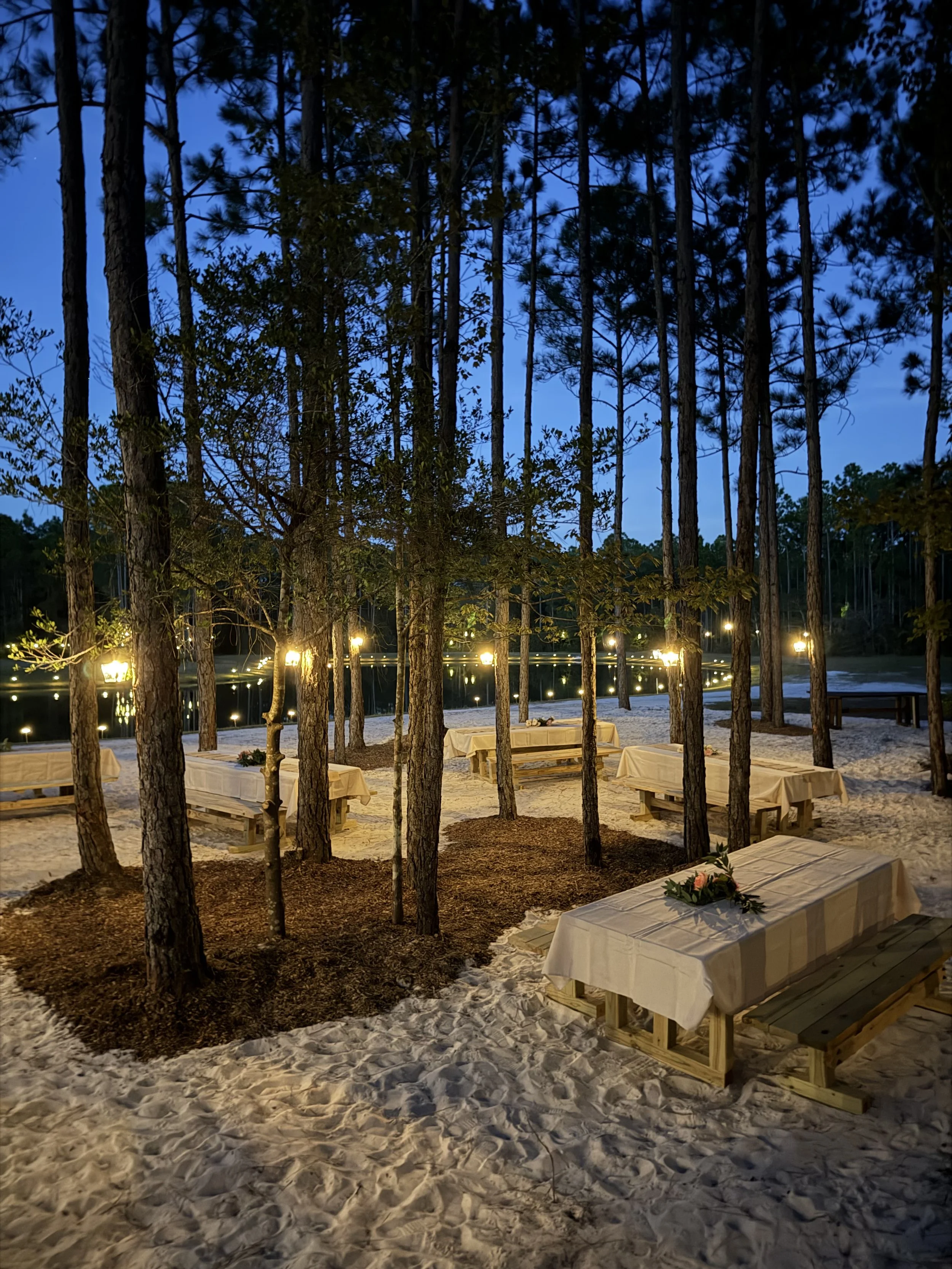
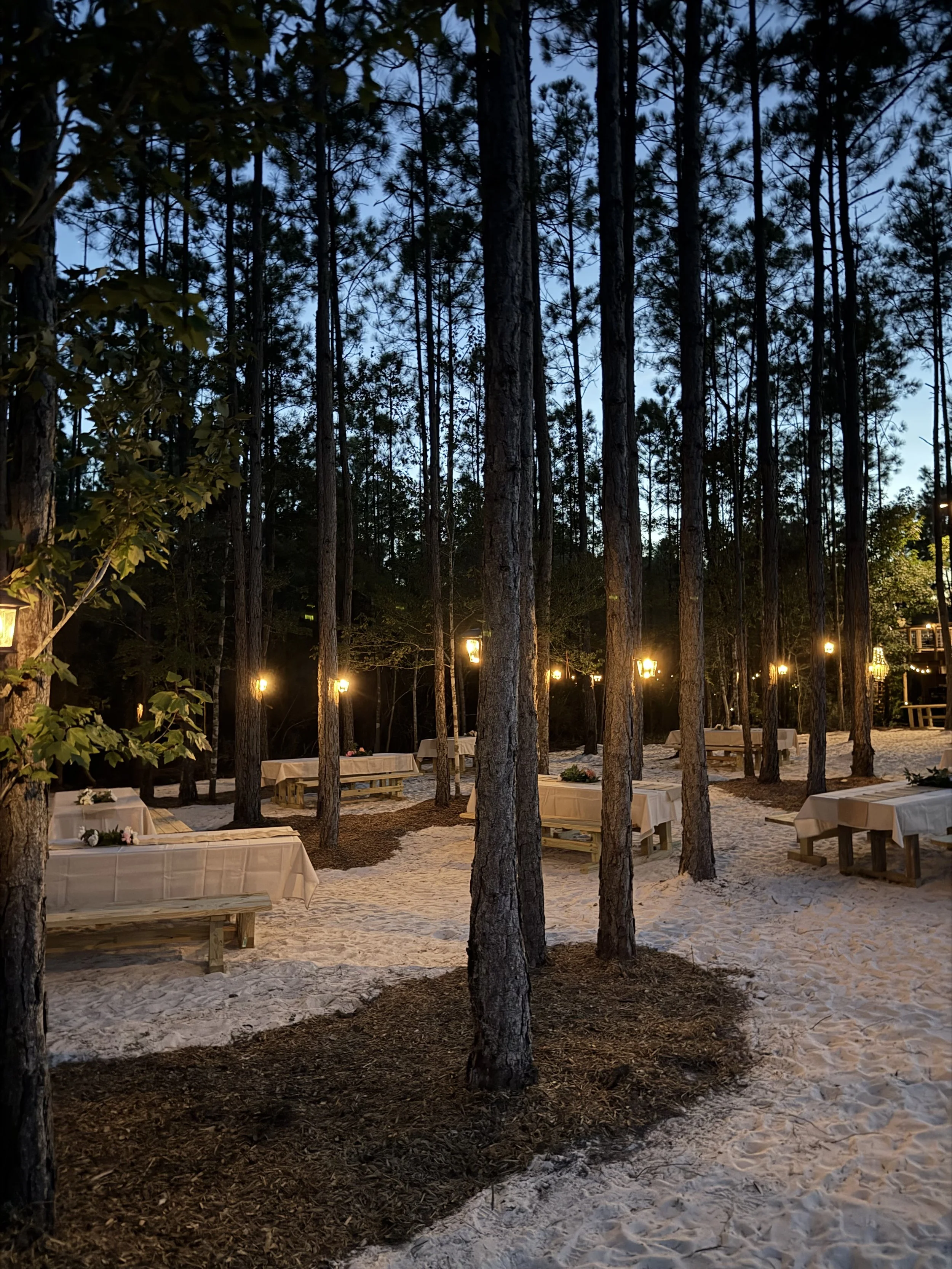
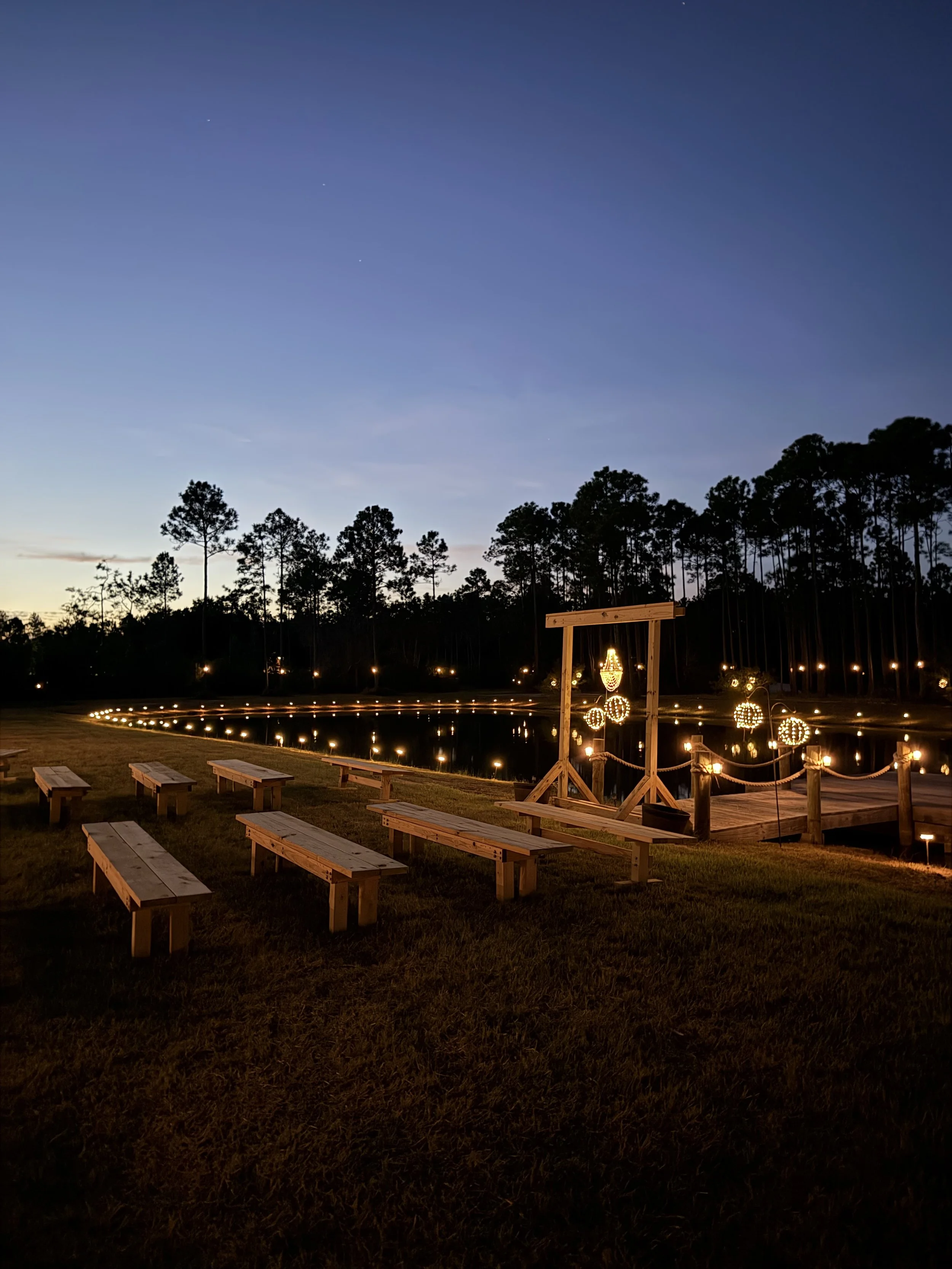
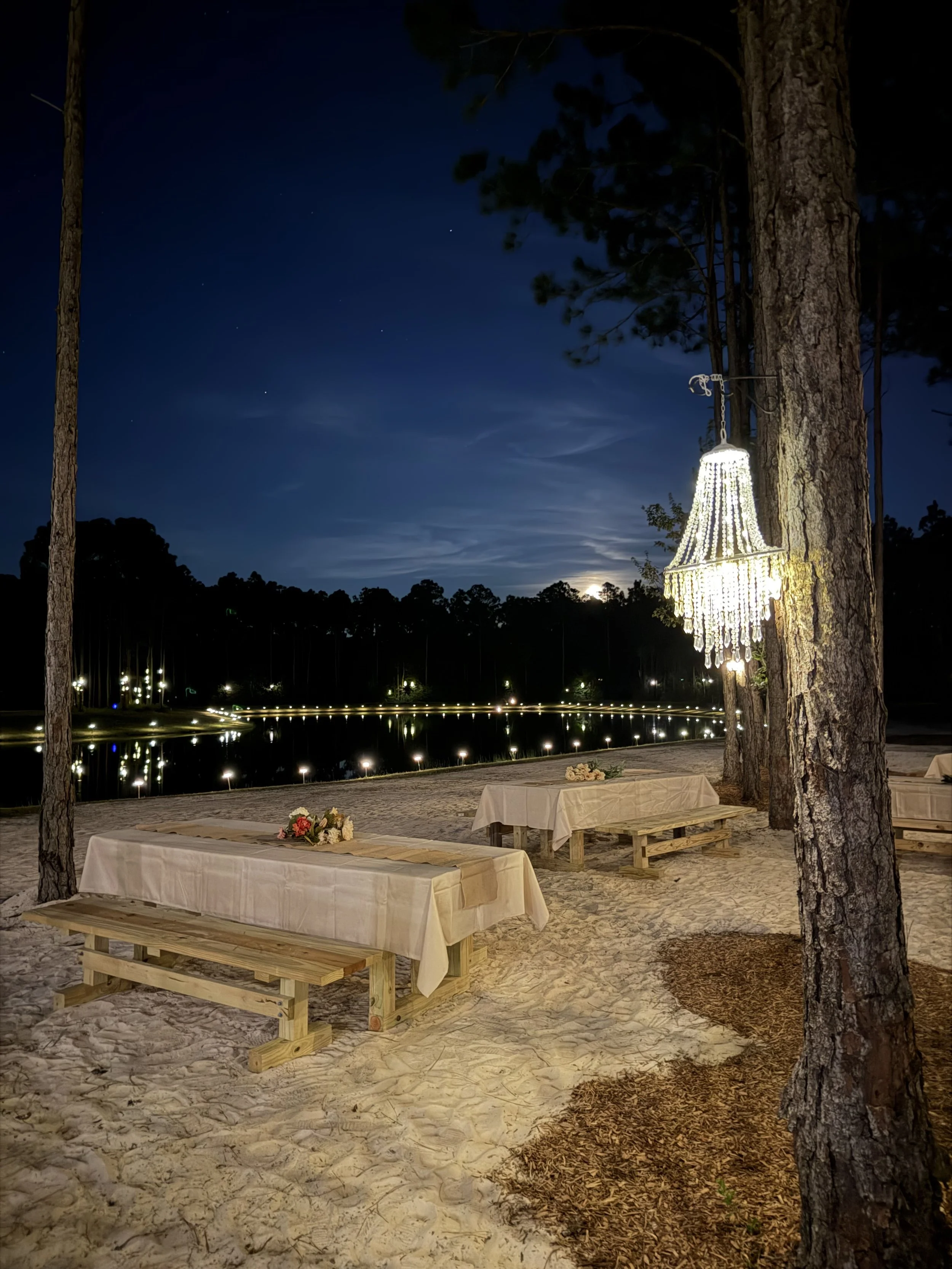
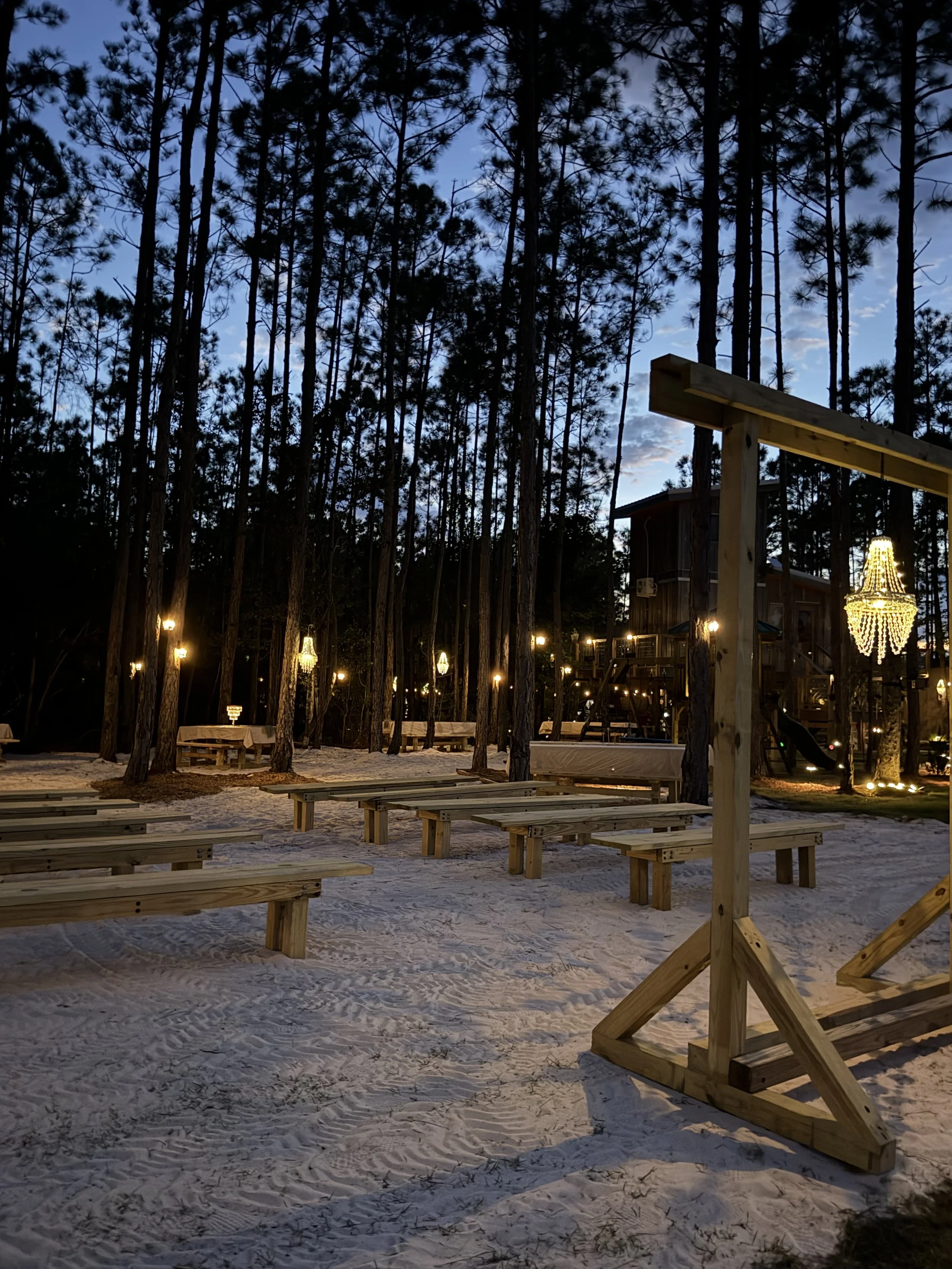
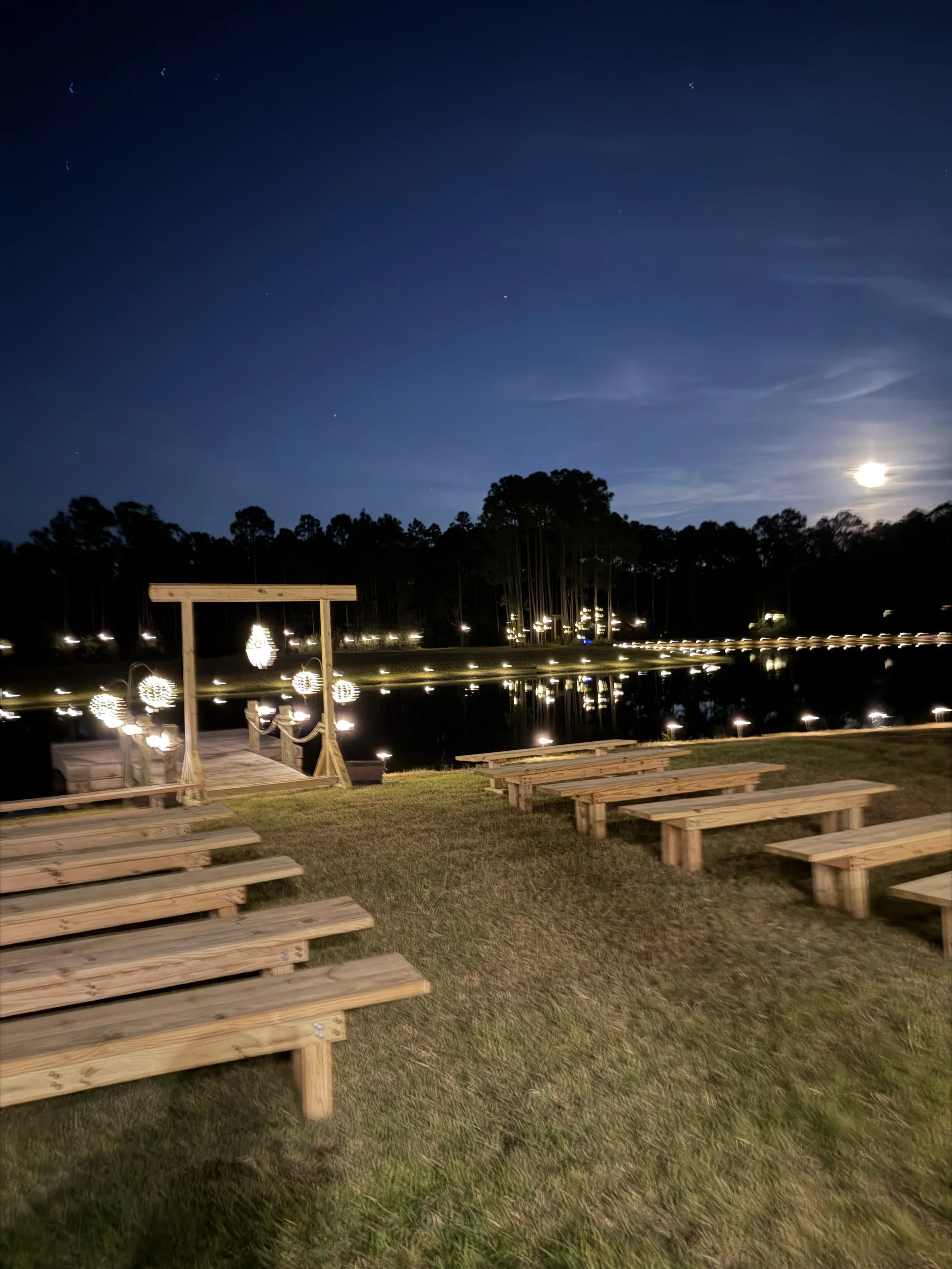
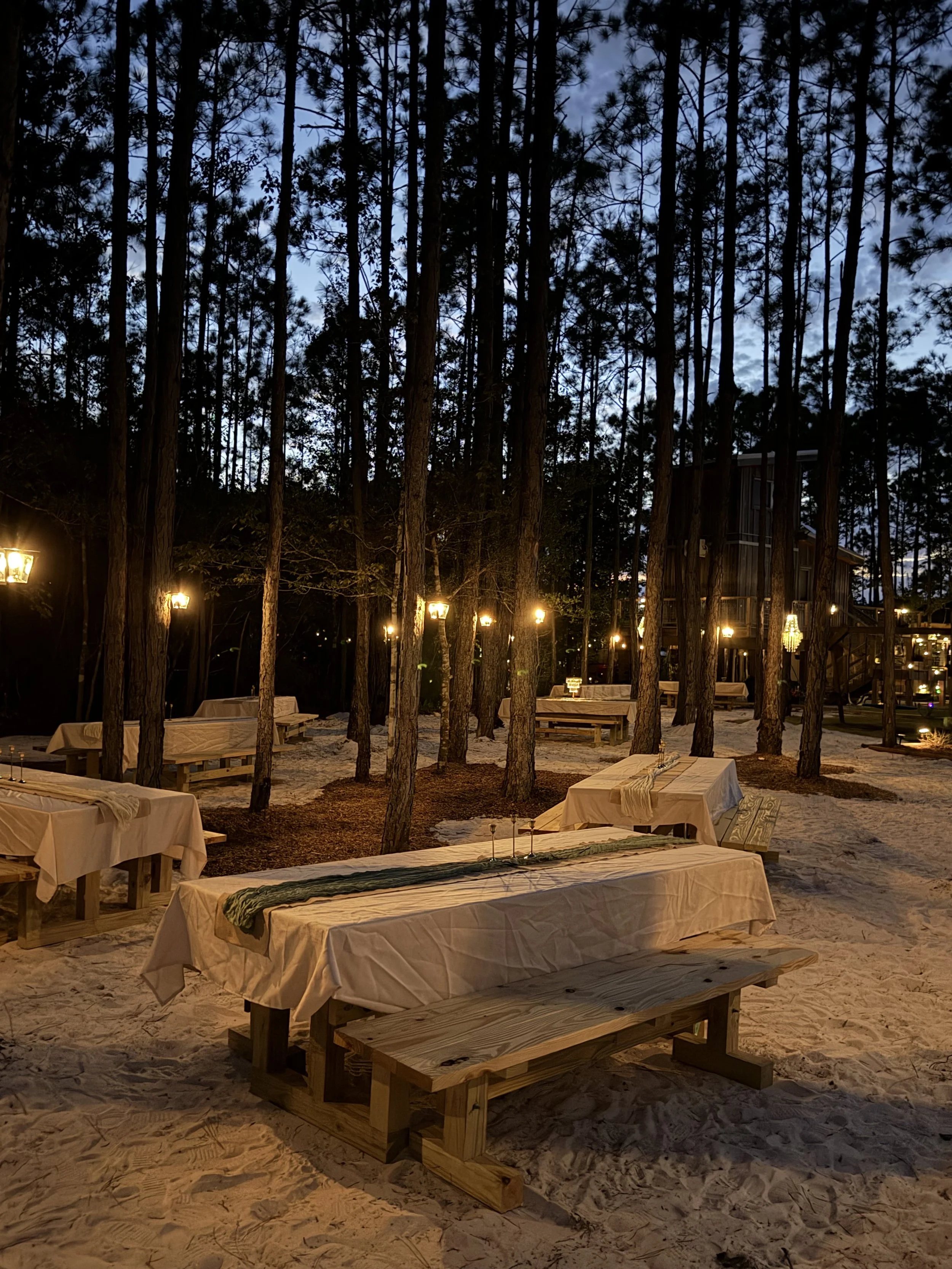
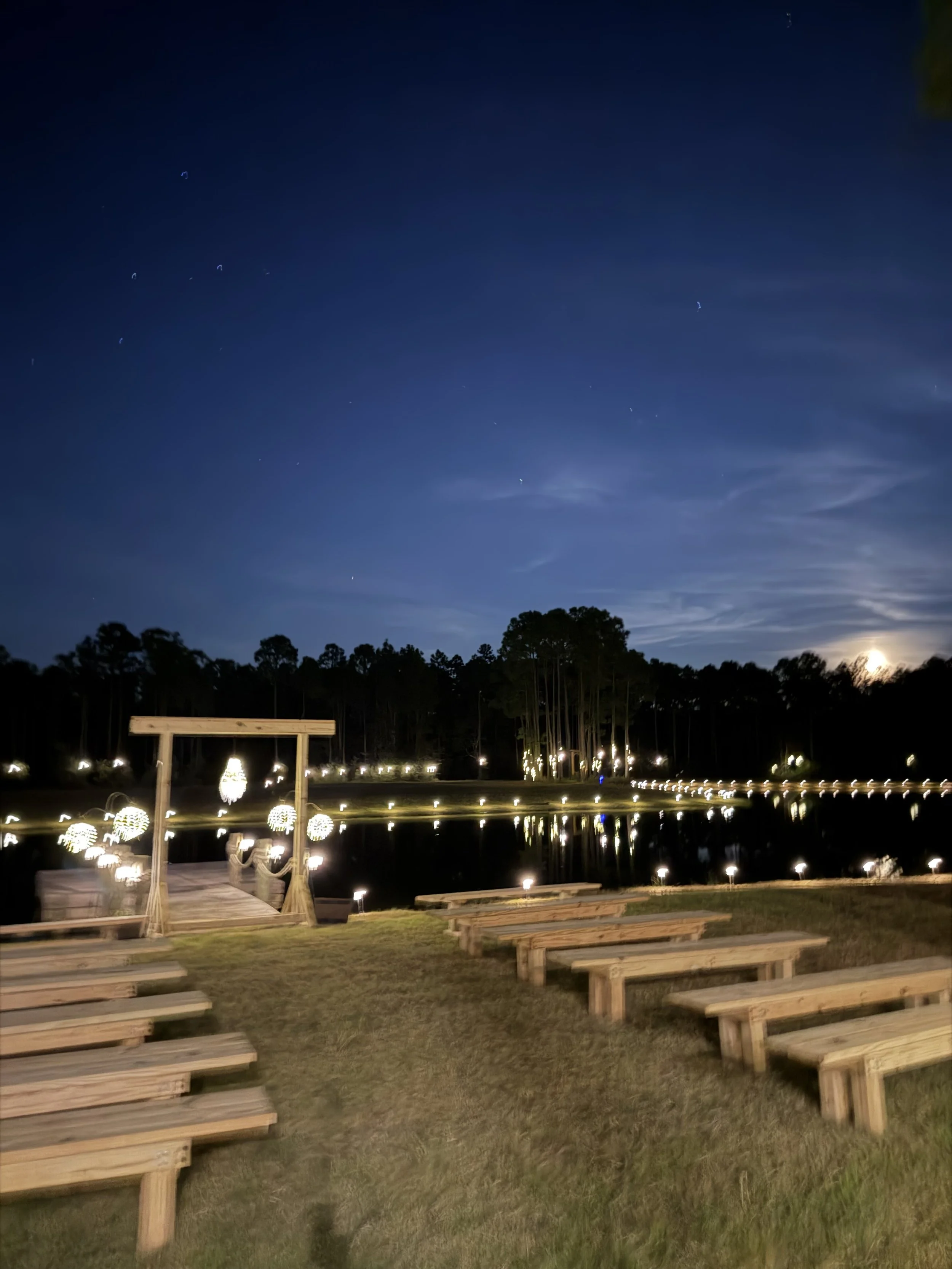
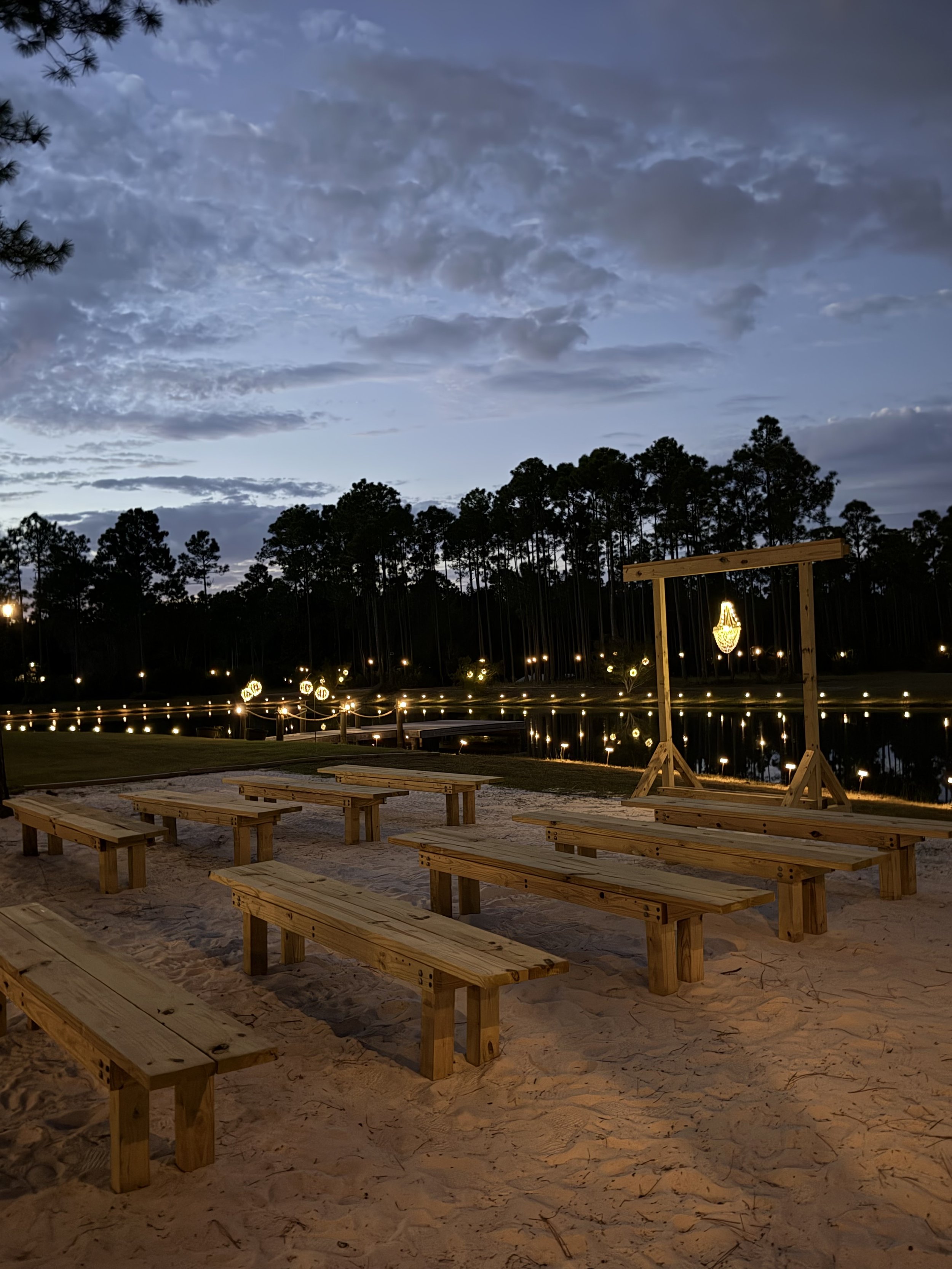
Pick your favorite venue photo from out website.
Save it.
Open ChatGPT Pro > Start a new chat so you can focus just on your wedding design.
Click the paperclip or image icon
Choose the photo of the space
Wait for it to upload
Then type your instructions under the photo
Tell ChatGPT what you want to create.
Here are copy and paste prompt ideas you can use on your photo.
Just change the colors, style, or details to match your dream wedding.
Prompt 1
Romantic Ceremony Mock Up
Please turn this photo into a romantic wedding ceremony mock up. Keep the main features of the space the same, but
• Add a simple ceremony arch with white flowers and greenery
• Add rows of white chairs on both sides of an aisle
• Put flower petals down the aisle
• Add soft string lights overhead if possible
• Make the overall mood warm, cozy, and romantic
Prompt 2
Beachy Boho Style
Please turn this photo into a beachy boho wedding setup.
• Use neutral colors with pops of soft terracotta and dusty rose
• Add a triangle arch with pampas grass and greenery
• Use wooden chairs with simple cushions
• Add lanterns and candles along the aisle or around the seating area
• Keep everything relaxed, airy, and boho in style
Prompt 3
Reception Layout Mock Up
Please turn this photo into a wedding reception mock up.
• Add round tables with white linens and simple greenery centerpieces
• Add a sweetheart table for the couple in a special spot
• Show a dance floor area
• Add string lights or soft lighting to make it feel like an evening reception
Prompt 4
Budget Friendly Simple Setup
Please create a simple, budget friendly wedding mock up using this photo.
• Use minimal decor
• Add a small arch or backdrop for the ceremony
• Simple greenery and candles instead of big floral arrangements
• Keep it clean, pretty, and not overly fancy
ChatGPT Pro can create multiple looks so you can compare styles before you book decor, rentals, or flowers.